The CAN bus settings should only be carried out by competent persons.
On this point also See chapter 9.3.1.6 "CAN-Bus (global)" / page 137.
4.1.1.2
Test Reader Menu <F2>
After you have selected the chip card test by actuation of the function key
<F2> in the setup menu you gain access to this menu and obtain these
displays.
In order that the card test can be successfully performed the chip card
must first be inserted! Please also See chapter 5.4 "Chip Card Reader" /
page 52.
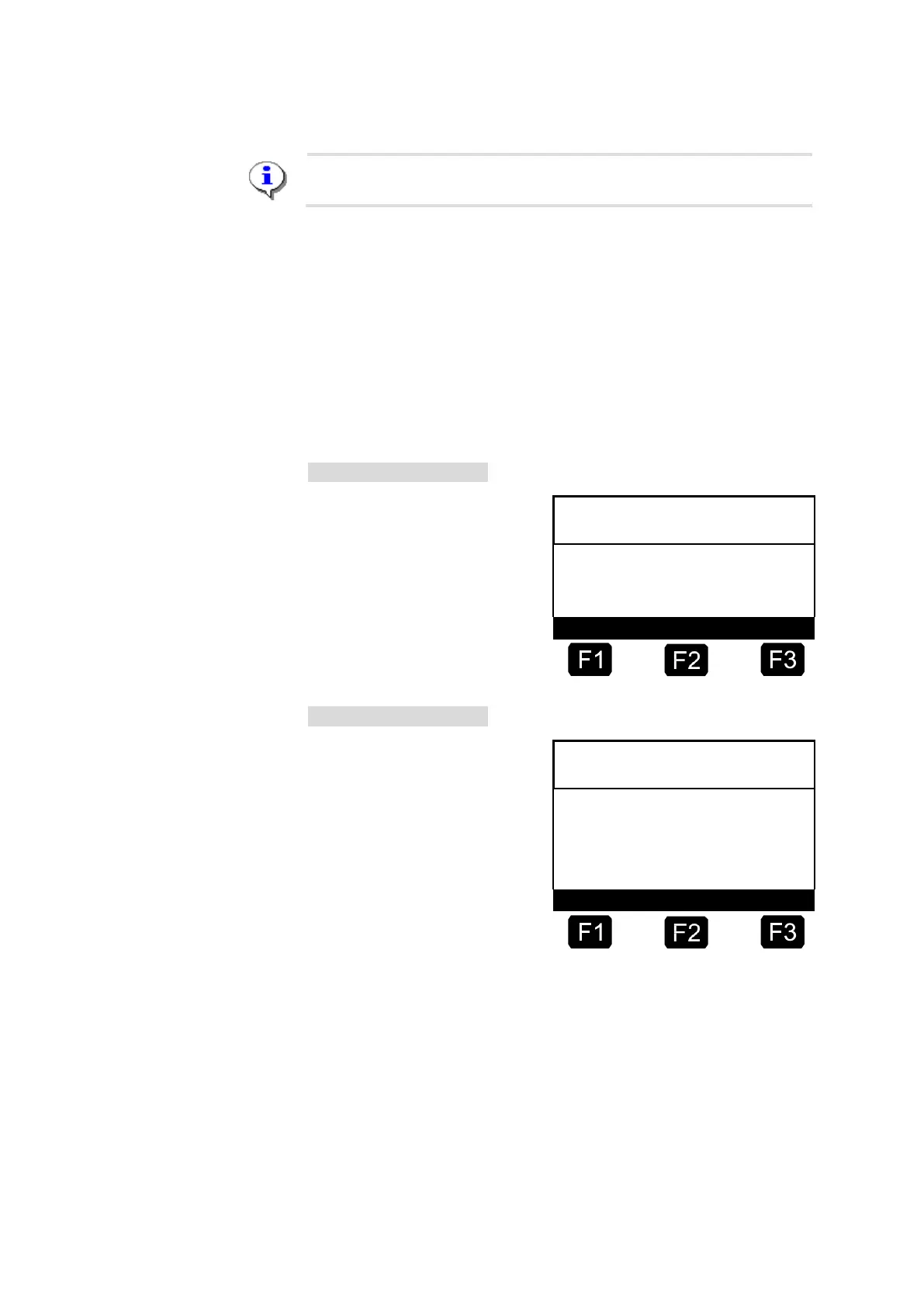
TEST READER - Menu
Display if no chip card has been
inserted:
TEST READER - Menu
☺ Display while the card test is
running:












 To Next Page