Sening
®
is a registered trademark of FMC Technologies
MN F09 002 US DOK-383E Issue/Rev. 3.65 (02/24)
MultiFlow Initial Operation
Restore the valid receipt counter reading. To do this, set the parameter
3.1.9 to the next receipt number to be used.
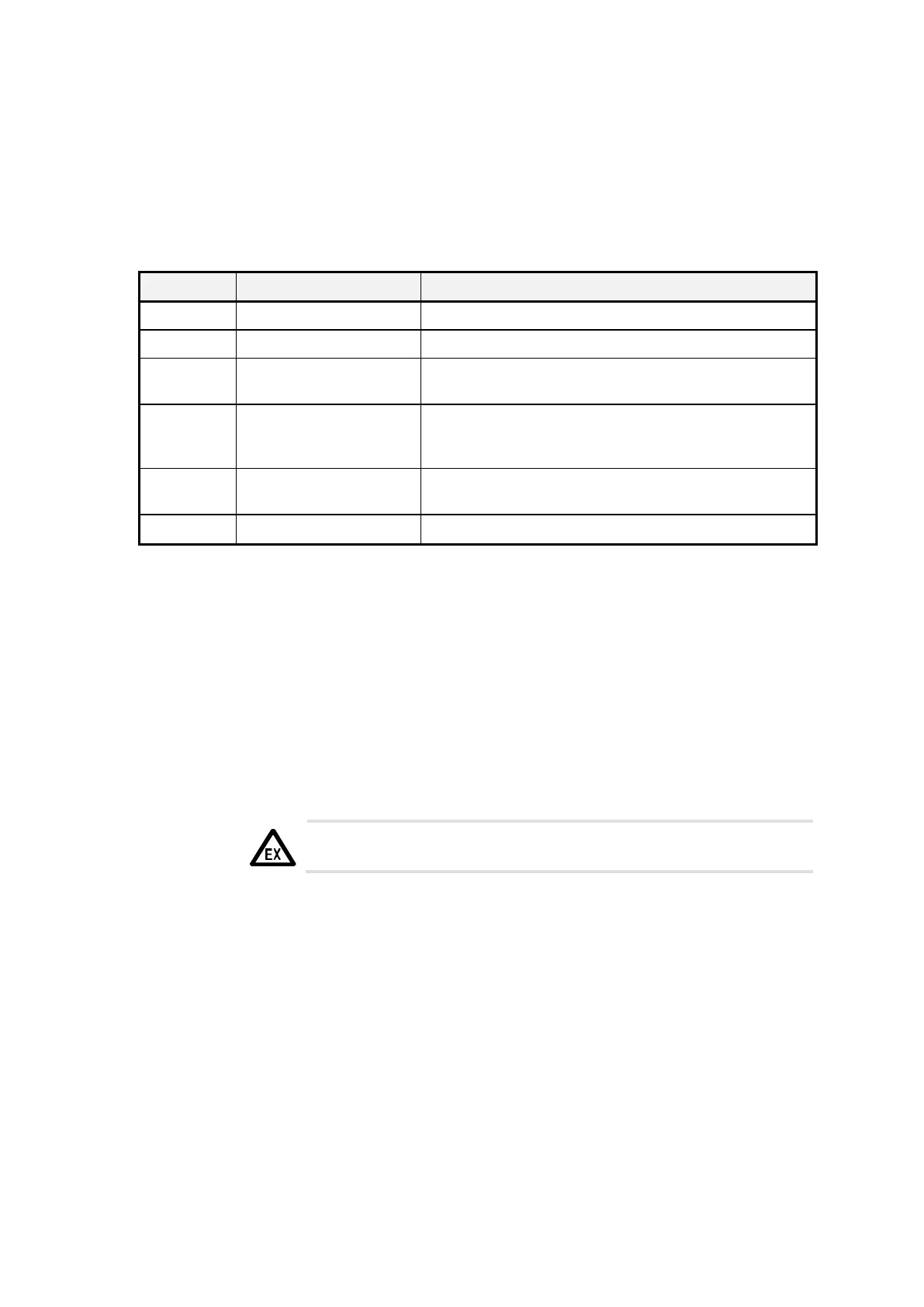
In addition, check and correct the following parameters if necessary:
See name-plate of measuring system
Number of pulses per liter (see preliminary certificate
and label the measurement system)
With the same electronics see old parameter list,
otherwise refer to the preliminary test certificate for the
MultiFlow
With the same measuring system see old parameter
list, otherwise recalibration is required
If divergent lists are used, see old driver list
5.2.1
Carrying Out a Program Update
With MultiFlow the reading in of a new program can be executed in two
ways:
•
By changing the EPROM chip. This process is described in detail in
chapter 15.3 "Software update by exchanging the EPROM chip" /
page 280.
For this operation you must open the housing.
The relevant Ex installation regulations must be taken into
account.
•
Transfer of the program via the printer line (“Download”). This process is
described in detail in chapter 15.2 "Software update by download" /
page 275.
To do this, a PC with a special service program is required. Opening the
housing is not required.
This function is not available in program versions older than 1.5. You
must set the printer interface manually to “RS232” and “9600Baud”. It
may also be necessary to separate other equipment from the printer line.
Explicit approval of the download is not available until program version
5.00.












 To Next Page