5.7.3 CAN Bus
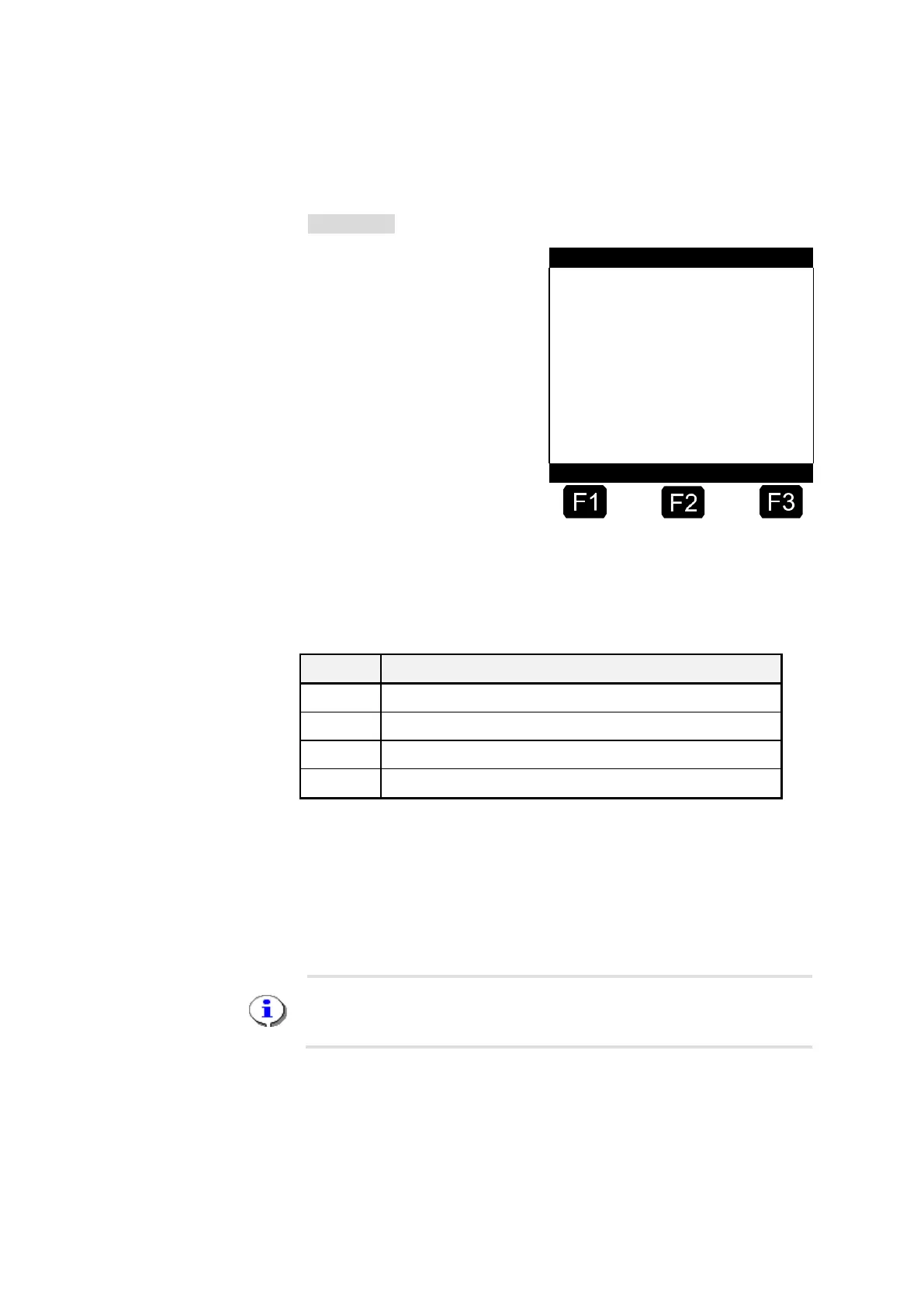
The diagnostic functions for the CAN Bus are shown in menu 4.3.3.
Menu 4.3.3
Communication status →
of linked devices .
The display shown above gives a quick summary of the actual status of
the CAN Bus links.
The following conditions are possible:
5.7.3.1 Testing Links
By pressing key <F1> a general request (broadcast) will be sent to all
nodes (devices). This request is to be answered within a few seconds.
Thus with this test function the linking status can be brought up to date.
While testing the links internal timeouts will occur, so the display will
need up to 10 sec. for complete updating. Please do not activate this
function twice within this time frame (10 sec).
5.7.4 Remote control
The diagnostic functions for remote control are located in menu 4.3.4. In
the event of faults occurring, however, a check should also be made in
the CAN bus diagnostics (see above) as to whether the base station is
recognized.












 To Next Page