Setup Information
106
Serial Port Mode Drop Down Menu
The Serial Port Mode drop down menu is used to identify the specific radio interface for the serial port configuration.
Selecting an item with a Scan List suffix enables a frequency scan list update function. The Freq Scan List function
synchronizes the console scan list with the radio's scan list.
By default, the serial port in Tetra mode is only Sepura.
NOTE: Once this mode is changed and parameters saved, the system automatically resets.
REFERENCE: For more information on TETRA operation and field programming, download the Sepura Application Note
at www.telex.com/radiodispatch.
Serial Port Params Drop Down Menu
The Serial Port Params drop down menu identifies the configuration of the serial port data speed and format. Serial port
parameters refer to bit rate, parity, data bits, and stop bits.
The default setting for this field, 19200.N.8.1, is not configurable.
Save to EEPROM Window
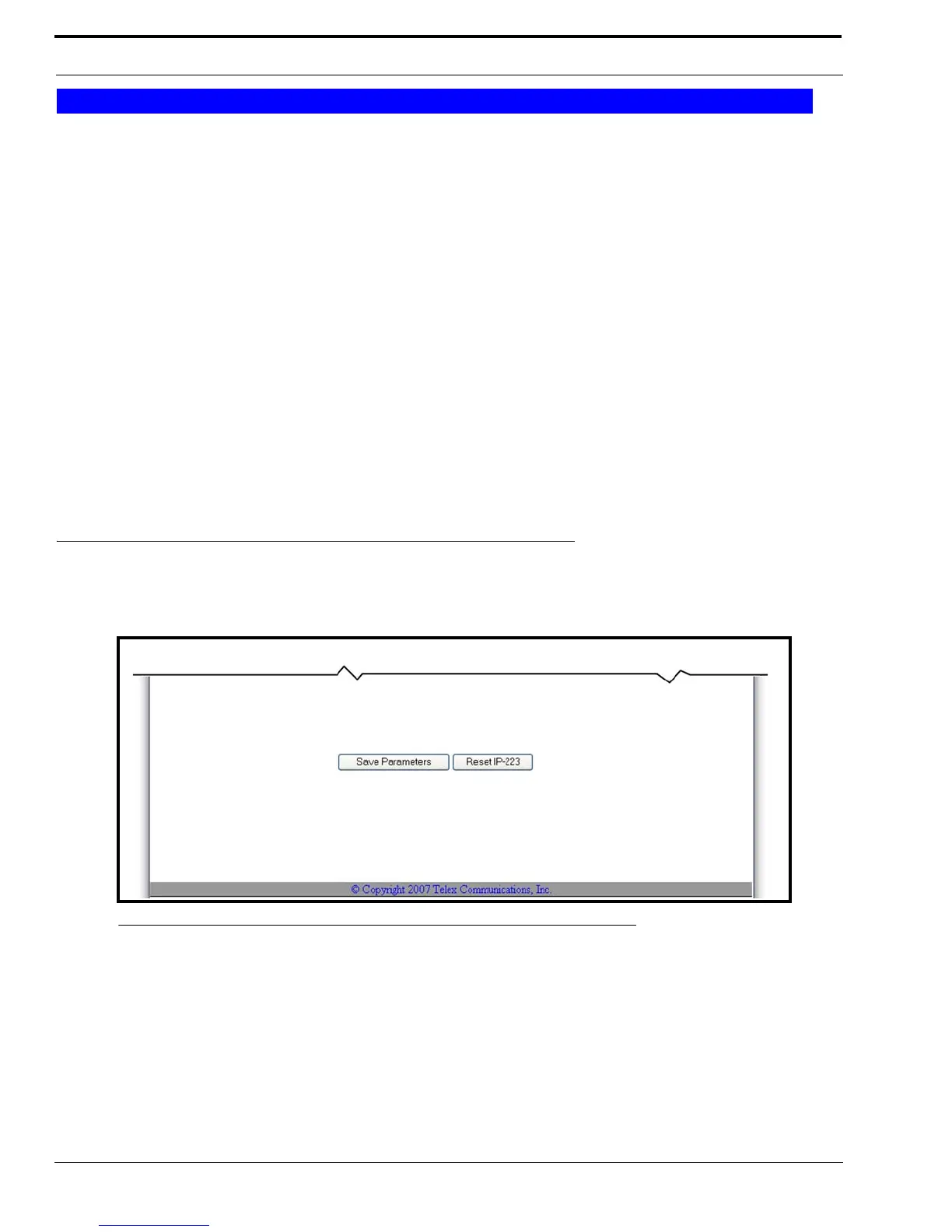
The Save to EEPROM window, shown in Figure 56, is used to save the current configuration to the IP-223 or to reset the
parameters on the configuration webpage to the last configuration saved to the IP-223.
Save Parameters Button
The Save Parameters button is used to save any changes submitted to the IP-223 for storage into permanent memory.
Serial Port Mode
FIGURE 56. Save to EEPROM



 To Next Page