63
Multicast Address Setup Window
Enable Check Box
The Enable check box is used to activate a tape recorder for the specified line.
Vocoder Type Drop Down Menu
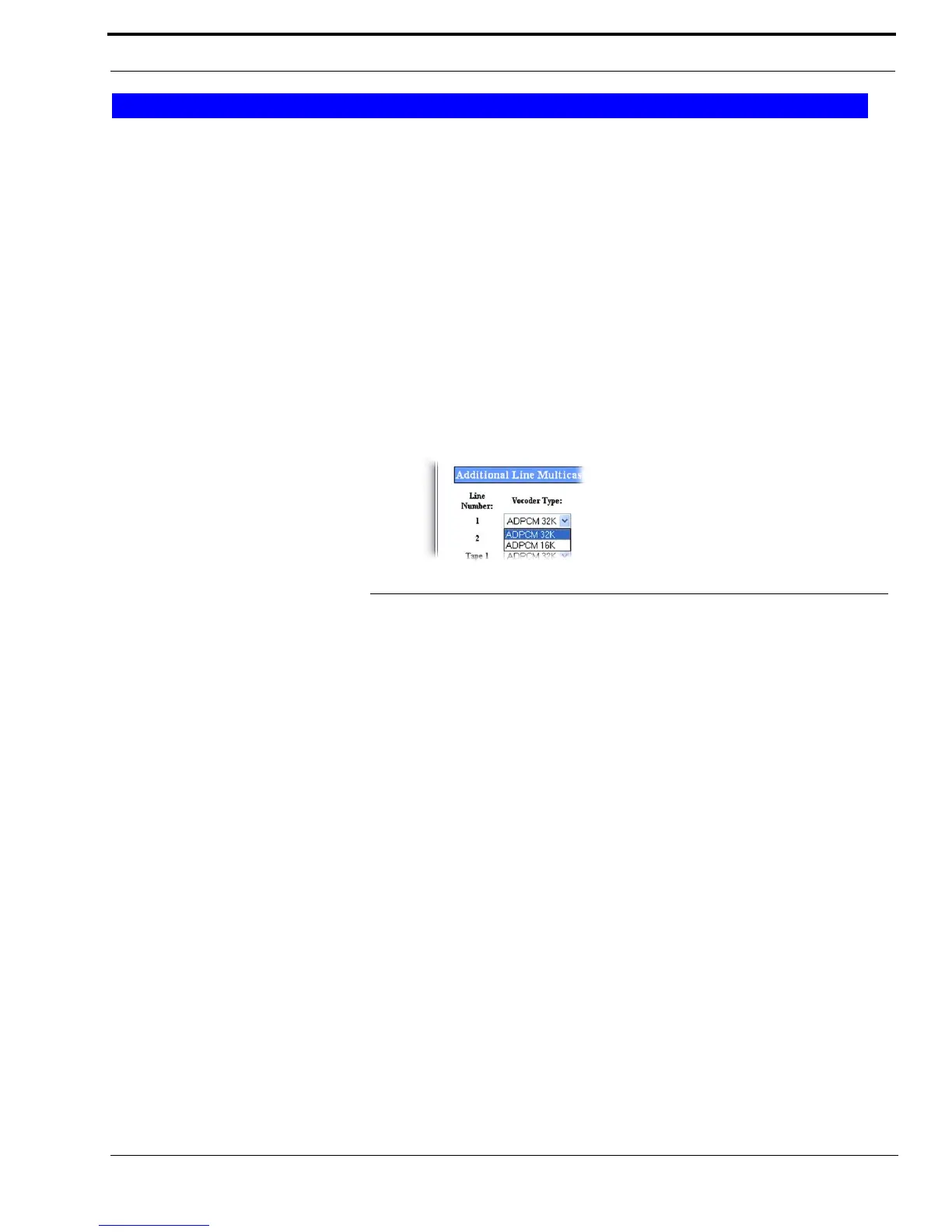
The Vocoder Type drop down menu, shown in Figure 28, indicates the bit rate at which audio is converted into digital format.
This feature is used to configure communication between the IP-223 and C-Soft.
Available selections for this field are ADPCM 16K and ADPCM 32K.
NOTE: Design considerations must take into account that although 16K requires less bandwidth, the audio quality might
not perform as desired.
IMPORTANT: Vocoder configurations must be the same across devices and C-Soft.
NOTE: When Tape 1 is enabled, a separate stream is created with both RX and TX audio for that line. When Tape 2 is
enabled, a separate Ethernet stream is created with both RX and TX audio for that line. This stream can then be
recorded by a Telex Network Recorder.
Line Name Field
The Line Name field is used to assign a unique label to the tape line.
This field can contain up to 12 alpha-numeric characters.
Mcast Address Field
The Mcast Address field is used to configure the Mulitcast Address used to generate multicast audio for the recorder.
The range for this field is 224.0.0.2 to 239.255.255.255.
Port Field
The Port field is used to configure the port used to generate multicast audio for the recorder.
The range for this field is 1054 to 65535.
TTL Field
The TTL field identifies the number of routers the multicast audio packets pass through before being discarded.
The range for this field is 1 to 128.
Tape Setup
FIGURE 28. Vocoder Type Drop Down Menu



 To Next Page