57
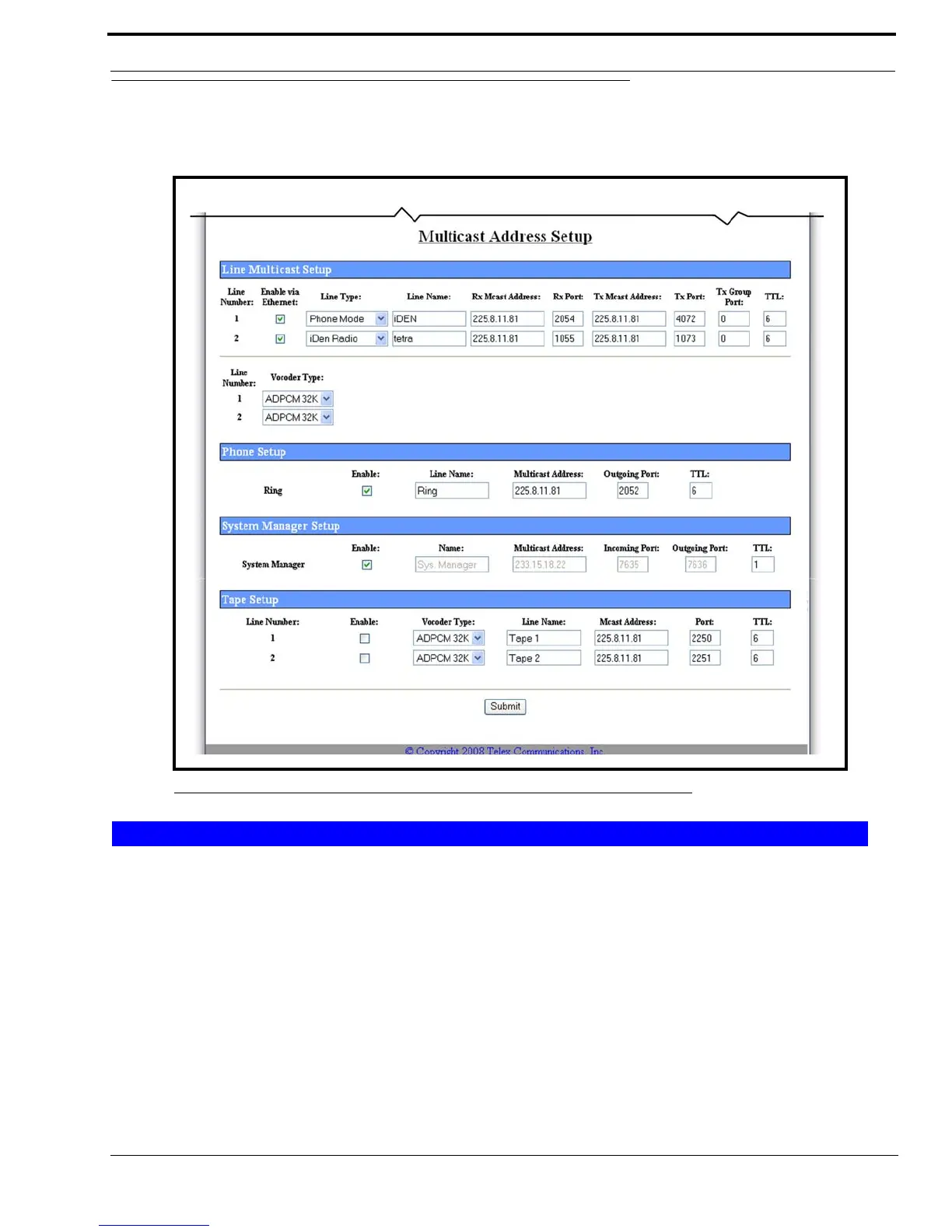
Multicast Address Setup Window
Multicast Address Setup Window
The Multicast Address Setup window, shown in Figure 25, identifies the mode of operation or line type, as well as which
port the IP-223 uses to communicate various line information on.
Line Number Field
The Line Number field displays the appropriate line number for the specified parameters.
Enable via Ethernet Check Box
The Enable via Ethernet check box, if selected, indicates Ethernet connectivity is active. Otherwise, audio received from the
analog connections of the IP-223 are not echoed to the Ethernet, and Ethernet traffic is not mixed into the audio of the IP-223.
FIGURE 25. Multicast Address Setup Window
Line Multicast Setup



 To Next Page