Setup Information
134
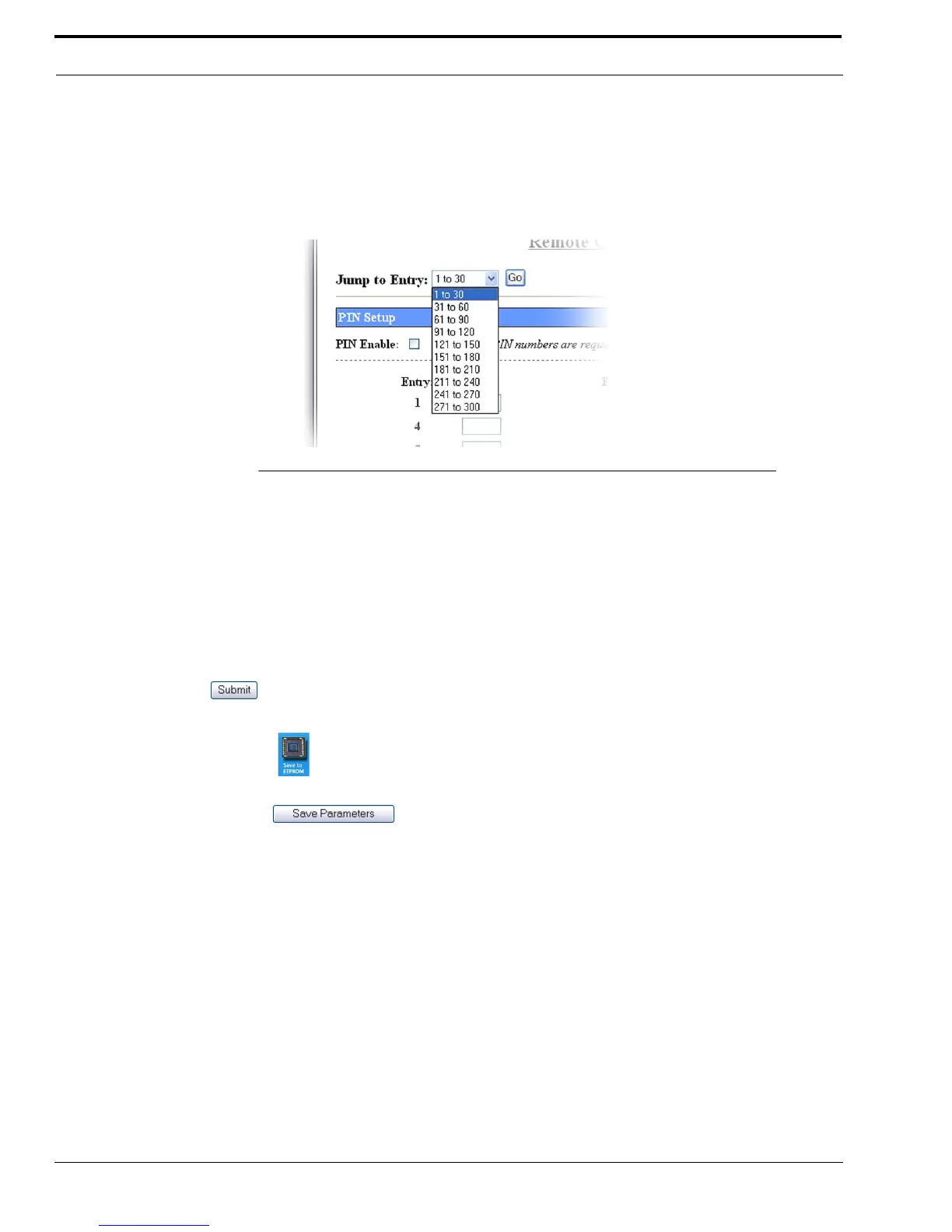
Jump To Entry Drop Down Menu
The Jump To Entry drop down menu allows you to select function tones (in groups of 30) to view and modify.
1. From the Jump To drop down menu, select the entries you want to view.
2. Click GO.
The function tones you select appears.
Go Button
The Go button is used to navigate to the page in the Jump to Entry Drop Down Menu.
Submit Button
The Submit button is used to upload changes to the IP-223.
To permanently save changes, do the following:
1. Click Submit.
The changes are sent to the IP-223 in temporary storage.
2. Click Save to EEPROM.
The Save to EEPROM window opens.
3. Click Save Parameters.
Changes are now permanently saved to the IP-223 console.
FIGURE 74. Jump to Entry Drop Down Menu—Remote Crosspatch Setup



 To Next Page