109
Account Setup Window
Enable Check Box
The Enable check box indicates whether the username is active. When selected, the username is active.
NOTE: The admin system account is always enabled.
Username Column
The Username column displays the username of the system account. This field is not configurable.
Password Field
The Password field displays the password for the system account. The password is shown in asterisks (******) for security
purposes.
NOTE: The admin password field is always blank, whether or not an admin password is assigned.
The range for this field is a 4–16 character alphanumeric password.
New Password Field
The New Password field is used to enter a new password for the system account.
The range for this field is a 4–16 alphanumeric characters.
To set a new password, do the following:
1. In the password field, enter the current password.
Asterisks representing the characters appear in the field.
NOTE: If no password is required, leave this field blank.
2. In the New Password field, enter the new password.
Asterisks representing the characters appear in the field.
3. In the Confirm Password field, re-enter the new password.
4. Click Save.
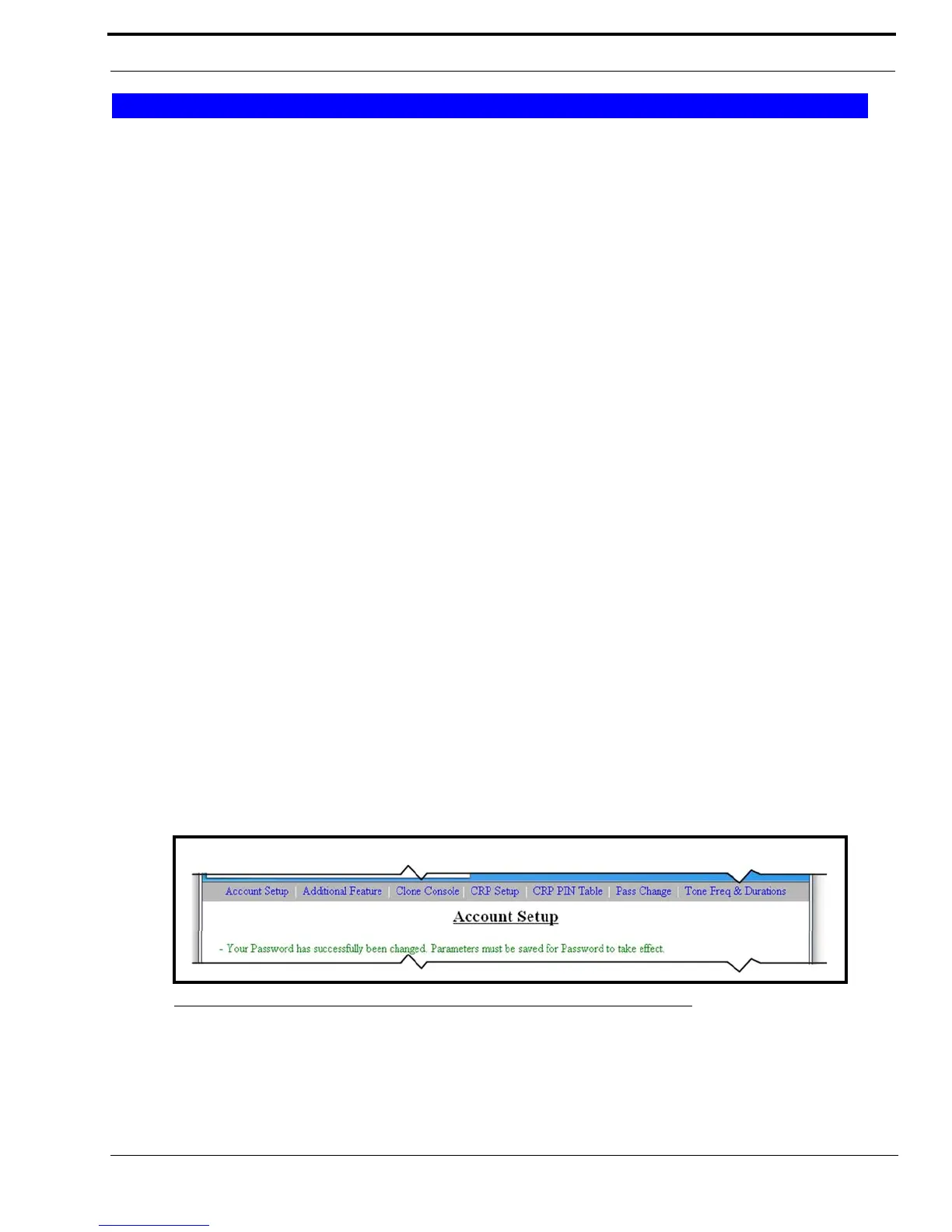
The success message, shown in Figure 59, appears.
5. Click Submit.
The changes are sent to the IP-223 console.
6. Click Save to EEPROM.
The Save to EEPROM window opens.
7. Click Save Parameters.
Changes are now permanently save to the IP-223.
System Accounts
FIGURE 59. Account Setup Success Message



 To Next Page