Setup Information
114
Edit User Accounts Window
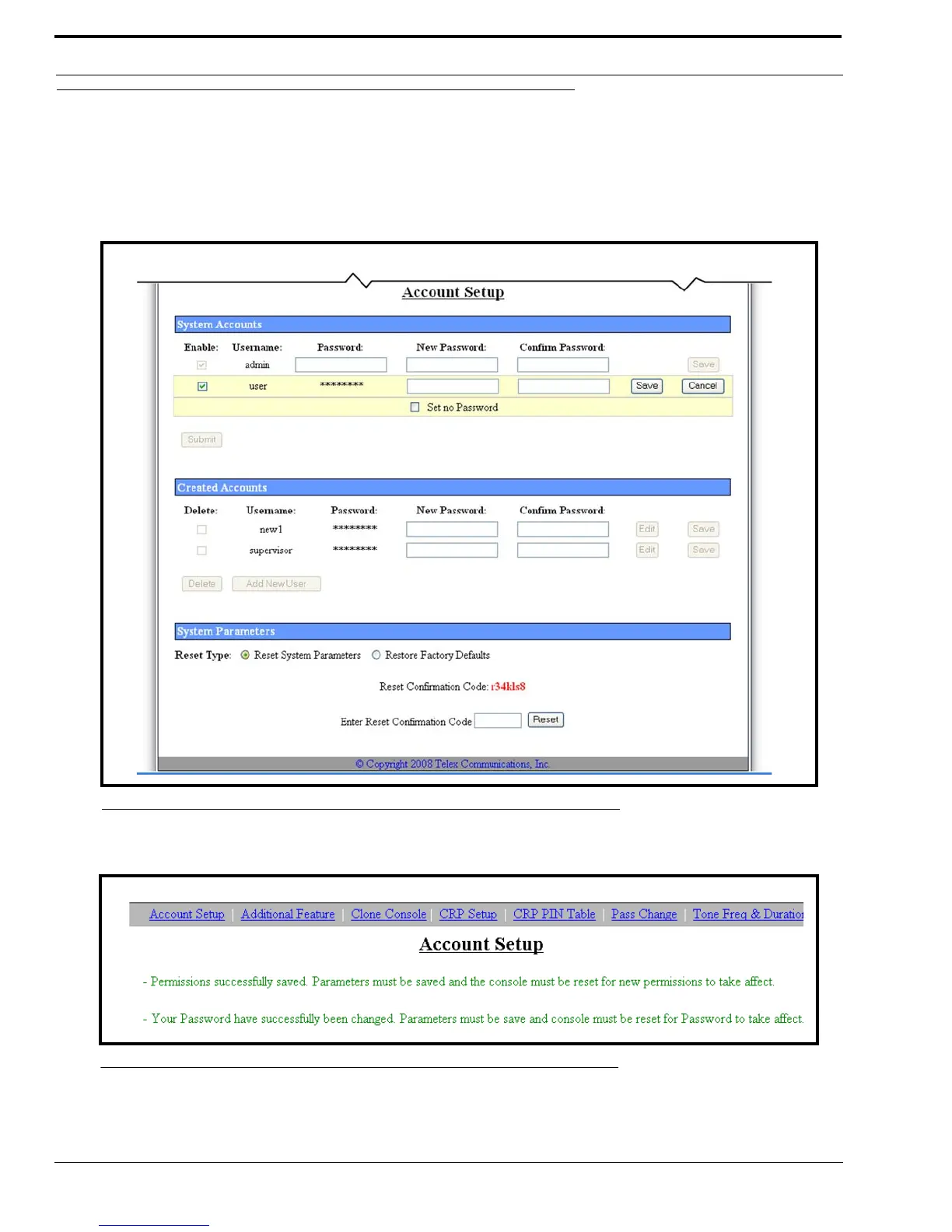
The Edit User Account window, shown in Figure 60, is used to edit the user system account. You can only change the
password or set no password from this window.
By default, the System User Account has access to only the default admin pages Tone Freqs and General Gain Setup, ID
Directory, and Save to EEPROM.
Once you have made change to the user system account, the following message appears at the top of the Account Setup window.
FIGURE 60. Edit User Account
FIGURE 61. Success Message



 To Next Page