47
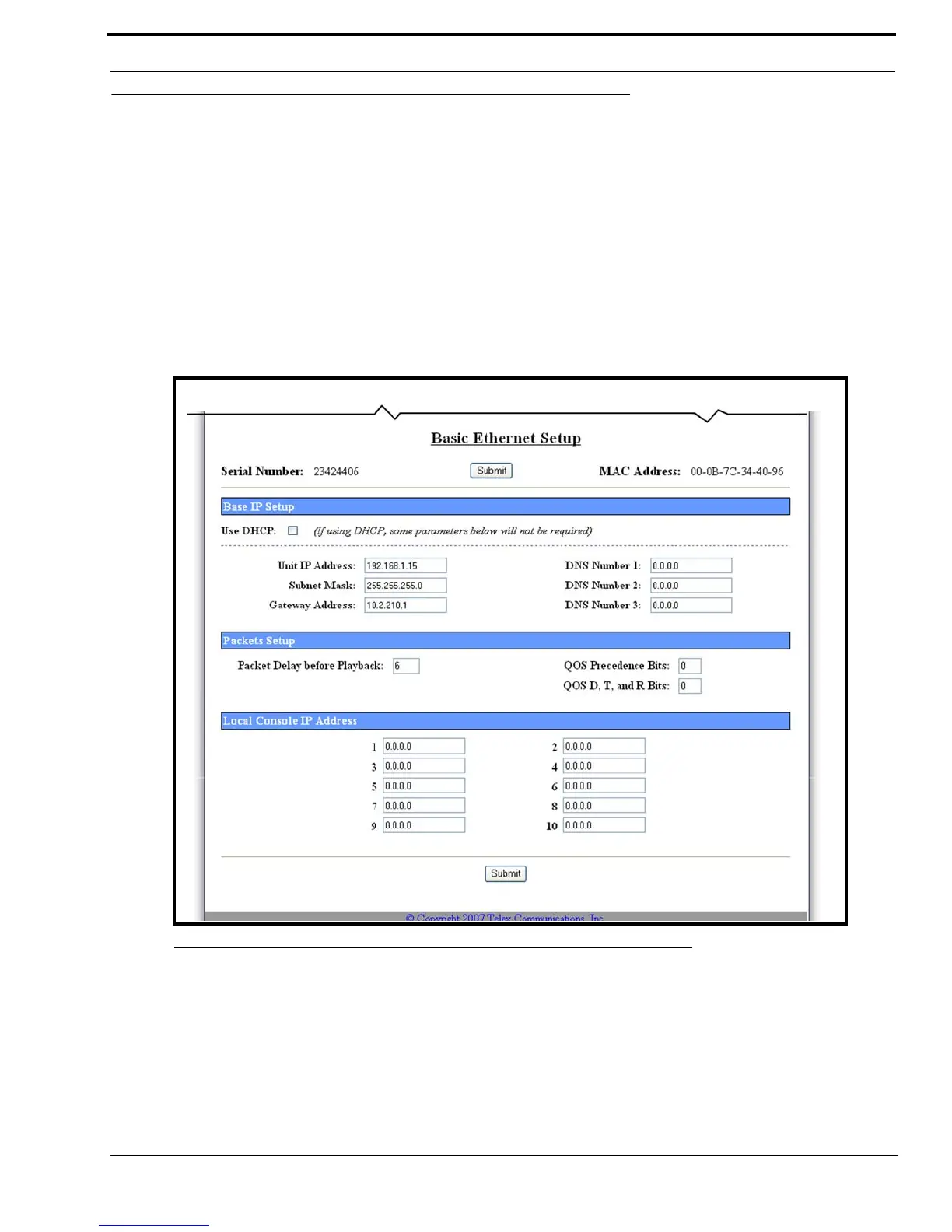
Basic Ethernet Setup Window
Basic Ethernet Setup Window
The Basic Ethernet Setup window, shown in Figure 16, is used to configure a network connection by setting the host
protocol, the IP-223 IP Address, Subnet Mask, Gateway Address, as well as setting the network time protocol and packet
delay.
Serial Number Field
The Serial Number field displays the serial number of your IP-223. The serial number label is located on the back of the
adapter box and should match the number in this field.
MAC Address
The MAC Address field displays the MAC Address of the IP-223.
FIGURE 16. Basic Ethernet Setup Window



 To Next Page