Setup Information
52
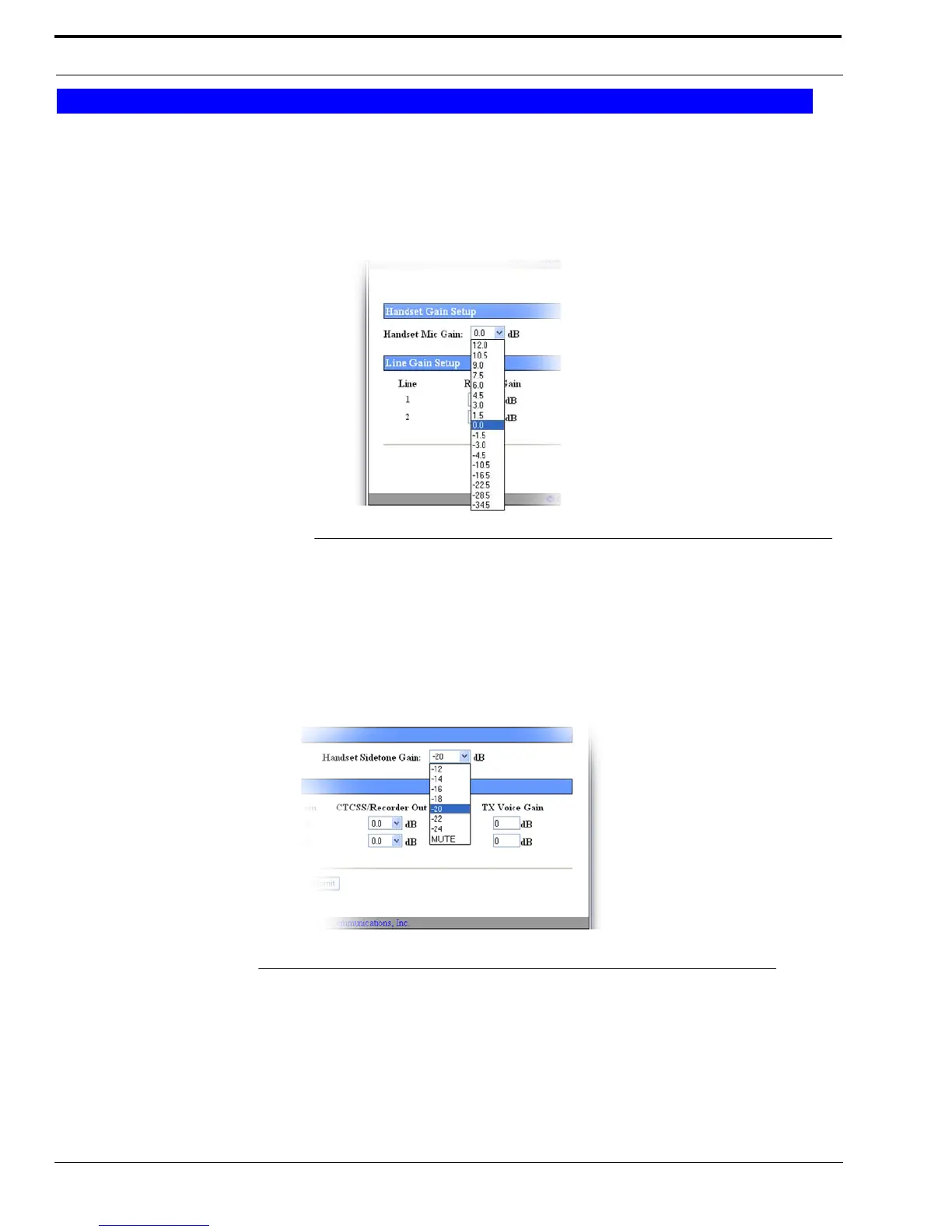
Handset Mic Gain Drop Down Menu
The Handset Mic Gain drop down menu is used to set the level, in dB, of gain for the handset mic.
Available selections are: 12.0, 10.5, 9.0, 7.5, 6.0, 4.5, 3.0, 1.5, 0, -1.5, -3.0, -4.5, -10.5, -16.5, -22.5, -28.5, and -34.5.
Handset Sidetone Gain Drop Down Menu
The Handset Sidetone Gain drop down menu is used to set the volume, in dB, of sidetone you hear in the handset. Sidetone is
an adjustable amount of your voice signal sent back through the handset so you can hear yourself talk.
The values for this field are, -12, -14, -16, -18, -20, -22, -24, and MUTE.
Handset Gain Setup
FIGURE 18. Handset Gain Setup Drop Down Menu
FIGURE 19. Handset Sidetone Gain Drop Down Menu



 To Next Page