45
Welcome Window
Welcome Window
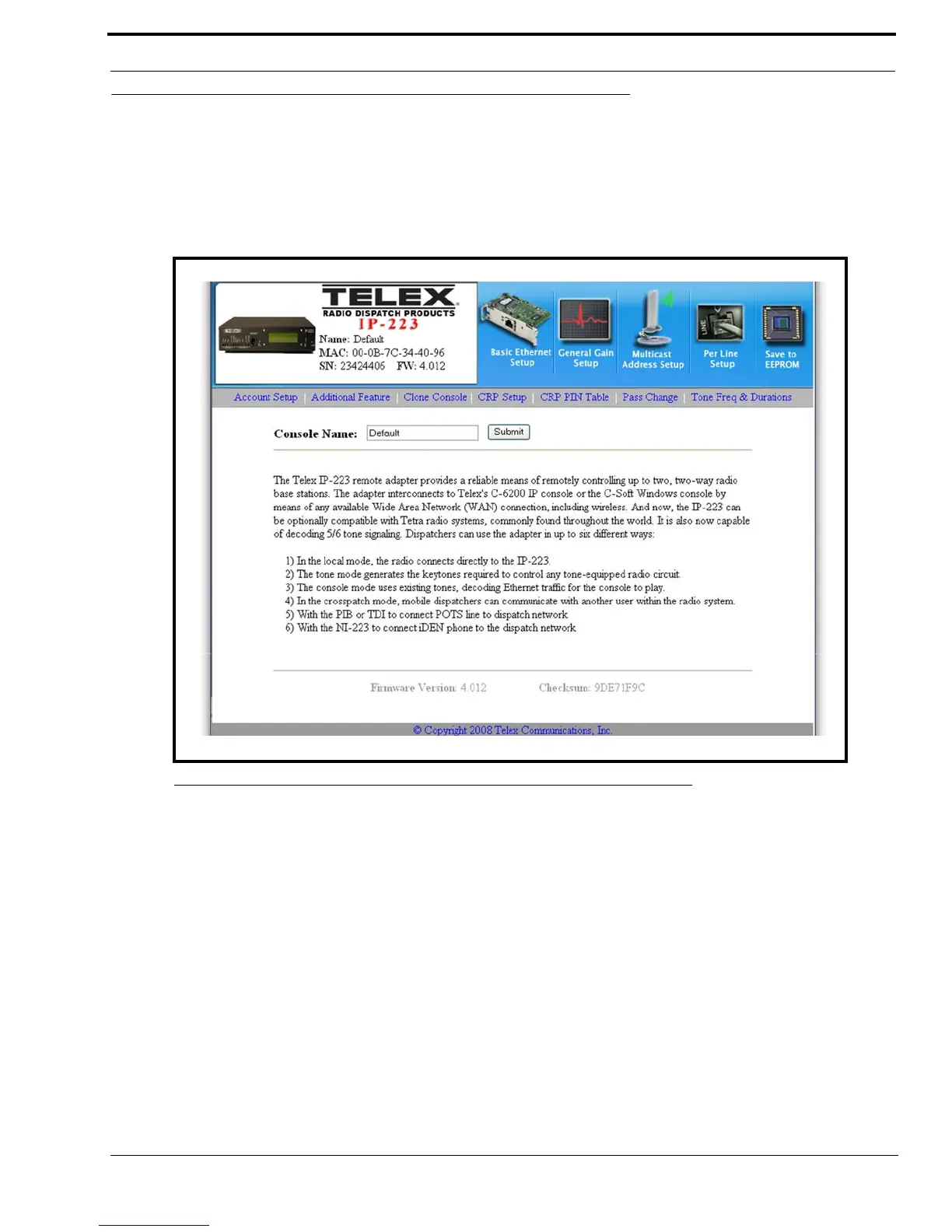
The Welcome window, shown in Figure 15, provides a basic description of the IP-223 operating modes and a field to enter a
descriptive name for the unit. This name displays at the top of each IP-223 web setup window.
To open the Welcome window, do the following:
> Click the IP-223 photo in the upper-left corner of the window.
Console Name Field
The Console Name field is used to identify the currently active IP-223 system.
This field can contain up to 12 characters.
To name the IP-223 unit, do the following:
1. In the Console Name field, enter the desired name.
2. Click Submit.
The name appears at the top of the setup window.
3. Click Save to EEPROM.
The Save Setup Parameters window appears.
4. Click Save Parameters.
The changes made are saved to permanent memory.
FIGURE 15. Welcome Window



 To Next Page