Setup Information
44
To access a setup window, do the following:
> Click the desired link.
The window for the selected link appears.
To permanently save changes, do the following:
1. Click Submit.
The changes are sent to the IP-223 in temporary storage.
2. Click Save to EEPROM.
The Save to EEPROM window opens.
3. Click Save Parameters.
Changes are now permanently saved to the IP-223 console.
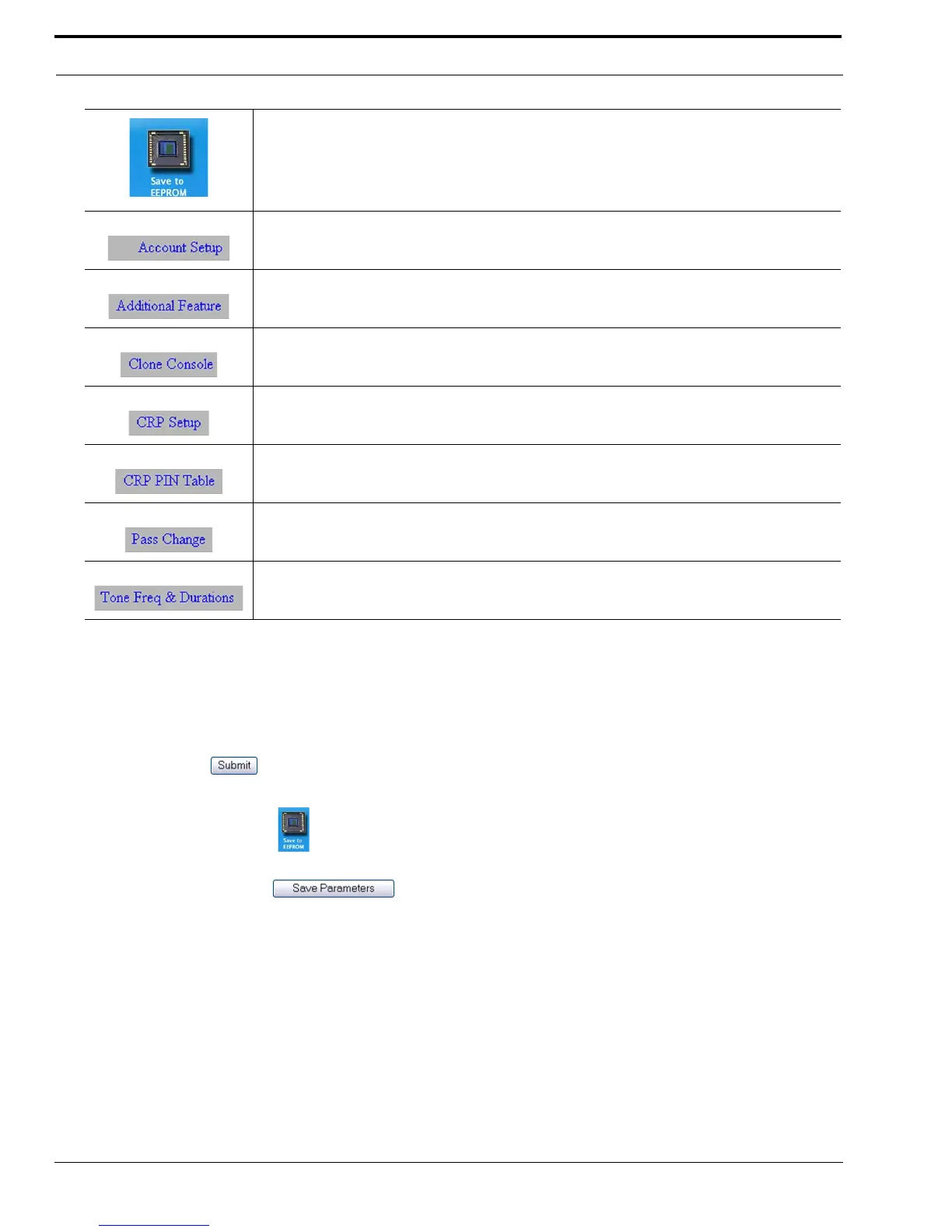
Displays the “Save to EEPROM Window” on page 106.
Displays the “Account Setup Window” on page 108.
Displays the “Additional Feature Setup Window” on page 122.
Displays the “Clone Console Window” on page 124.
Displays the “Crosspatch Setup Window” on page 125.
Displays the “CRP PIN Table Window” on page 133.
Displays the “Pass Change Window” on page 137.
Displays the “Tone Frequency & Durations Window” on page 138.
TABLE 12. IP-2002 Links



 To Next Page