77
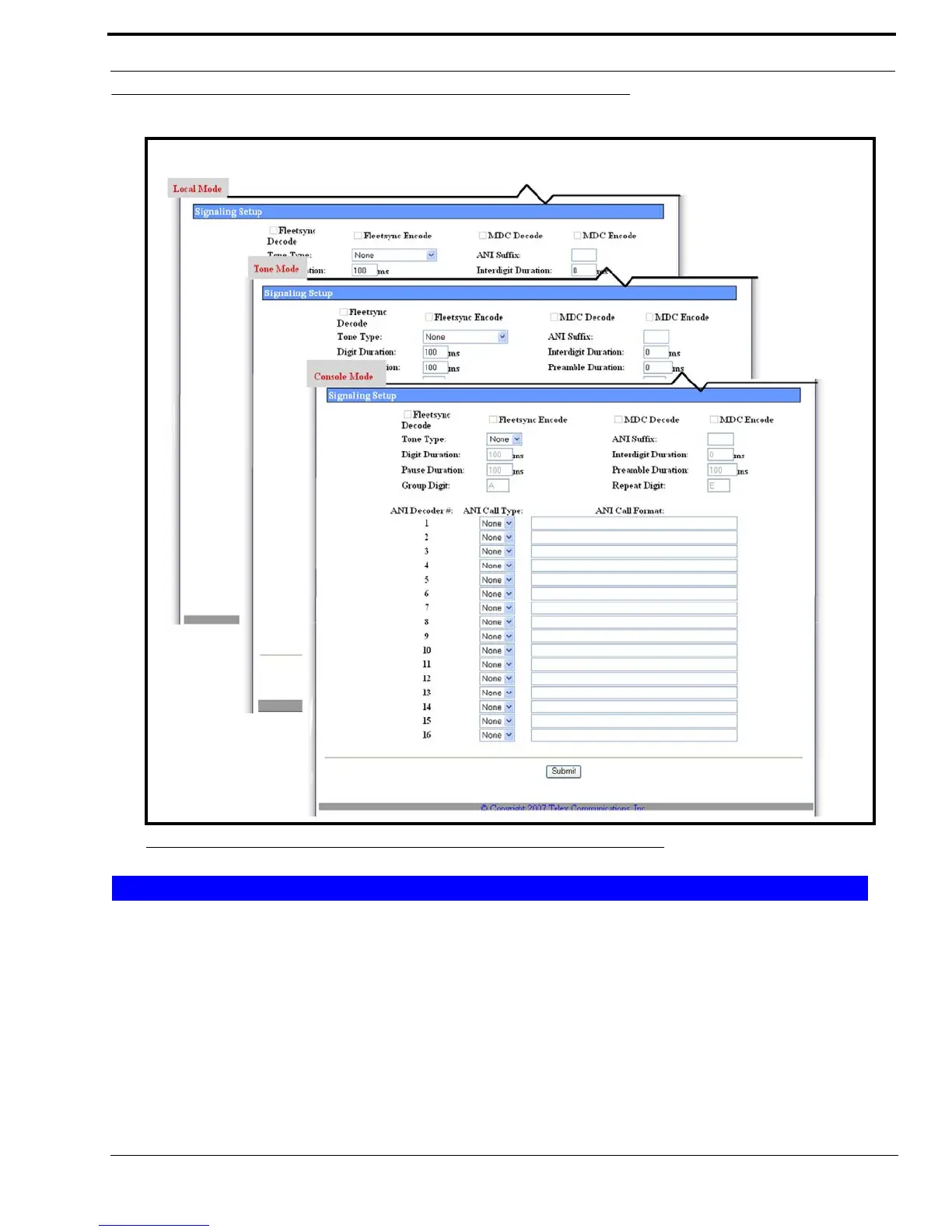
Per Line Setup Window—Local, Tone, and Console Mode
Per Line Setup—Local, Tone, and Console Mode, View 3
The Signaling Setup section is used to set up encode, decode, tone type, digits pause and duration.
IMPORTANT: The FleetSync and MDC-1200 features in this section are optional IP-223 accessories.
The “Additional Feature Setup Window” on page 122, must be also configured.
FleetSync Decode Check Box - Local and Tone Modes
The FleetSync Decode check box is used to enable FleetSync Over-the-Air decode. All inbound FleetSync messages are
decoded by the IP-223 instead of the radio.
FIGURE 35. Per Line Setup—Local, Tone, and Console Mode, View 3
Signaling Setup



 To Next Page