Setup Information
128
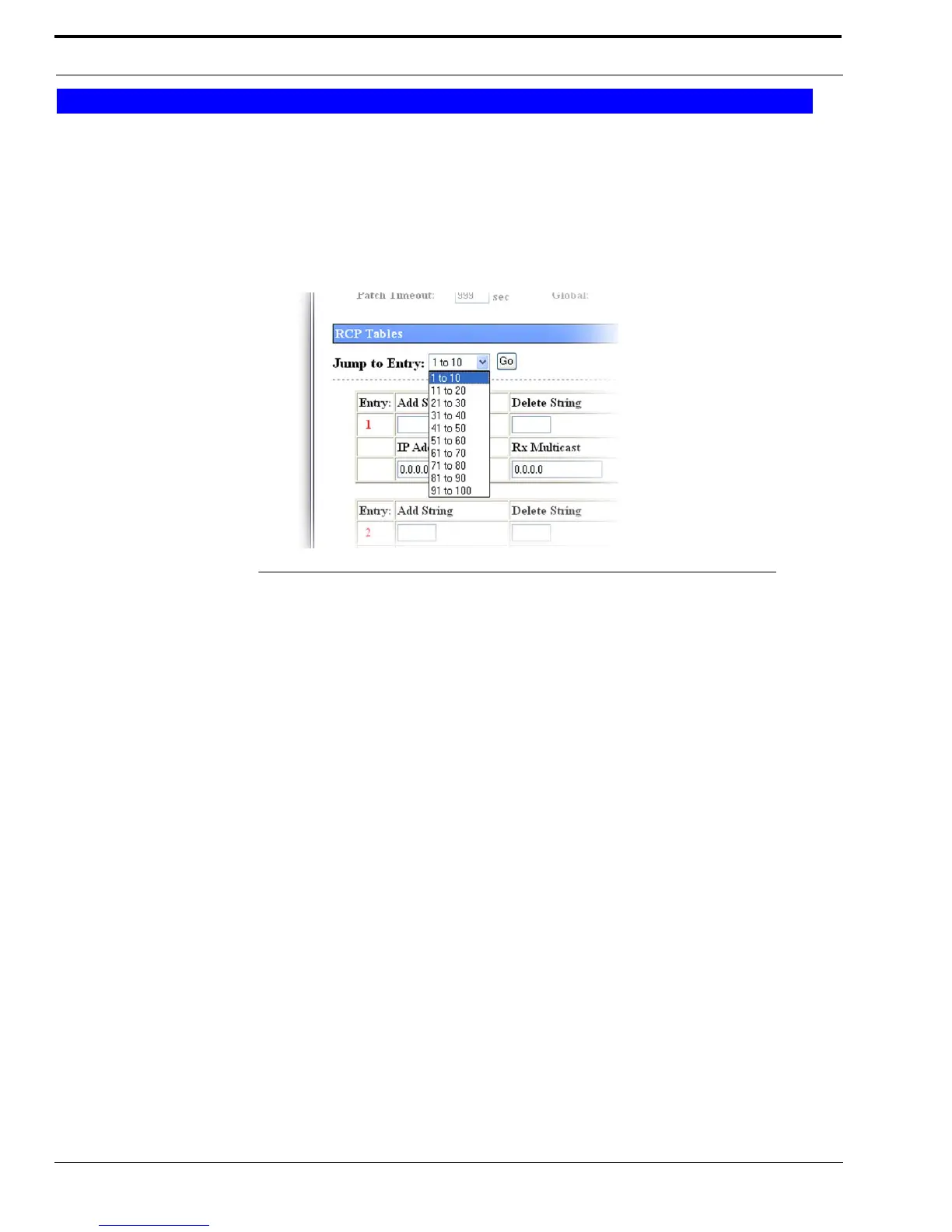
Jump To Entry Drop Down Menu
The Jump To Entry drop down menu allows you to select function tones (in groups of 10) to view and modify.
1. From the Jump To drop down menu, select the entries you want to view.
2. Click GO.
The function tones you select appears.
Go Button
The Go button is used to navigate to the page in the Jump to Entry Drop Down Menu.
Entry Field
The Entry field labels the row for the crosspatch entry.
Add String Field
The Add String field identifies the DTMF digit sequence to add this crosspatch entry. The number entered must be the
number of digits specified in the Dialing Digits field.
This field can contain up to 4 digits.
Delete String Field
The Delete String field identifies the DTMF digit sequence to delete this crosspatch entry. The number entered must be the
number of digits specified in the Dialing Digits field.
This field can contain up to 4 digits.
RCP Tables
FIGURE 70. Jump to Entry Drop Down Menu—Crosspatch Setup RCP Table



 To Next Page