Setup Information
122
Additional Feature Setup Window
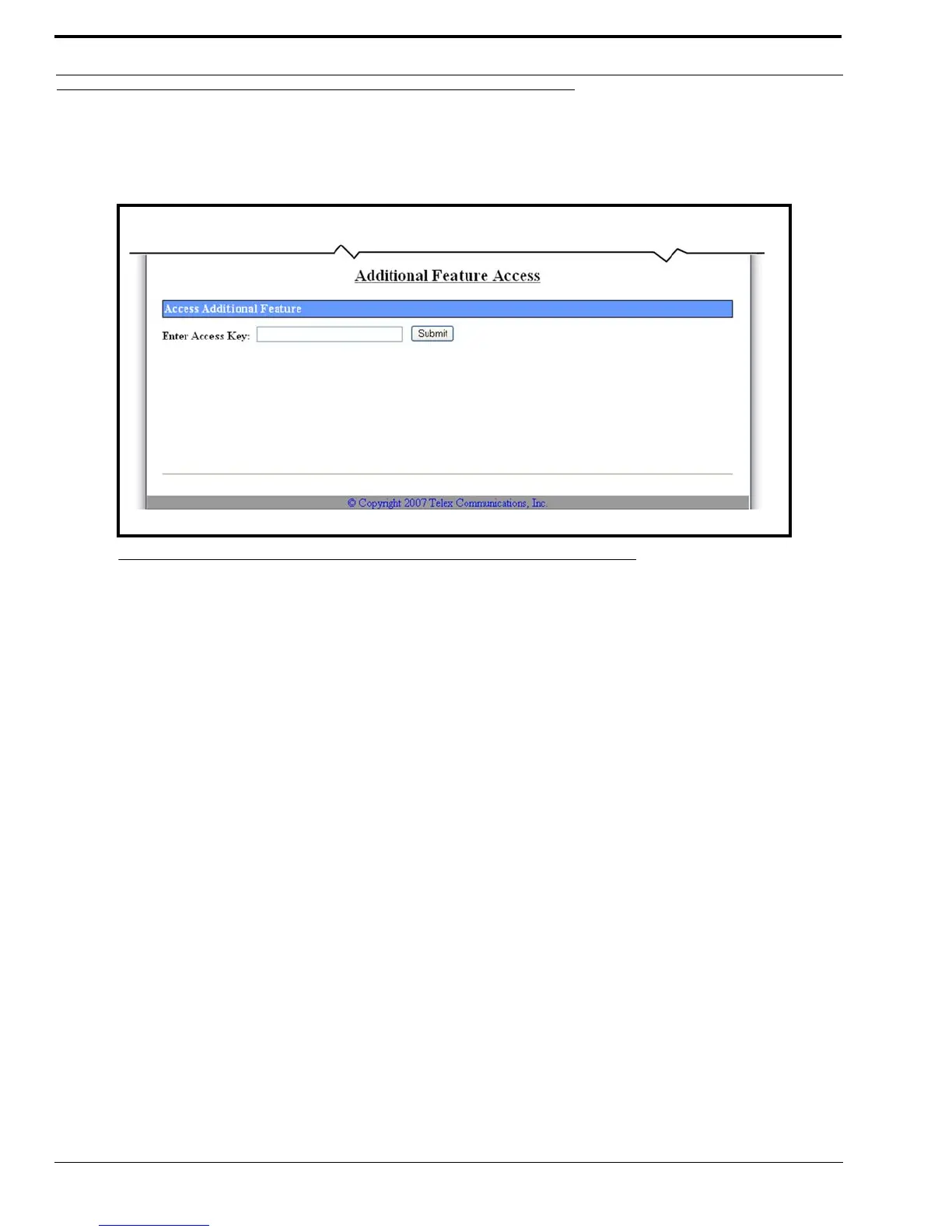
The Additional Feature Setup window, shown in Figure 66, activates special features enabled by purchasing an option string
from Telex. Examples of special features are Kenwood’s Fleetsync and Motorola’s MDC1200 Over-the-Air ANI decoder. For
more information, contact Telex Sales. Have the unit serial number available when purchasing this option.
Enter Access Key Field
The Enter Access Key field is used to enter an access key code (also known as a hash code) to enable purchased options.
To activate a special feature, do the following:
1. Click Additional Feature.
The Additional Feature Setup window appears.
2. In the enter Access Key field, enter the 16-digit Access Key code.
The window displays a list of additional features enabled on your IP-223. See example in Figure 67.
3. Click Submit.
The entries currently displayed on the window are sent to the IP-223 for storage.
4. Click Save to EEPROM.
The Save Setup Parameters window appears.
5. Click Save Parameters.
The entries are saved to permanent memory.
FIGURE 66. Additional Feature Access



 To Next Page