117
Add New User Window
Add New User Window
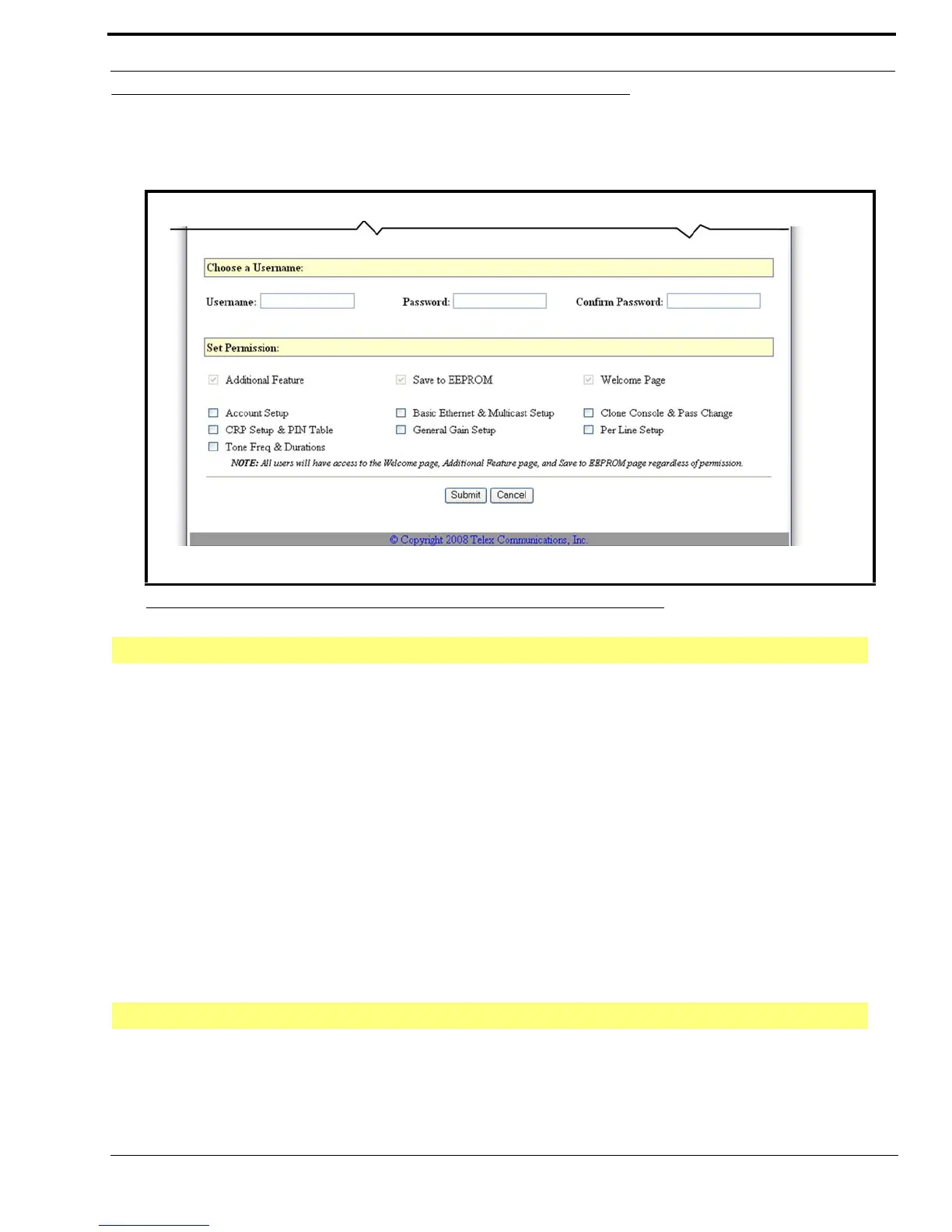
The Add New User window, shown in Figure 63, is used to create a new user account. From this window, you can assign
permissions to certain users.
Username Field
The Username field identifies the username of the account you are creating.
This field can contain up to 16 alphanumeric characters.
Password Field
The Password field identifies the password required to log on to this user account.
The range for this field is a 4–16 alphanumeric password.
Confirm Password Field
The Confirm Password field is used to confirm the password you entered into the Password field. This password must match
exactly with the Password field entry.
Additional Feature Check Box
The Additional Feature check box indicates access is granted to make changes to the Additional Feature page. This
permission is automatically granted to every user and is not configurable.
FIGURE 63. Add New User—Account Setup
Choose a Username
Set Permissions



 To Next Page