119
Add New User Window
Submit Button
The Submit button is used to upload changes to the IP-223.
NOTE: Clicking Submit saves changes in temporary memory only.
To permanently save changes, do the following:
1. Click Submit.
The changes are sent to the IP-223 in temporary storage.
2. Click Save to EEPROM.
The Save to EEPROM window opens.
3. Click Save Parameters.
Changes are now permanently saved to the IP-223 console.
Back to Account Setup Button
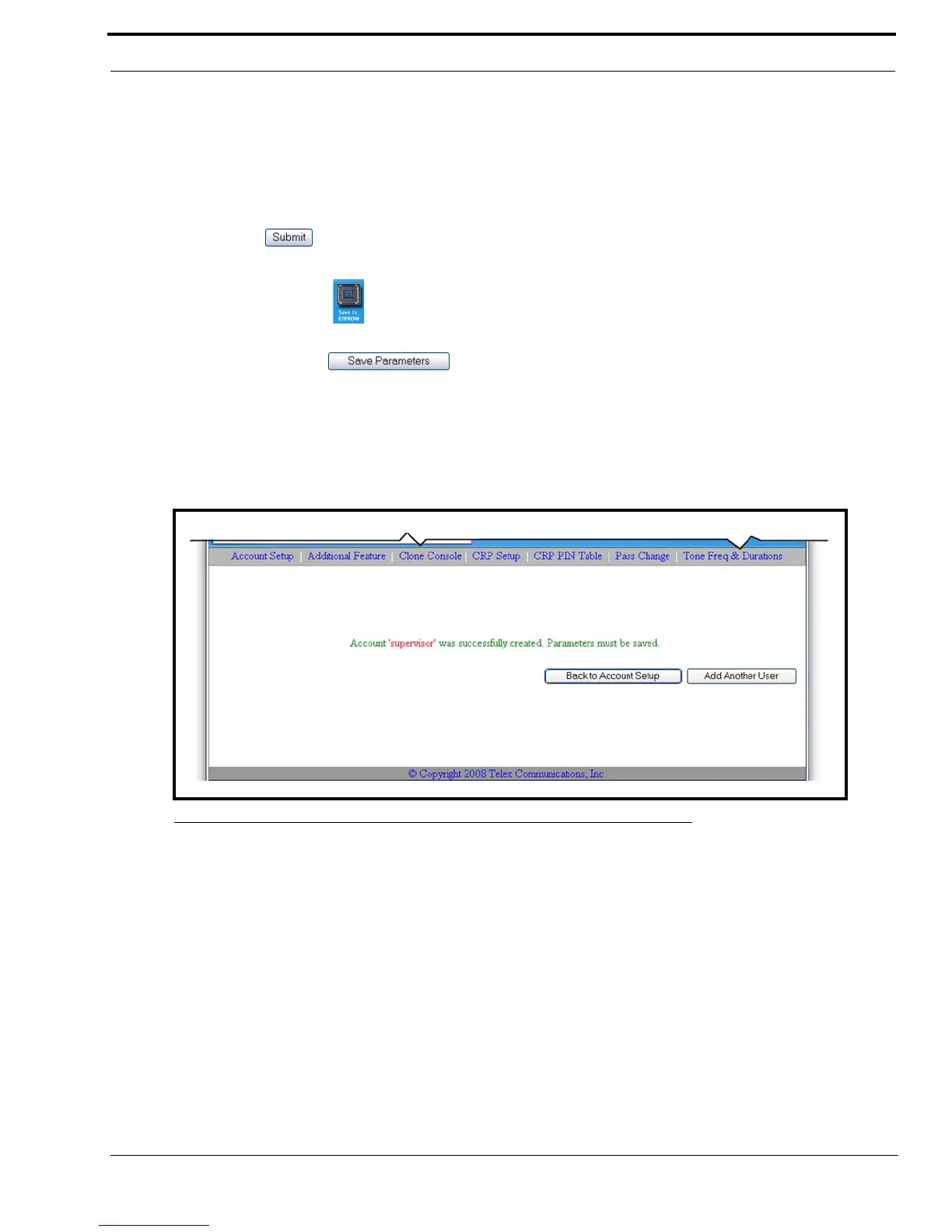
The Back to Account Setup button, shown in Figure 64, appears when Submit is clicked from the Add New User window.
Use the Back to Account Setup button to navigate back to the Account Setup window.
Add Another User Button
The Add Another User button is used to navigate back to the Add New User window.
FIGURE 64. Create New User Success Message



 To Next Page