61
Multicast Address Setup Window
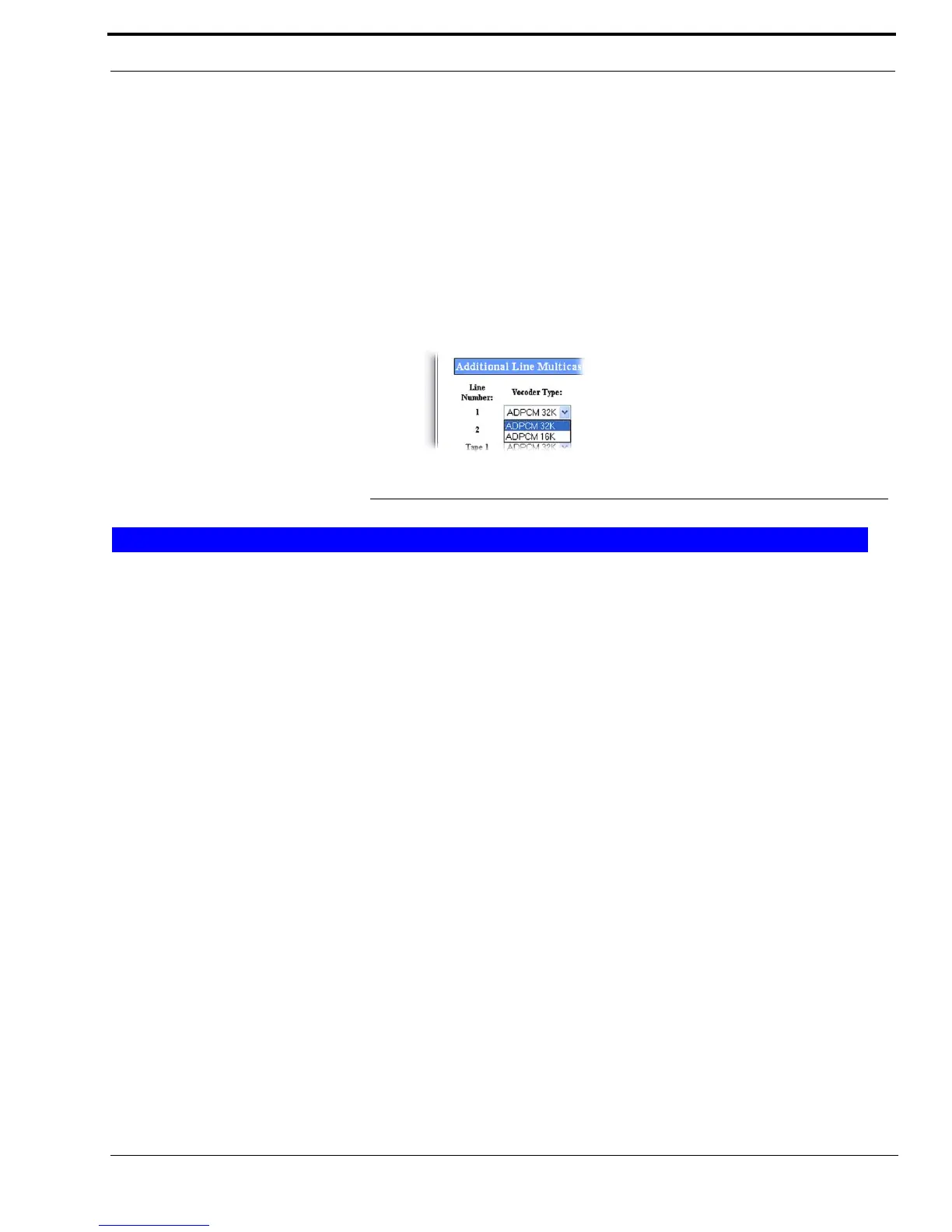
Vocoder Type Drop Down Menu
The Vocoder Type drop down menu, shown in Figure 27, indicates the bit rate at which audio is converted into digital format.
This feature is used to configure communication between the IP-223 and C-Soft.
Available selections are: ADPCM (Adaptive Differential Pulse Code Modulation) 16K and ADPCM 32K.
NOTE: Design considerations must take into account that although 16K uses less bandwidth, the audio quality might not
perform as desired.
IMPORTANT: Vocoder configurations must be the same across devices and C-Soft.
Enable Check Box
The Enable check box is used to set up a phone ring when phone calls are received. The entry for a ring signal must be a
unique Multicast Address and different from the other lines.
Line Name Field
The Line Name field is used to enter an alphanumeric label for the phone ring setup.
This field can contain up to 12 characters.
Multicast Address Field
The Multicast Address field is used to enter the multicast address for the ring. The console must be set up with the same
multicast address in order to hear the phone ring.
The range for this field must be between 224.0.0.2 and 239.255.255.255.
Outgoing Port Field
The Outgoing Port field identifies the port number where the ring packet is generated.
The range for this field must be unique and be between 1024 and 65535.
NOTE: The ring Multicast Address and port number must match the console’s ring multicast setting to receive the ring
signal.
FIGURE 27. Vocoder Type Drop Down Menu
Phone Setup



 To Next Page