55
General Gain Setup Window
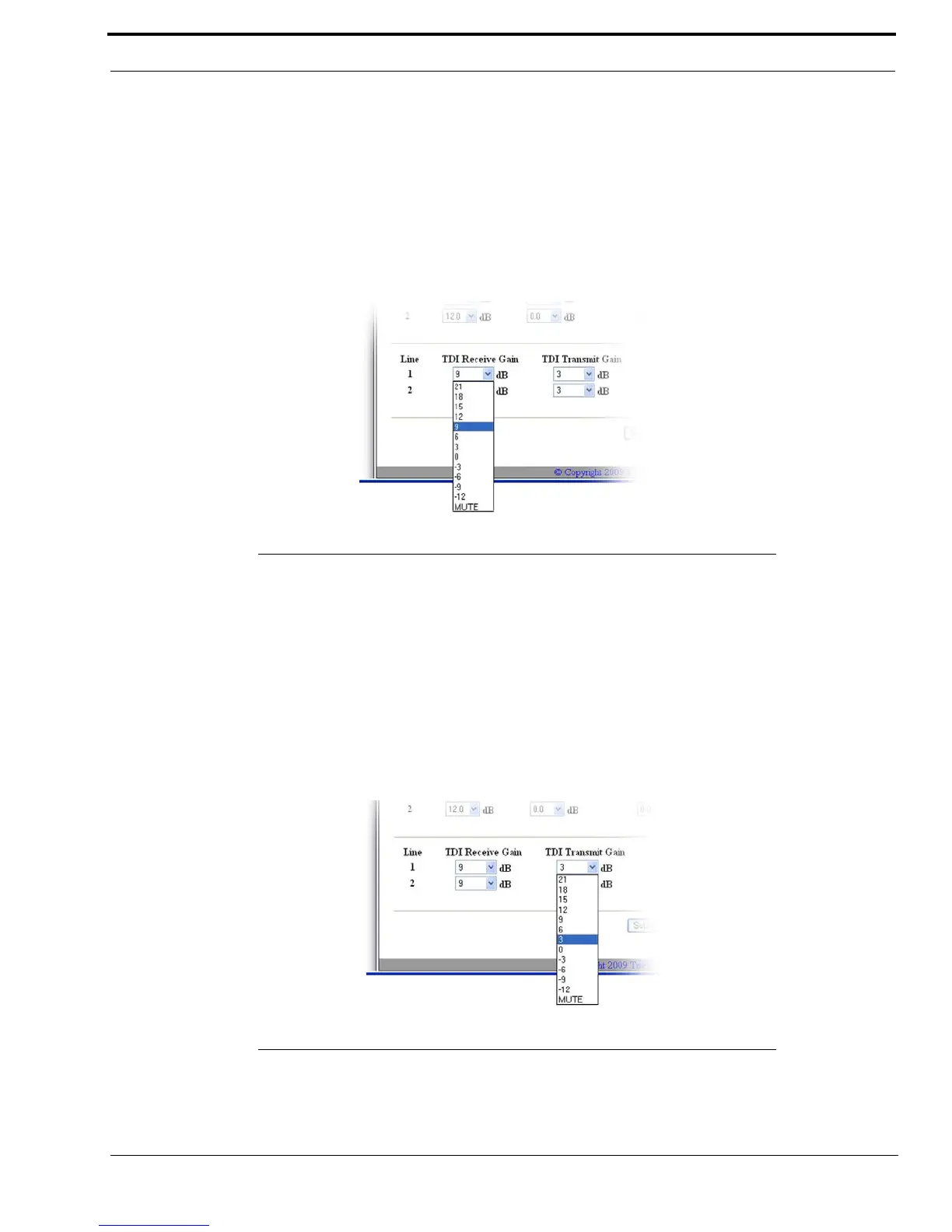
TDI Receive Gain Drop Down Menus
The TDI Receive Gain drop down menus are used to set the TDI receive gain, in dB, for a TDI connected to Line 1 or Line 2.
This gain affects receive audio just before entering the IP-223 receive audio path.
NOTE: This field is only available with upgraded TDI firmware.
Available selections are 21, 18, 15, 12, 9, 6, 3, 0, -3, -6, -9, -12 and MUTE.
Default is 9dB.
TDI Transmit Gain Drop Down Menus
The TDI Transmit Gain drop down menus are used to set the TDI transmit gain, in dB, for a TDI connected to Line 1 or Line
2. This gain affects transmit audio just before entering the POTS line.
NOTE: This field is only available with upgraded TDI firmware.
Available selections are 21, 18, 15, 12, 9, 6, 3, 0, -3, -6, -9, -12 and MUTE.
Default is 3dB.
FIGURE 23. TDI Receive Gain Drop Down Menu
FIGURE 24. TDI Transmit Gain Drop Down Menu



 To Next Page