129
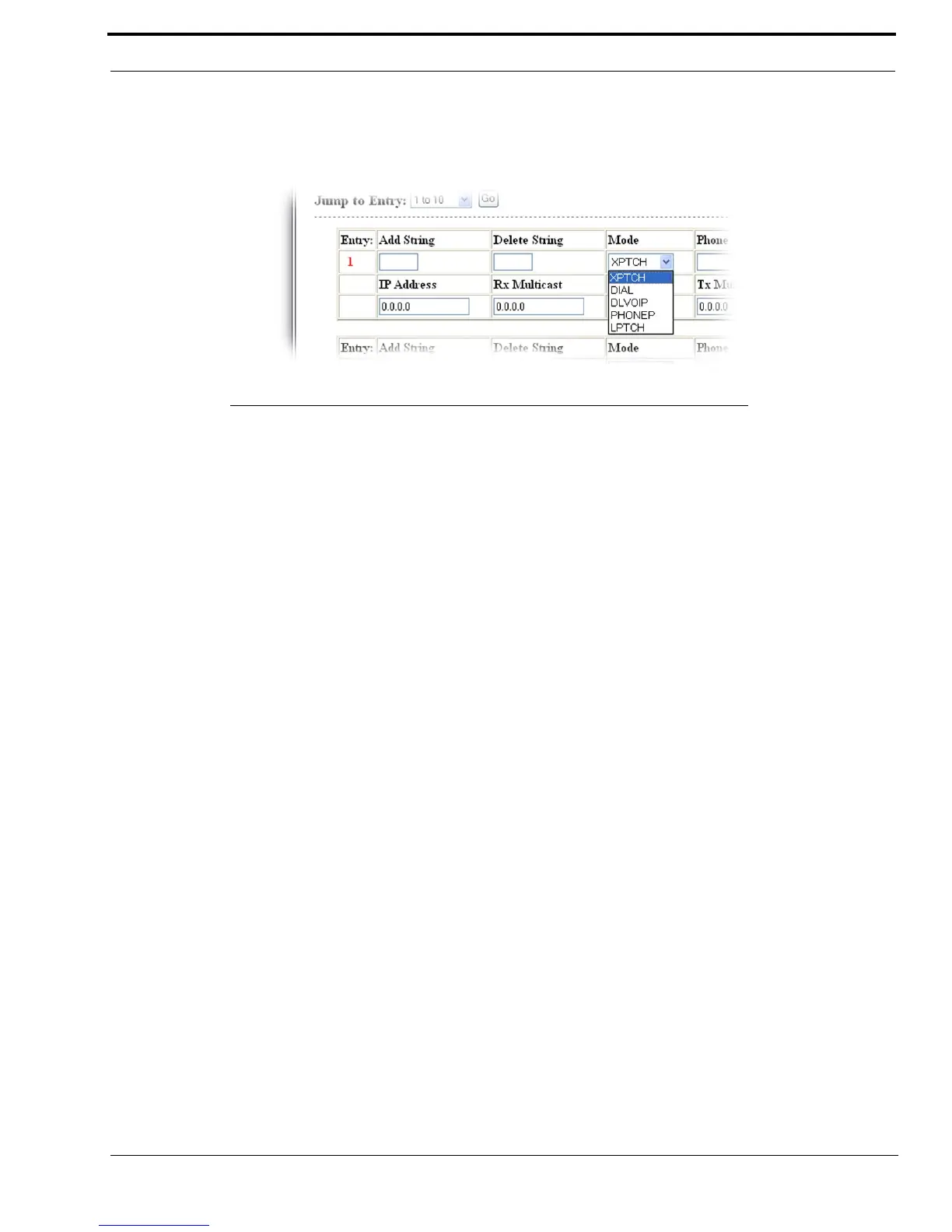
Crosspatch Setup Window
Mode Drop Down Menu
The Mode drop down menu identifies the crosspatch mode used for the crosspatch entry number.
Available selections for this field are:
XPTCH - Crosspatch to a remote IP-223. The IP Address and line number is required.
DIAL - A remote user with a portable radio can key a DTMF string, causing the IP-223 to take the PIB or TDI
offhook, dial a pre-programmed phone number and establish a patch between the devices.
DLVOIP - A remote user with a portable radio can key a DTMF string, causing the IP-223 to join different multicast
groups and ports, which can cause mapping the IP to a different line.
PHONEP - A remote user with a portable radio can key a DTMF string, causing the IP-223 to take the PIB or TDI
offhook. Once the PIB or TDI is offhook, the user can manually dial a phone number.
LPTCH - Line-to-line crosspatch. Enable and disable using DTMF strings.
Phone Field (DIAL option only)
The Phone field identifies the phone number to be dialed for this crosspatch entry.
This field can contain up to 21 digits.
FIGURE 71. Crosspatch Setup—Mode Drop Down Menu



 To Next Page