Setup Information
116
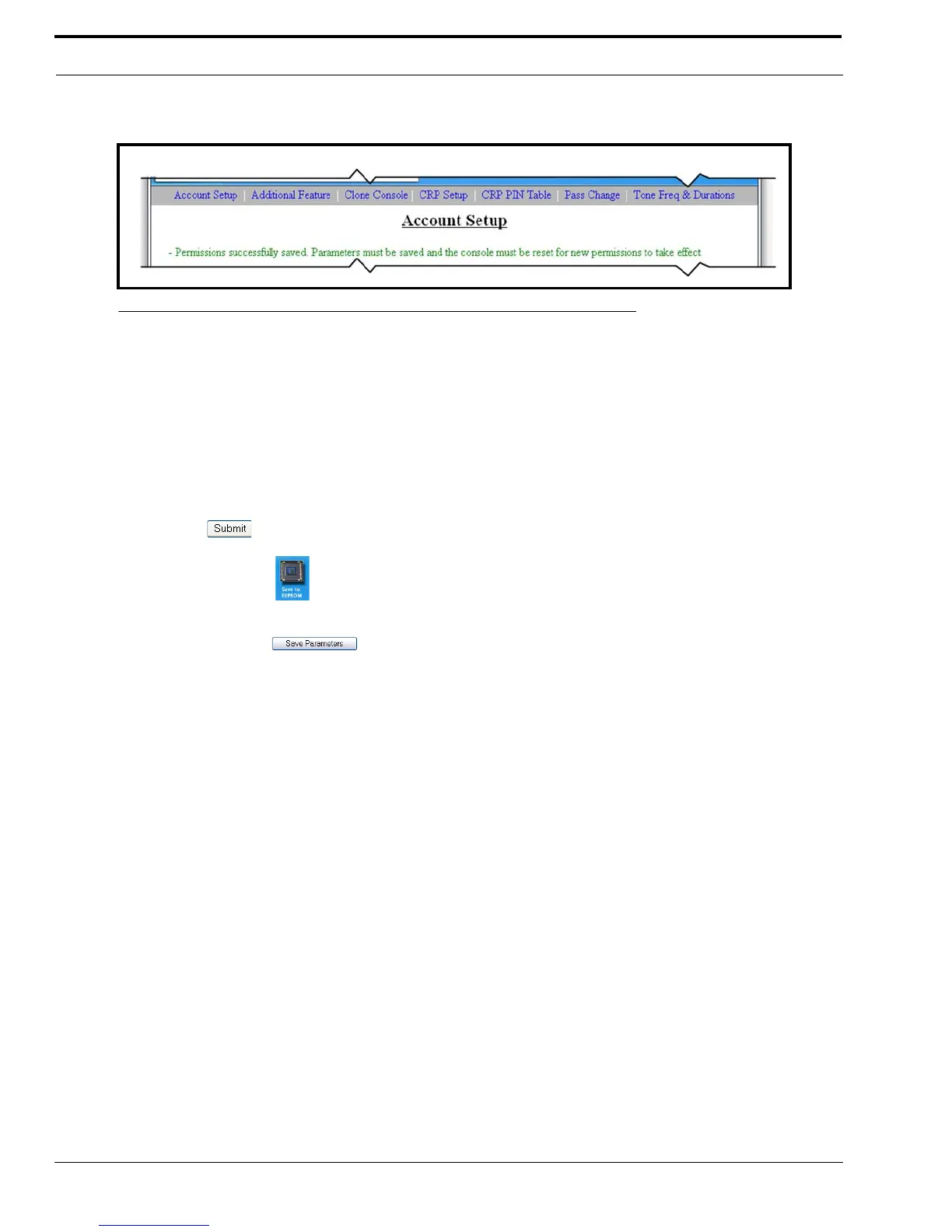
Once you have made the changes to the system user account and your changes have been accepted, the message
shown in Figure 62, appears at the top of the Account Setup window.
Save Button
The Save button is used to temporarily save changes.
Cancel Button
The Cancel button discards the user account settings you have made and reopens the Account Setup window.
To permanently save the new password, do the following:
1. Click Submit.
2. Click Save to EEPROM.
The Save to EEPROM window opens.
3. Click Save Parameters.
Changes are now permanently save to the IP-223.
FIGURE 62. User Account Permission Change Success



 To Next Page