Setup Information
58
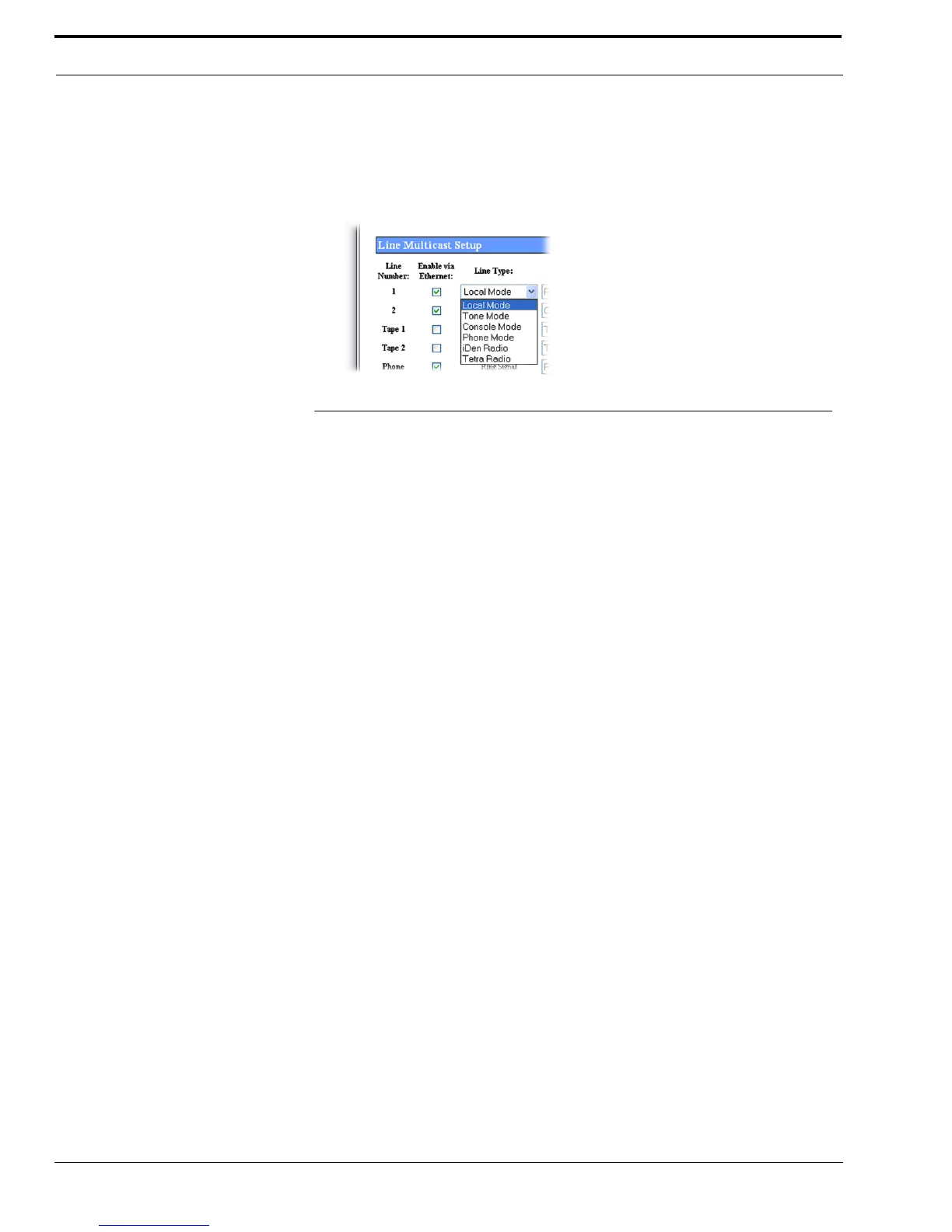
Line Type Drop Down Menu
The Line Type drop down menu identifies the operating mode for Line 1 and 2. The line type for all other operating modes is
displayed on the window. Selecting a line type enables the fields necessary to enter the setup information for the selected line
type.
Available selections are:
Local Mode - Connects the radio directly to the IP-223 allowing for simple migration and full, local control of the
radio.
Tone Mode - Generates the key tones required to control standard, tone-equipped radio circuits. This allows an
existing tone decoder and radio to be connected. This mode also supports a parallel analog console
for local control.
Console Mode - Allows the use of existing tone-based consoles on the VoIP network. The IP-223 decodes standard
tones, converts them into Ethernet traffic for another IP-223 and optional parallel IP consoles.
Phone Mode - Uses a PIB or TDI to connect an IP-223 line to an analog phone line
iDEN Radio - Uses an NI-223 to interface with a Falcon Class PTT mobile phone system.
TETRA Radio Mode - Interfaces to a TETRA digital trunk system using the IP-223 and the Sepura SRM2000 mobile
radio. The IP-223 interfaces the radio through the PEI, allowing dispatch access to TETRA radio
assets.
Line Name Field
The Line Name field is used to enter a descriptive name for the line.
This field can contain up to 12 characters.
FIGURE 26. Line Type Drop Down Menu



 To Next Page