146
Update Firmware Tool Window
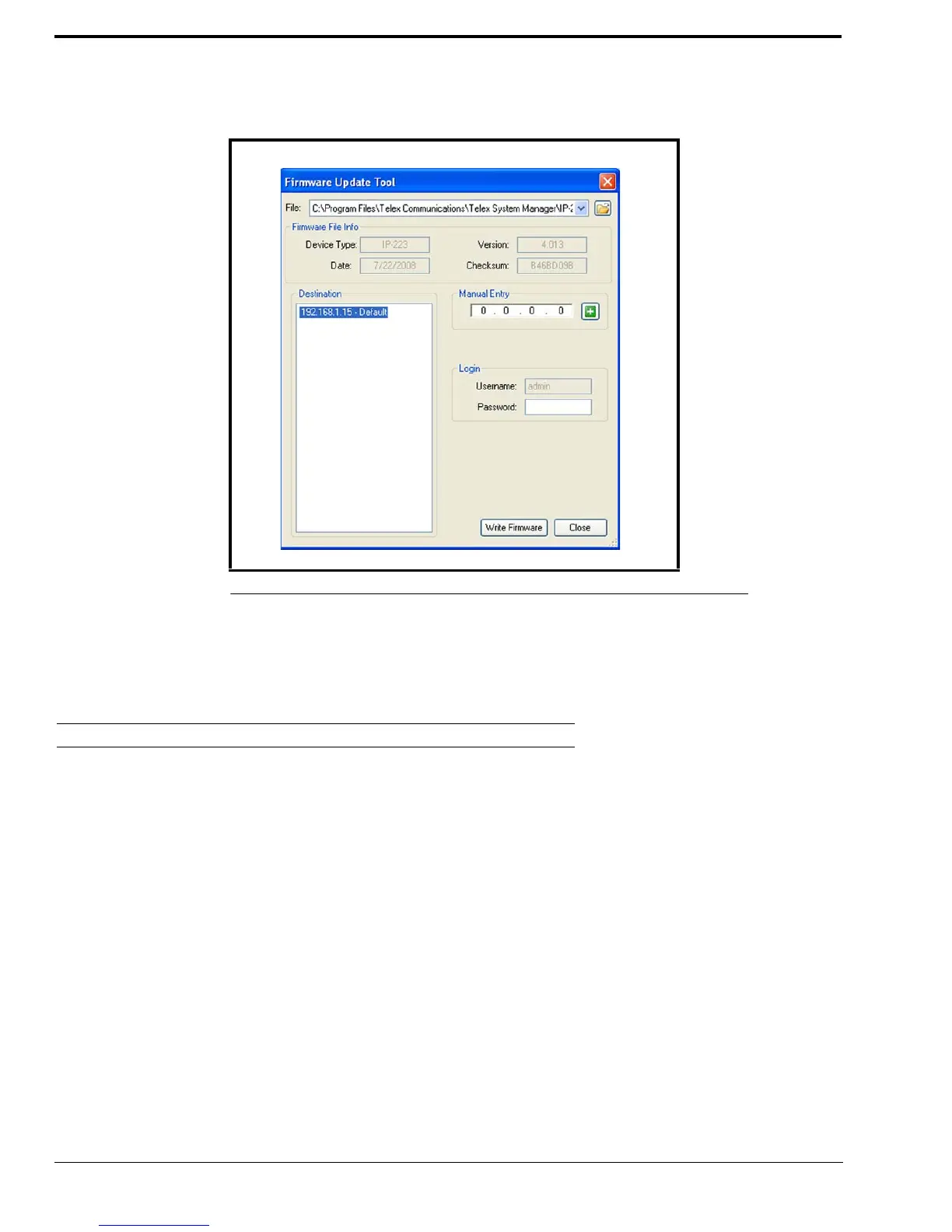
The Update Firmware Tool window, shown in Figure 81, is used to upload the newest version of firmware to the device
selected in the Destination field.
File Field
The File field is used to select a firmware file to upload to the VoIP hardware.
Firmware File Info Group Box
Device Type Field
The Device Type field displays the type of device supported by the currently selected file in the File field.
Firmware Version Field
The Firmware Version field displays the currently selected file’s firmware version.
Left Navigation Pane
The Left Navigation Pane displays all detected devices from the main dialog’s Device list with device types that match the
currently selected firmware files. Manually entered IP Addresses also appear in the navigation pane. Once the device is added,
it appears in the left navigation pane and is available for selection.
NOTE: If the device you are updating does not automatically appear in the navigation pane, manually enter the IP
Address in the Manual Entry field.
FIGURE 81. Firmware Update Tool



 To Next Page