Setup Information
86
The RP251/550 Setup section is used to configure legacy PSTN radio control systems.
C550 Operation Enabled Check Box
The C550 Operation Enabled check box indicates operation of the C-550 console is enabled. If selected, operation of the C-
550 console is enabled.
RP251 Operation Enabled Check Box
The RP251 Operation Enabled check box indicates operation of the RP-251 panel is enabled. If selected, operation of the
RP-251 dial-up remote station panel is enabled.
RP251 Access Digits Field
The RP251 Access Digits field identifies the 1- to 3-digit access code assigned to the RP-251 panel.
The range for this field is DTMF digits 0–9.
RP251 Connect Digits Field
The RP251 Connect Digits field identifies the 1- to 3-digit connect code sent to the console at the time of connection.
The range for this field is DTMF digits 0–9.
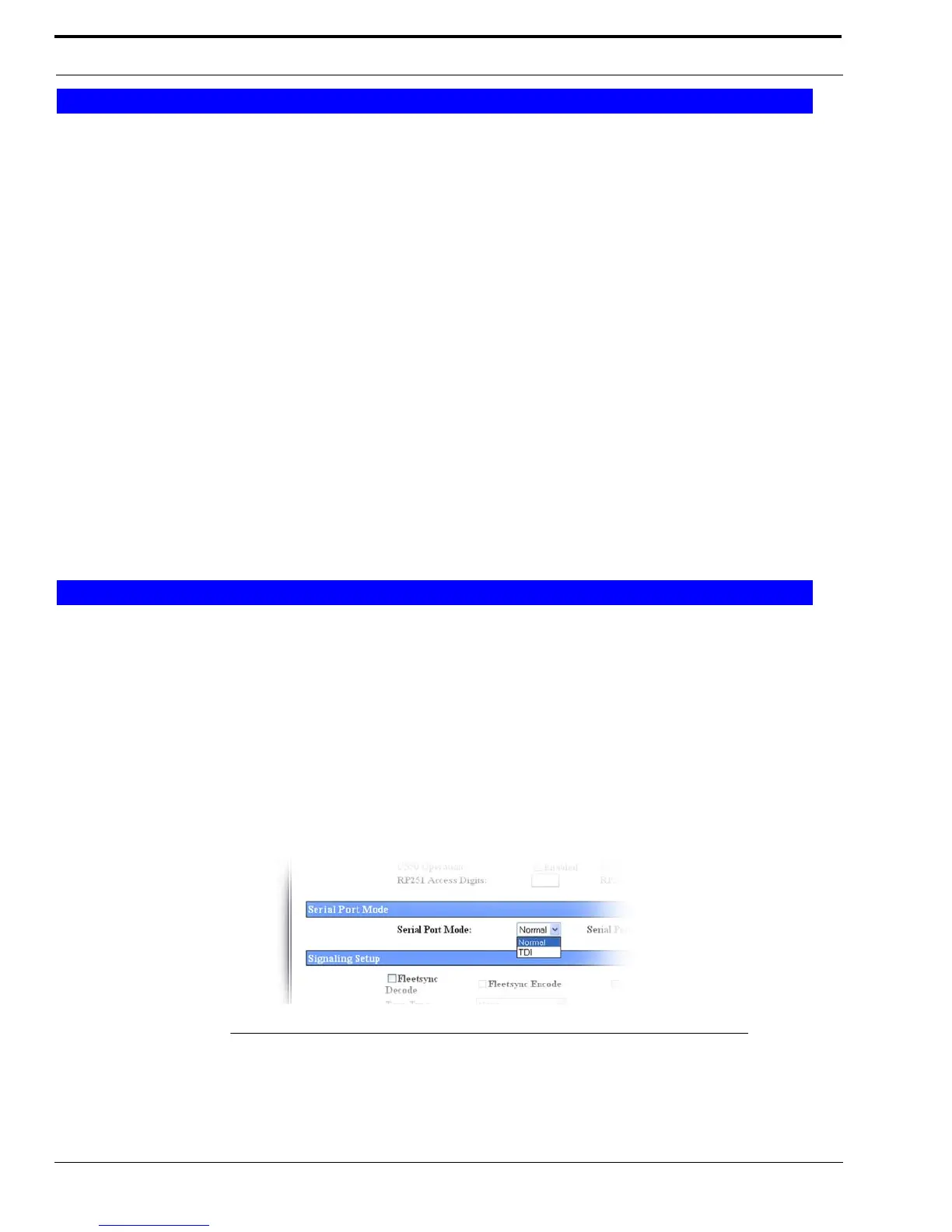
Serial Port Mode Drop Down Menu
The Serial Port Mode drop down menu is used to identify the specific radio interface for the serial port configuration.
Selecting an item with a Scan List suffix enables a frequency scan list update function. The freq scan list function
synchronizes the console scan list with the radio's scan list.
Available selections are Normal and TDI.
Default is Normal.
NOTE: Once this mode is changed and parameters saved, the system automatically resets.
RP251/550 Setup
Serial Port Mode
FIGURE 41. Serial Port Drop Down Menu—Phone Mode



 To Next Page