Setup Information
42
Accessing IP-223 Web Browser Configuration Windows
Before connecting the IP-223 to the web browser, an IP Address compatible with an existing network must be set. Details on
setting the IP Address and Network Mask are described earlier in “Setting the IP Address Information” on page 37.
The configured IP Address is the web browser address (http://[IP Address]) used to access the IP-223 Web Setup windows.
To access the IP-223 web setup windows, do the following:
1. Open a web browser on the PC.
2. In the web address bar, enter the IP Address of the IP-223.
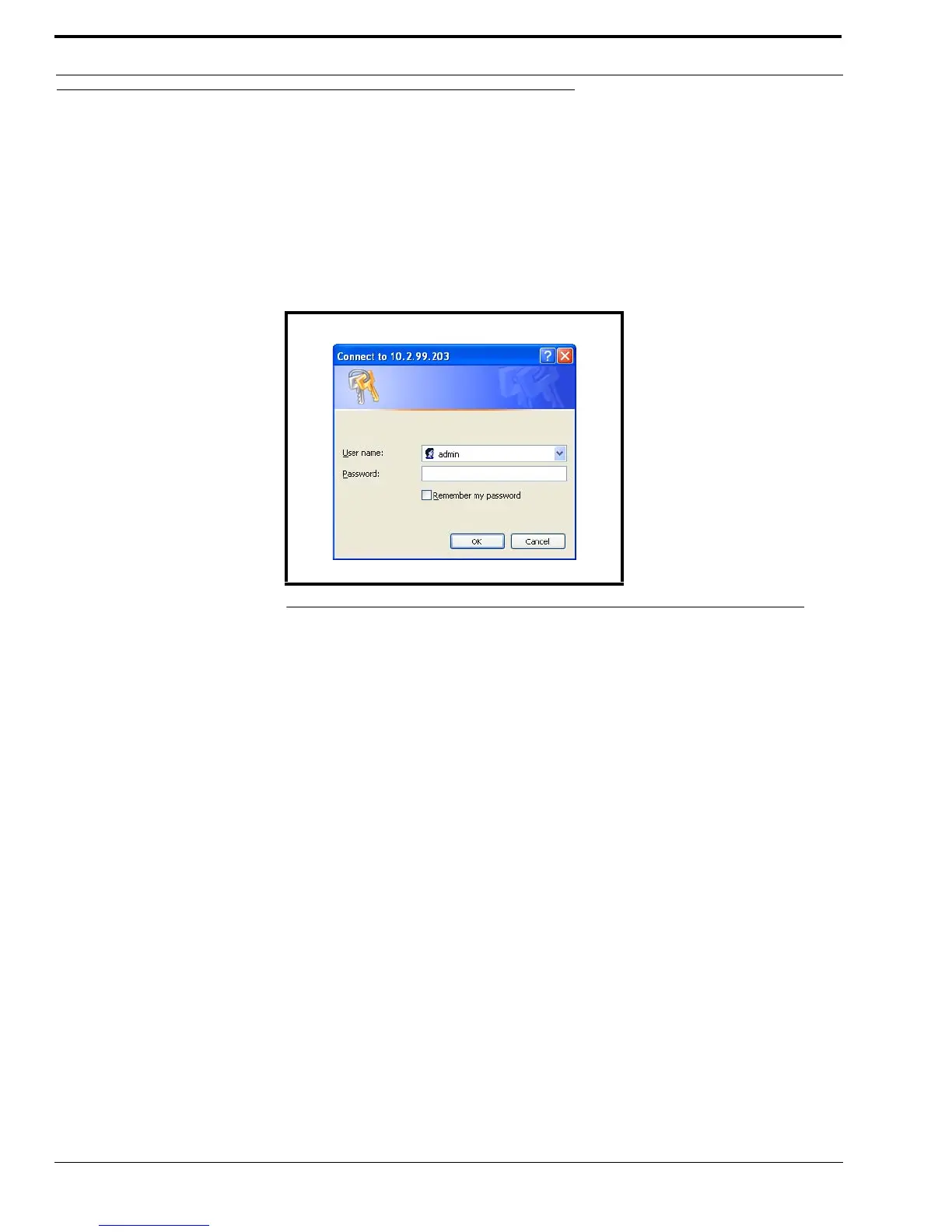
The Connect to [IP Address] window shown in Figure 13 appears.
3. From the User Name drop down menu, type admin or the Username.
4. In the Password field, enter the appropriate Username password.
NOTE: If this is the first time the IP-223 has been started and a password has not been assigned to the unit, no entry
is required.
5. Click OK.
The Welcome window appears.
FIGURE 13. Connect to [IP Address] Window



 To Next Page