137
Pass Change Window
Pass Change Window
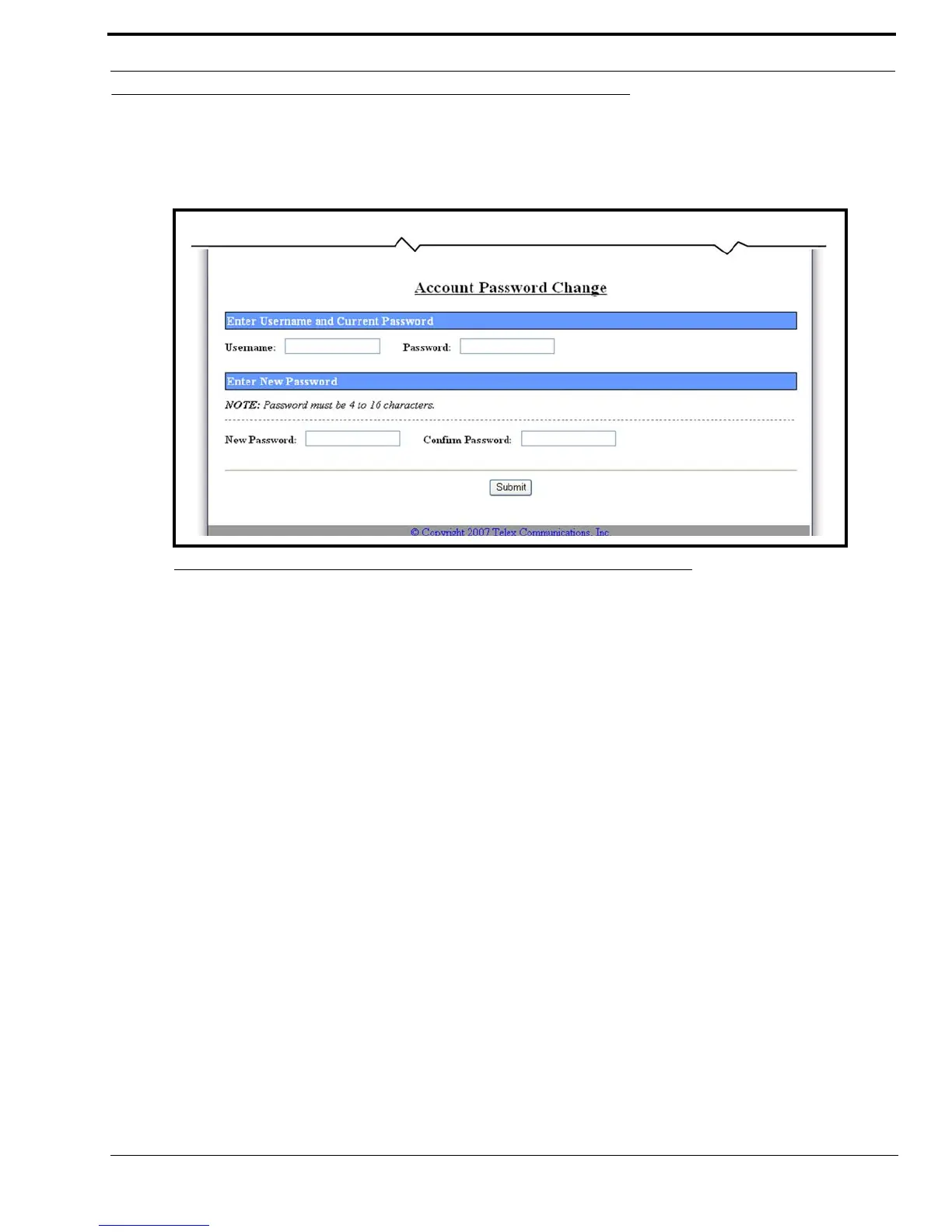
The Account Password Change window, shown in Figure 75, is used to assign a password. If the two (2) passwords entered
are the same, the password number is entered into memory. The password is required to be entered in the Password field on the
Connect to [IP Address] window to access the web setup windows for the IP-223.
NOTE: The password entered does not take effect until the IP-223 has been reset.
To create a password for the administrator’s user name, do the following:
IMPORTANT:Make note of the new password before adding or changing a password number.
1. Click Pass Change.
The administrator’s Account Password Change window appears.
2. In the New Password field, enter a 16-character password.
3. In the Confirm Password field, enter the same 16-character password assigned in the previous step.
4. Click Submit.
The entries currently displayed on the window are sent to the IP-223 for storage.
5. Click Save to EEPROM.
The Save Setup Parameters window appears.
6. Click Save Parameters.
The entries are saved to permanent memory and the IP-223 is reset.
FIGURE 75. Account Password Change



 To Next Page