Setup Information
130
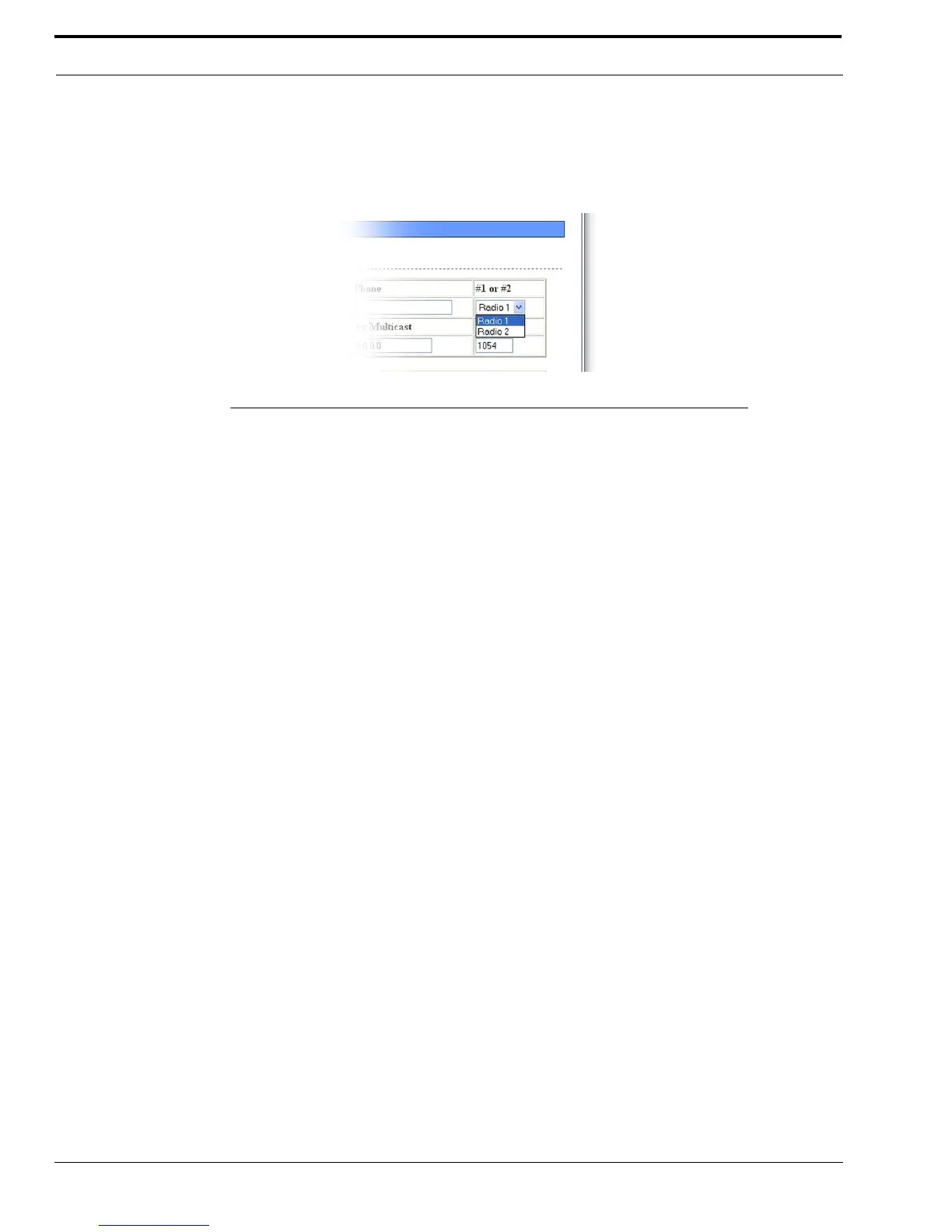
#1 or #2 Drop Down Menu (XPATCH option only)
The #1 or #2 drop down menu identifies which DB25 connector port on the remote IP-223 is used in this crosspatch entry.
Available selections for this field are: Radio1 or Radio 2.
IP Address Field (XPATCH option only)
The IP Address field identifies the IP Address of the remote IP-223 with a radio used in this crosspatch entry.
Rx Multicast Field (DLVOIP option only)
The Rx Multicast field identifies the broadcast address for the RX audio traffic used in this crosspatch entry. To inter-operate,
all consoles must have the same base Multicast Address.
The range for this field is 224.0.0.2 to 239.255.255.255.
Rx Port Field (DLVOIP option only)
The Rx Port field identifies the RX port number for this crosspatch entry.
The RX port number must be unique and must be greater than 1054.
TX Multicast Field (DLVOIP option only)
The TX Multicast field identifies the broadcast address for the TX audio traffic used in this crosspatch entry. To inter-operate,
all consoles must have the same base Multicast Address.
The range for this field is 224.0.0.2 to 239.255.255.255.
TX Port Field (DLVOIP option only)
The TX Port field identifies the TX port number for this crosspatch entry.
The TX port number must be unique and must be greater than 1054.
FIGURE 72. #1 or #2 Drop Down Menu—Crosspatch Setup



 To Next Page