148
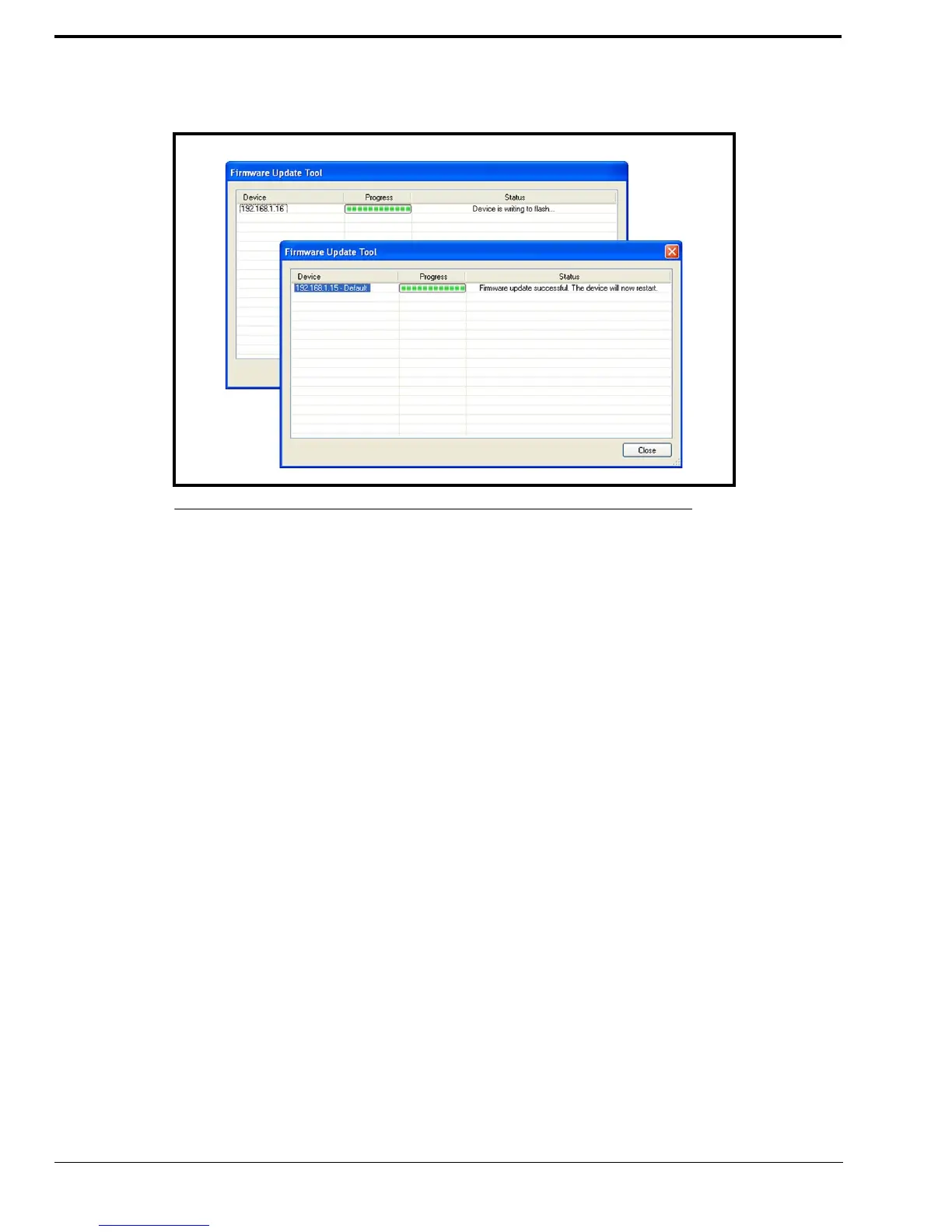
NOTE: If an error occurs, the Progress column is reset and an error message appears in the Status column.
NOTE: Once the firmware is uploaded, the device resets.
8. Click Close.
The dialog window closes.
9. Click Close.
To access the webpage directly from the Firmware Update Tool window, do the following:
1. Right-click the device’s entry.
The Flyout menu appears.
2. From the context menu, click Webpage.
The Connect To window opens.
3. In the User Name field, enter a user name.
4. In the Password field, enter a password.
5. Click OK.
The Web Browser’s Configuration Welcome window opens.
FIGURE 82. Firmware Update Tool— Success Messages



 To Next Page