Installation and Level Settings
28
To adjust the position of a jumper, do the following:
1. Remove power from the IP-223 unit.
CAUTION: Failure to remove power may cause damage to the unit.
2. Remove the six (6) screws from the case top.
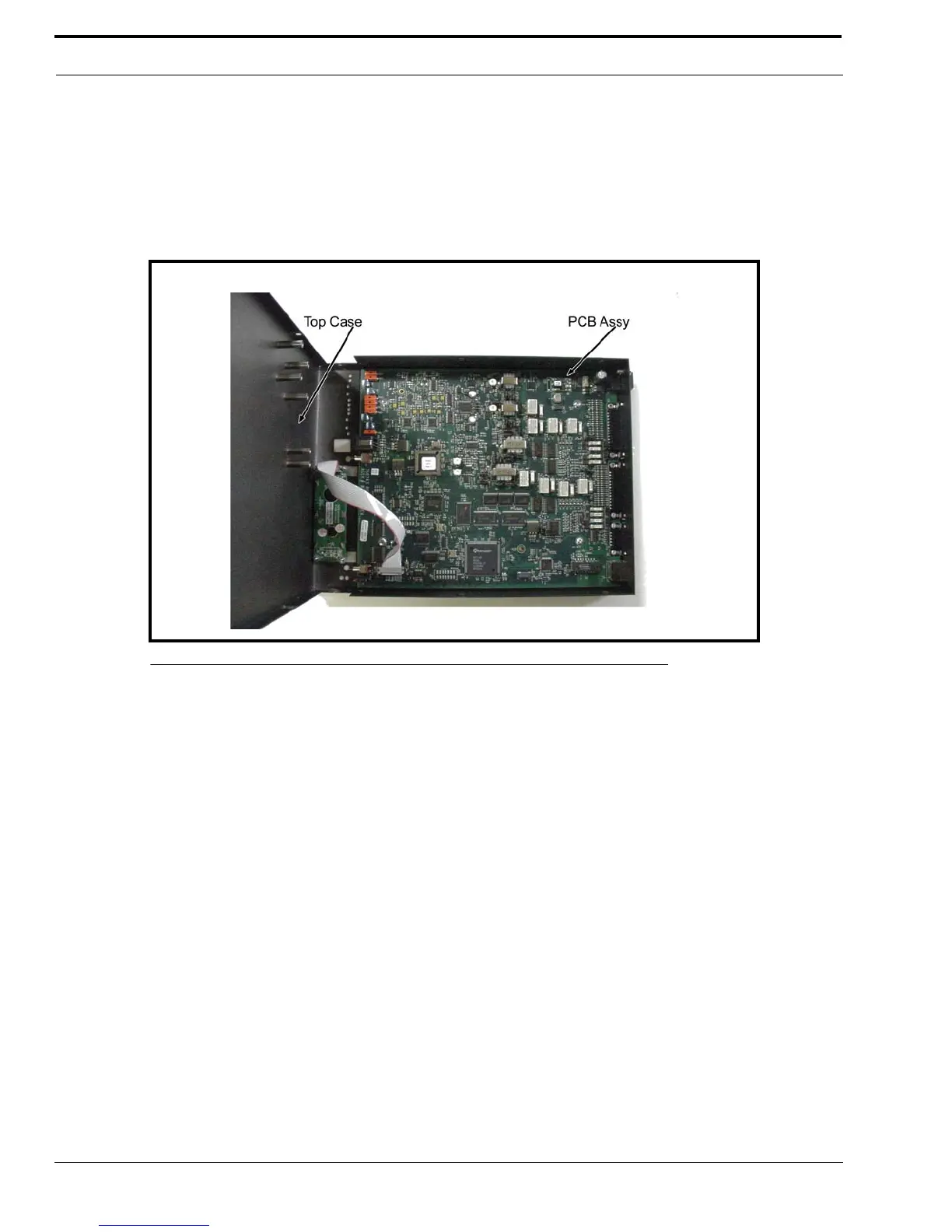
3. Carefully slide the case top forward past the IC and LINE buttons, and then lift up to gain access to the PCB (Printed
Circuit Board), as shown in Figure 8.
4. Locate the desired jumper on the PCB assembly.
5. Using needle nose pliers, adjust the jumper, if necessary.
6. Carefully lift up the case top and place it into position on the chassis bottom.
7. Secure the case top into position using the six (6) screws.
8. Connect power to the IP-223 unit.
The IP-223 is ready to configure for Local mode.
FIGURE 8. IP-223 PCB Assembly



 To Next Page