1.3 Safety Symbols and Terms
14
In order to power off safely, press Menu select “Quit” press “Yes” and then
do power switch off.
1.3 Safety Symbols and Terms
These terms may appear in this manual.
WARNING: Warning statements describe the conditions or practices that could result in
injury or loss of life.
CAUTION: Caution statements describe the conditions or practices that could result in
damage to this product or other property.
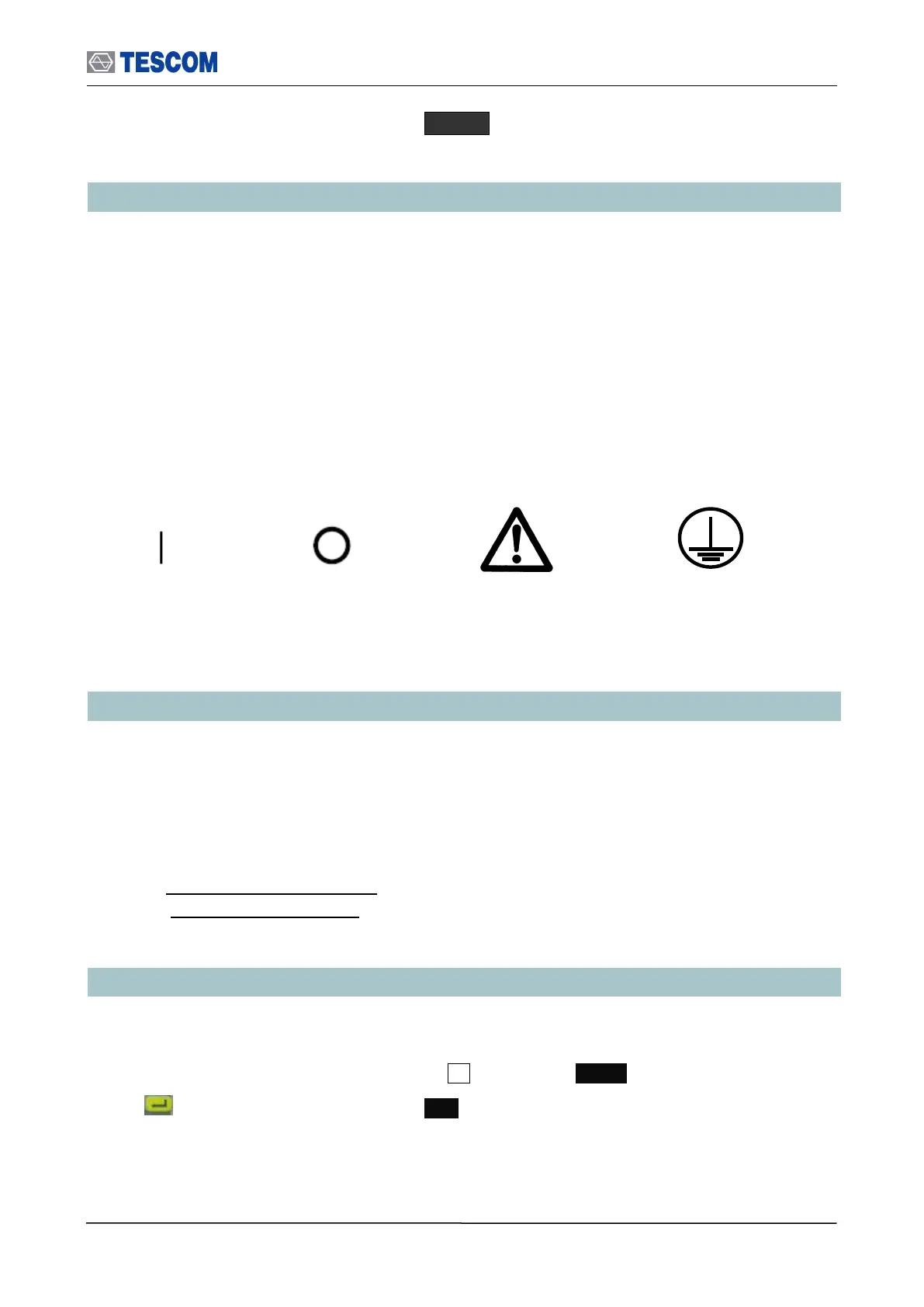
Symbols on the Product: The following symbols may appear on the product:
1.4 TESCOM Sales and Service Office
If you have difficulty with the product, call or write to our Technical Support specialists at:
TESCOM Company Limited
# 927 Unitechvil., 142, Ilsan-ro, Ilsandong-gu, Goyang-si, Gyunggi-do, Korea [ZIP 410-722]
TEL.: 82-31-920-6601 FAX: 82-31-920-6607
Email: tescom-sales@tescom.org
http://www.tescom.co.kr
1.5 Manual Convention
[ ] This indicates menus following notational conventions.
Keypad buttons are indicated with the symbol. ex) FCN
key on the front is indicated as ENT.
Indicates earth
(ground) terminal



 To Next Page