5.1 Introduction
97
5.1 Introduction
The purpose of this chapter is to help you develop test applications of your Bluetooth product
in the test executive you intend to use. TC-3000C supports Ethernet(Host) / USB(Host
Controller) / RS-232C(Host, Host Controller) port located at the rear panel for remote
operation under PC control.
System Requirements: To develop test applications, your development platform should
meet the following requirement.
Operating System: Microsoft Windows 98, ME, 2000, XP.
Development Tool: Microsoft Visual C++.NET, Visual C++, Visual Basic, Boland C++
Bulider, National Instrument LabWindows/CVI, LabView, etc
Support scope: You can control following functions of TC-3000C.
Test Configuration
RF Test Case
Measurement(DLL only)
Audio Test
5.2 Getting Started
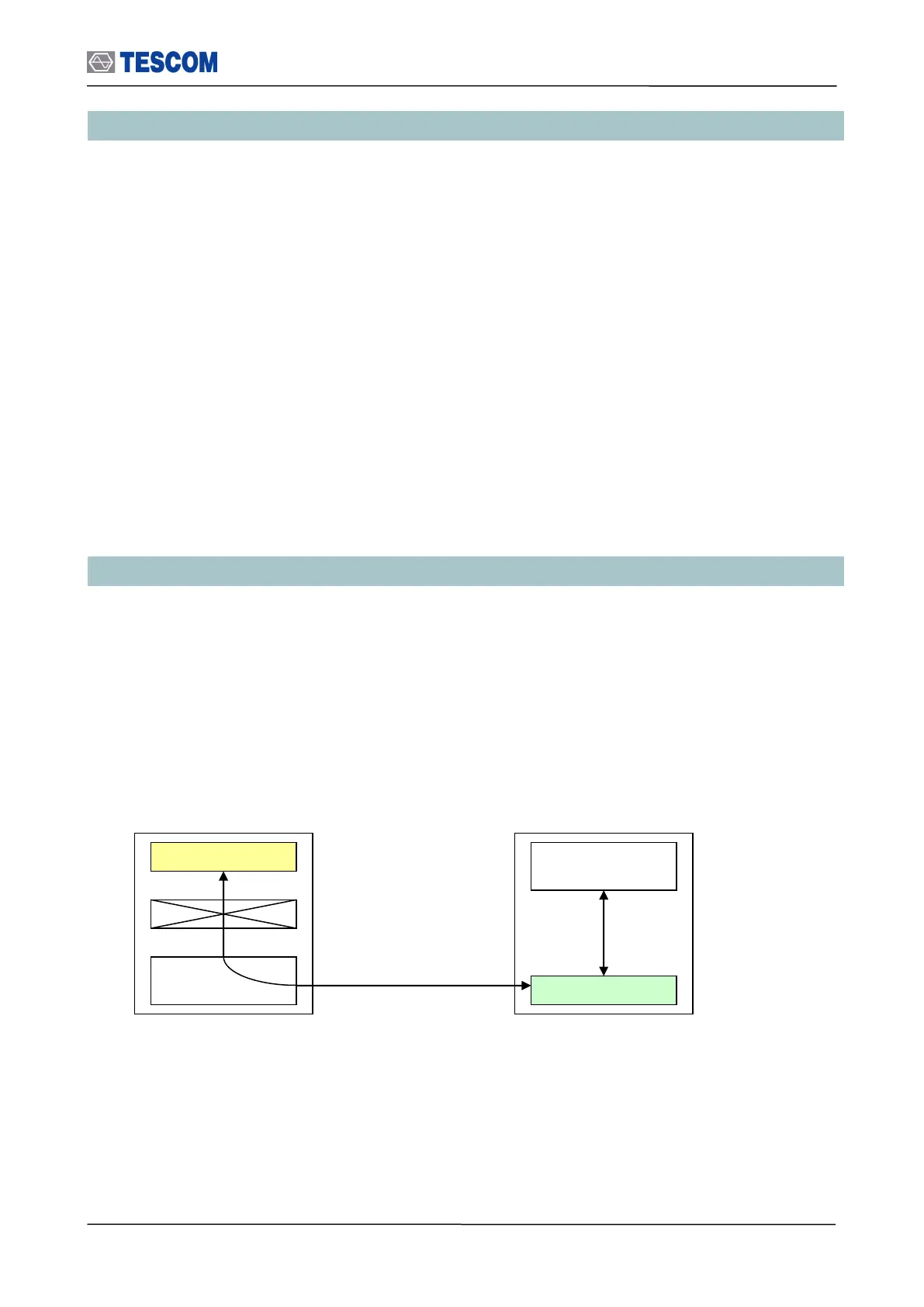
Take a closer look at two kinds of TC-3000C remote control method. One is to use Dynamic
Link Library (DLL). According to your need you can choose and use Ethernet(Host), USB(Host
Controller) or RS-232C(Host Controller) port. And you are able to call some functions of
DLL(“tc3k.dll”) for your testing goal. By the way, you have a trouble controlling two or more TC-
3000Cs in this case. That is why DLL containing Host program occupies most of CPU
resources of your PC like the following figures.
Remote control diagram using Ethernet (Host)



 To Next Page