3.11 General Purpose Communication Analyzer
82
3.11.2 Signal Analyzer
TC-3000C provides general purpose RF signal analyzer for ISM band transmitter test. In this
mode you can use Spectrum, FM Modulation and Power-Time screen in Measurement
function.
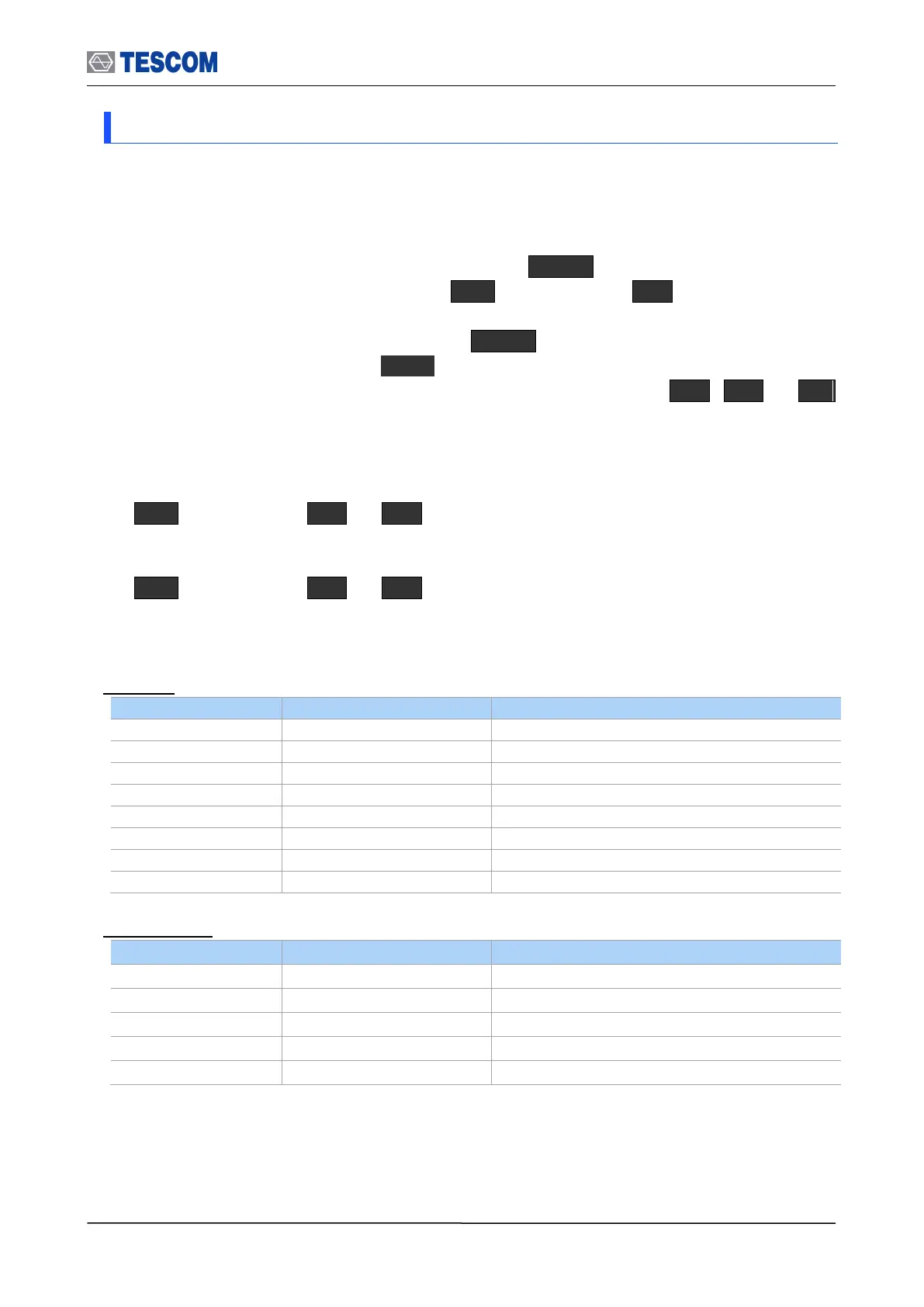
1) To set the TC-3000C to general test mode, press Menu Select “Configuration”
from the pop-up menu on the screen M2 (DUT) press F1 (DUT Type) and
select “General” from the drop down lists.
2) To access “Measurement’’ function, press Menu Select “Measurement” from the
pop-up menu on the screen ENT
3) To access Spectrum, FM Modulation, or Power-Time screen, press M1 , M2 , or M3
key.
Operations are the same as the test screens in Bluetooth test mode except parameters
below.
M1 (Spectrum) F8 F2 (Detector): Allows you to select detector modes,
which include Peak or Average. Peak mode is good for seeing signals that are very
close to the noise floor. Average mode is the default mode.
M1 (Spectrum) F8 F3 (Sweep time (ms)): Specifies the 0.1 to 3.2 ms
Sweep time.
Frequency: Specifies the 2.4 to 2.5 GHz frequency.
Spectrum
-80 + Path Loss ~ 40 + Path Loss
FM Modulation



 To Next Page