2.5 Firmware Upgrade
20
2.5 Firmware Upgrade
TC-3000C Firmware can be upgraded easily using USB memory. You can download the
upgrade data file from Tescom website.
Upgrade from the USB Memory
1. Download Firmware files from Tescom website.
2. Unzip the firmware files.
3. When you unzip file is created.
4. Save the “upgrade3000c.tgz” files to the USB Memory
5. Plug in the USB Memory at front panel USB port.
6. Press Menu select “Configuration” from the pop-up menu on the screen
M5 (Network” )
7. Move “more 3/3” using the F8 key and press F3 ( “Upgrade S/W” )
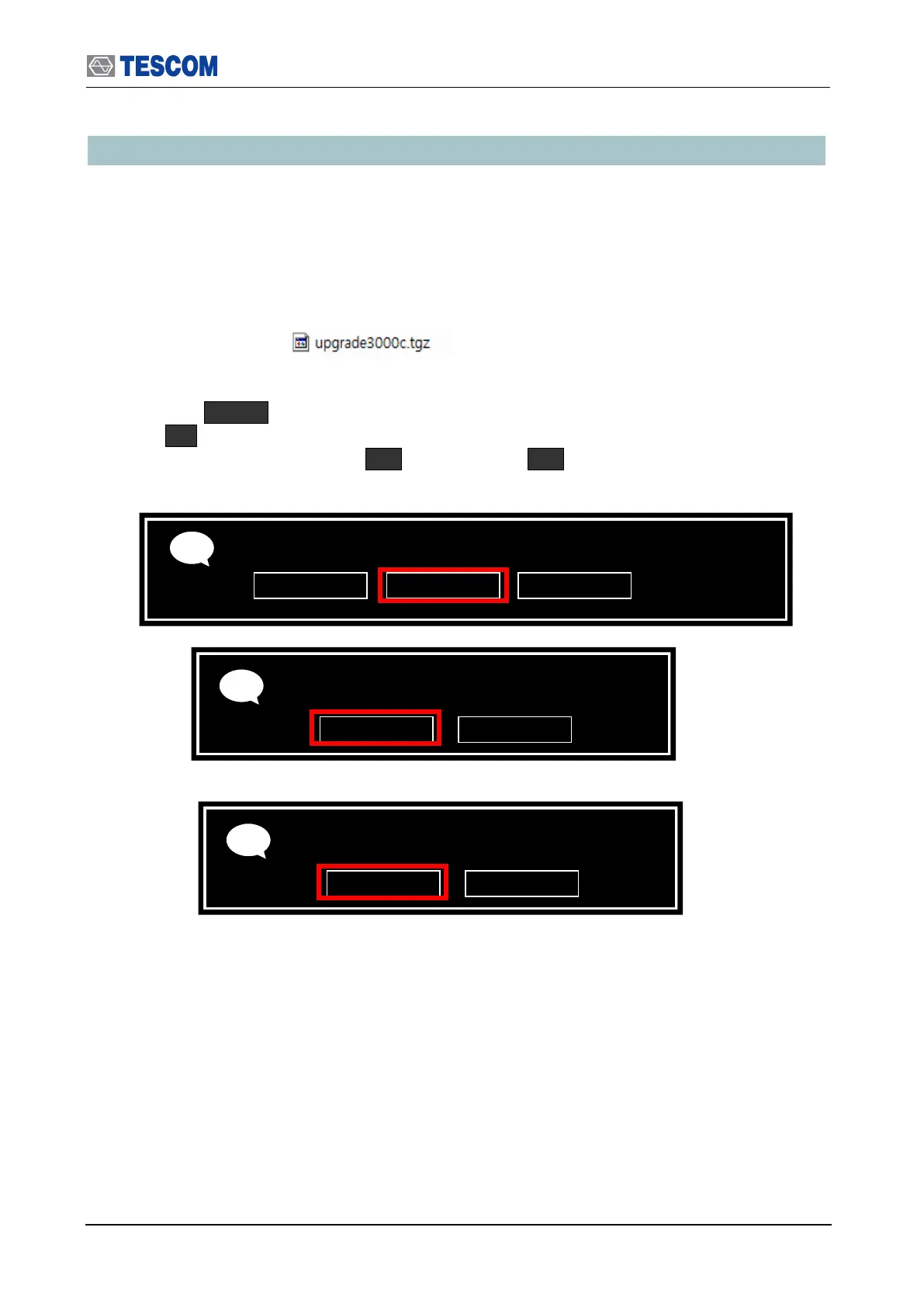
8. Select “USB Memory” from the pop-up menu and select “ok” button.
9. When Upgrade is completed successfully, select “ok” button
10. When the TC TC-3000C is turned off, turn off and on the rear panel power switch.
11. Turn on the front panel SW switch.
Get SBC s/w from:
Please never downgrade to v2.30 or earlier unless you have BT option
Connect an USB Memory to USB Port;
And Please wait 5 seconds before pressing OK
Upgrading DONE. Reboot to activate



 To Next Page