2.6 Cleaning, Storage and Shipment
89
4.2.3 PLL phase noise
Equipment: Spectrum Analyzer, HP8561E
Specification: M1=0 dBm, M2 <= -60 dBm
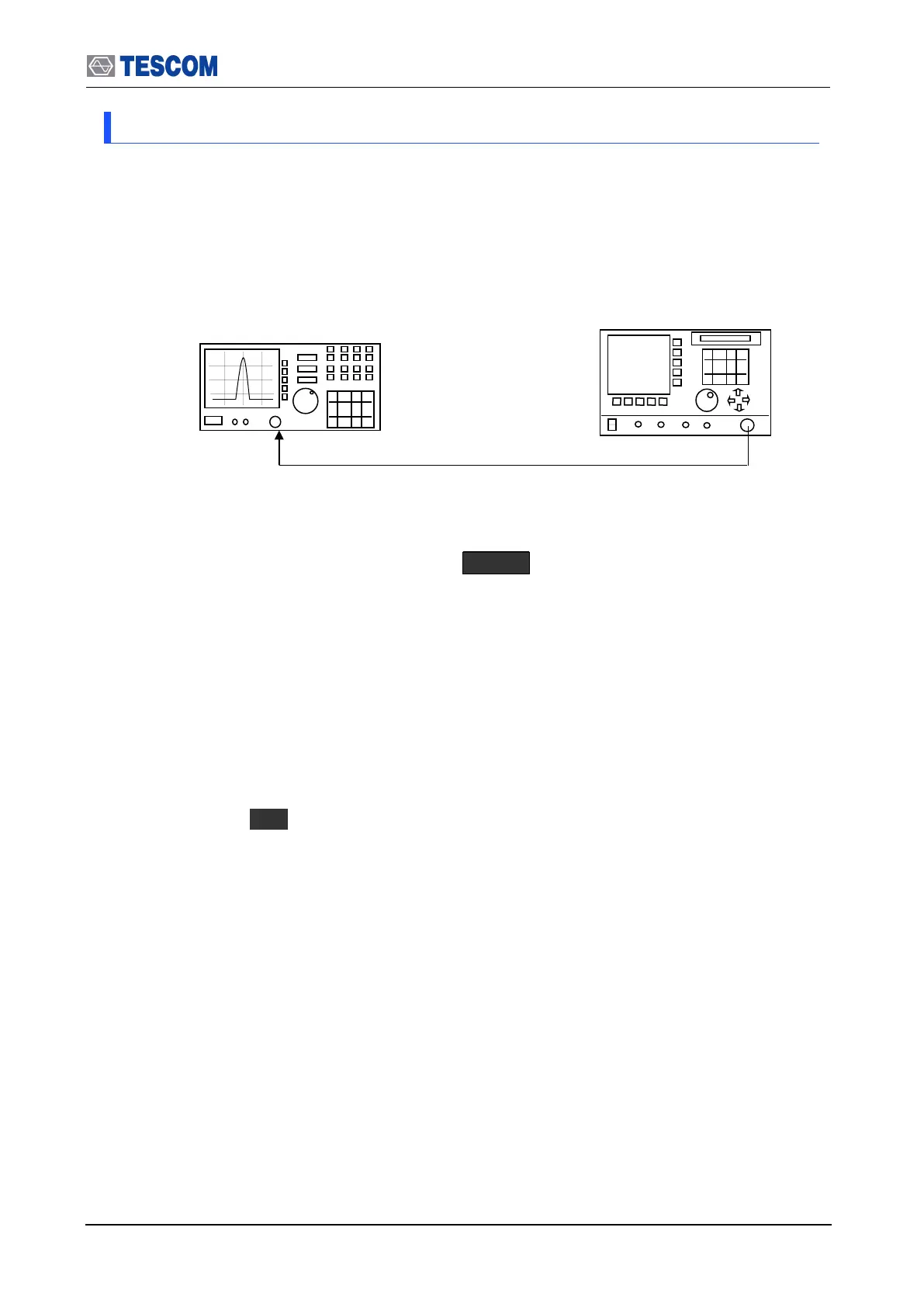
1. Test Setup: Connect equipment as shown in the figure below
[Figure 7] PLL phase noise test
2. Set controls of TC-3000C as follows:
Set TC-3000C to “Signal Generator” mode. ( MENU Select “SigGen”)
- Frequency: 2450 MHz
- Power: 0dBm
- Bit Patten: 0
- FM Deviation: 0
3. Set controls of Spectrum Analyzer as follows:
Center Frequency: 2450 MHz
RBW: 30 kHz
VBW 3 kHz
4. Press “Start” ( F1 ) to begin the test.
5. Record the center frequency level (M1) on the spectrum analyzer.
6. Record the center frequency + 500KHz level (M2) on the spectrum analyzer.



 To Next Page