3.12 Store/Recall/Preset Instrument Settings
83
Power vs. Time
-80 + Path Loss ~ 40 + Path Loss
3.12 Store/Recall/Preset Instrument Settings
The SAVE and Recall functions allow you to store different instrument setups and retrieve
them later. By saving test setups, you can save time by eliminating the task of re-configuring
the TC-3000C and DUT.
The Preset function restores the default settings (register number 8).
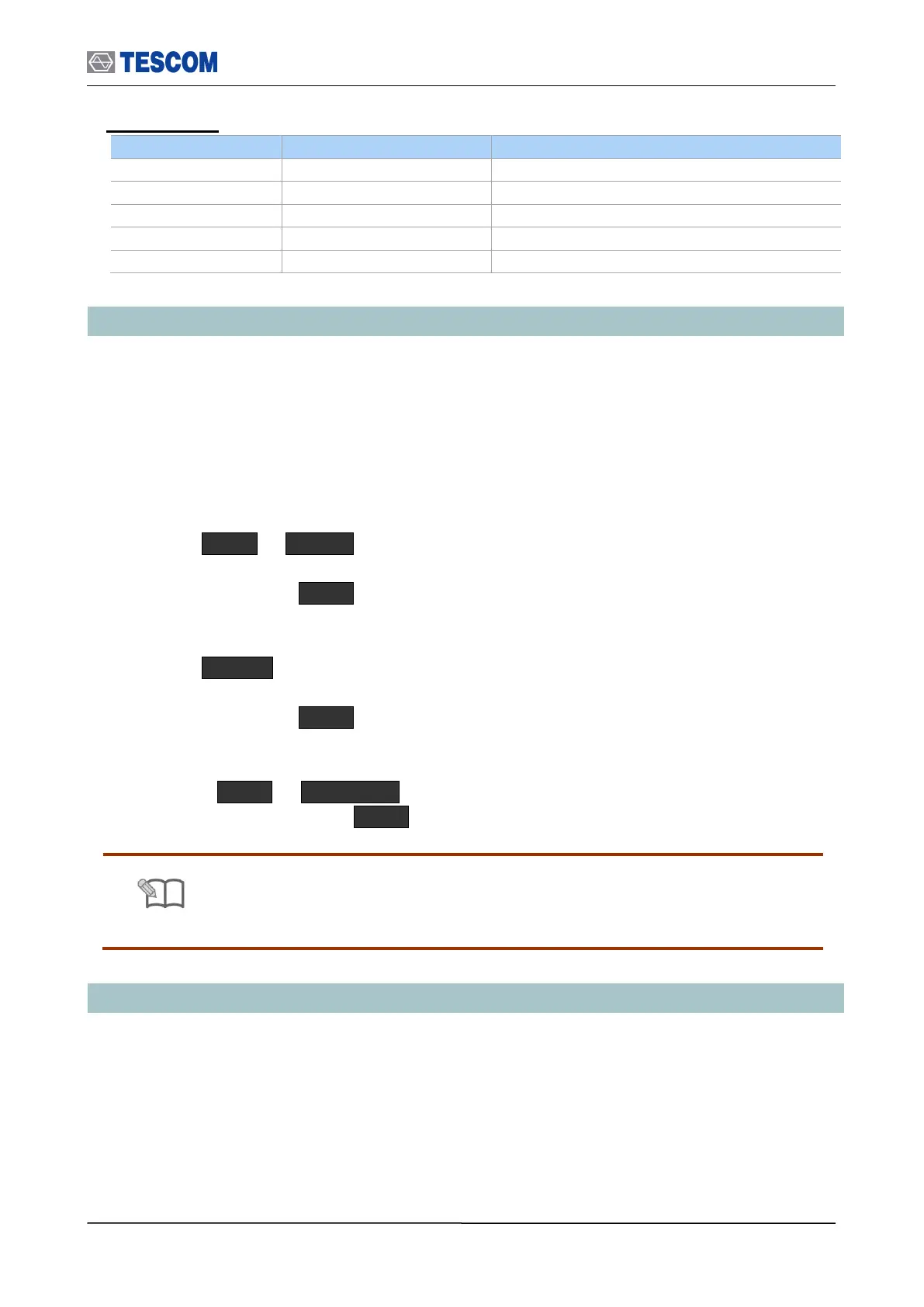
SAVE
1) Make any changes to the instrument that you want to SAVE in a register.
2) Press FCN + Recall .
3) Push Rotary Knob and select a register number (0 through 7).
4) Press the Knob or ENT key.
Recall
1) Press Recall key.
2) Push Rotary Knob and select a desired register number.
3) Press the Knob or ENT key.
Preset
1) Press FCN + INCR SET .
2) Select “Yes” and Press ENT key.
Refer to Appendix C “The list of Save/Recall parameters” for details
3.13 Checking List for Common Problems
This section provides a brief check lists of common failures. Before troubleshooting or repairing the
TC-3000C, make sure the failure is in the instrument rather than any external connections. Also
make sure that the instrument is accurately calibrated.



 To Next Page