3.9 Setting up for Bluetooth LE(Low Energy) Testing
73
Copy the test report to diskette:
1) Insert an USB Memory into USB port on the front panel.
2) Press F7 soft key ( “Copy Report” ).
3) Follow the instruction of the pop-up message.
3.9 Setting up for Bluetooth LE(Low Energy) Testing
This chapter describes how to set up TC-3000C for Bluetooth LE (Low Energy) Testing. The
3000-50 option should be purchased for BT LE Testing. 3000-20 option should be ordered
together if RF measurement is necessary
You can start BT LE testing by setting the DUT type as “BT LE” in the DUT configuration. All
Overwrite the existing report
Append a new report to the end of existing one. The
buffer size is 10M bytes. Some warning messages are
appeared continuously after the report size is over 1M
bytes. In this case, you should define whether save it to
a diskette or not.
Refer to Appendix 2, “RF Test Cases” for details.
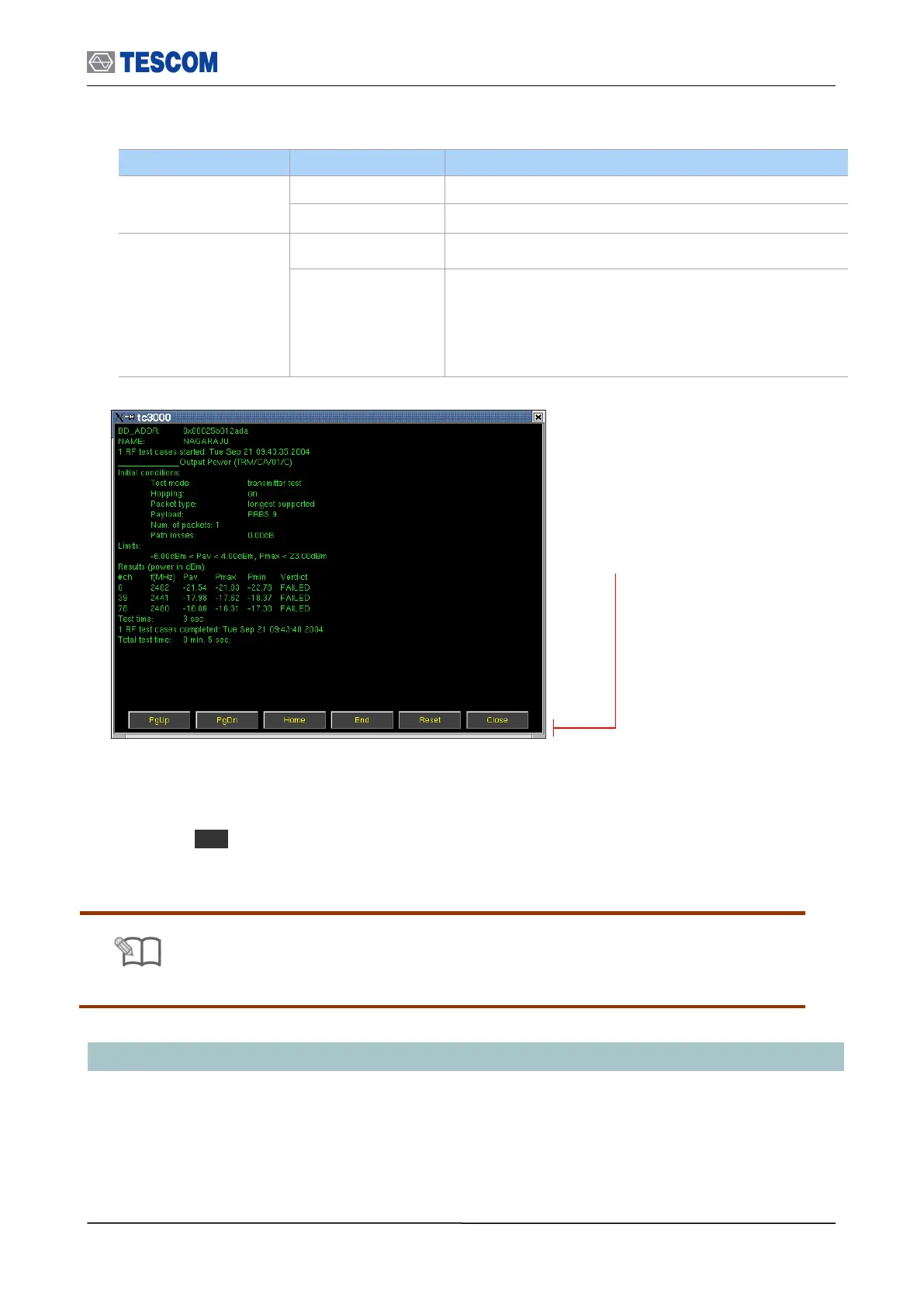
PgUp (M1): Page UP
PgDn (M2): Page Down
Home (M3): Go to the home of report
End (M4): Go to the end of report
Reset (M5): Clears the screen
Close (MENU): Closes the screen



 To Next Page