3.1 Overview
26
3.1.2 Start-up Screen
When power on, the start-up screen will be displayed after booting process and will change
to initial screen 10 seconds later. Pressing any key will change the display immediately.
When TC-3000C is turned on, the instrument does not return to the power-off
condition –except for the Test Cases parameters which were saved - but
recalls the settings from the most recently saved memory location (STORE
Number).
3.1.3 Shutdown Screen
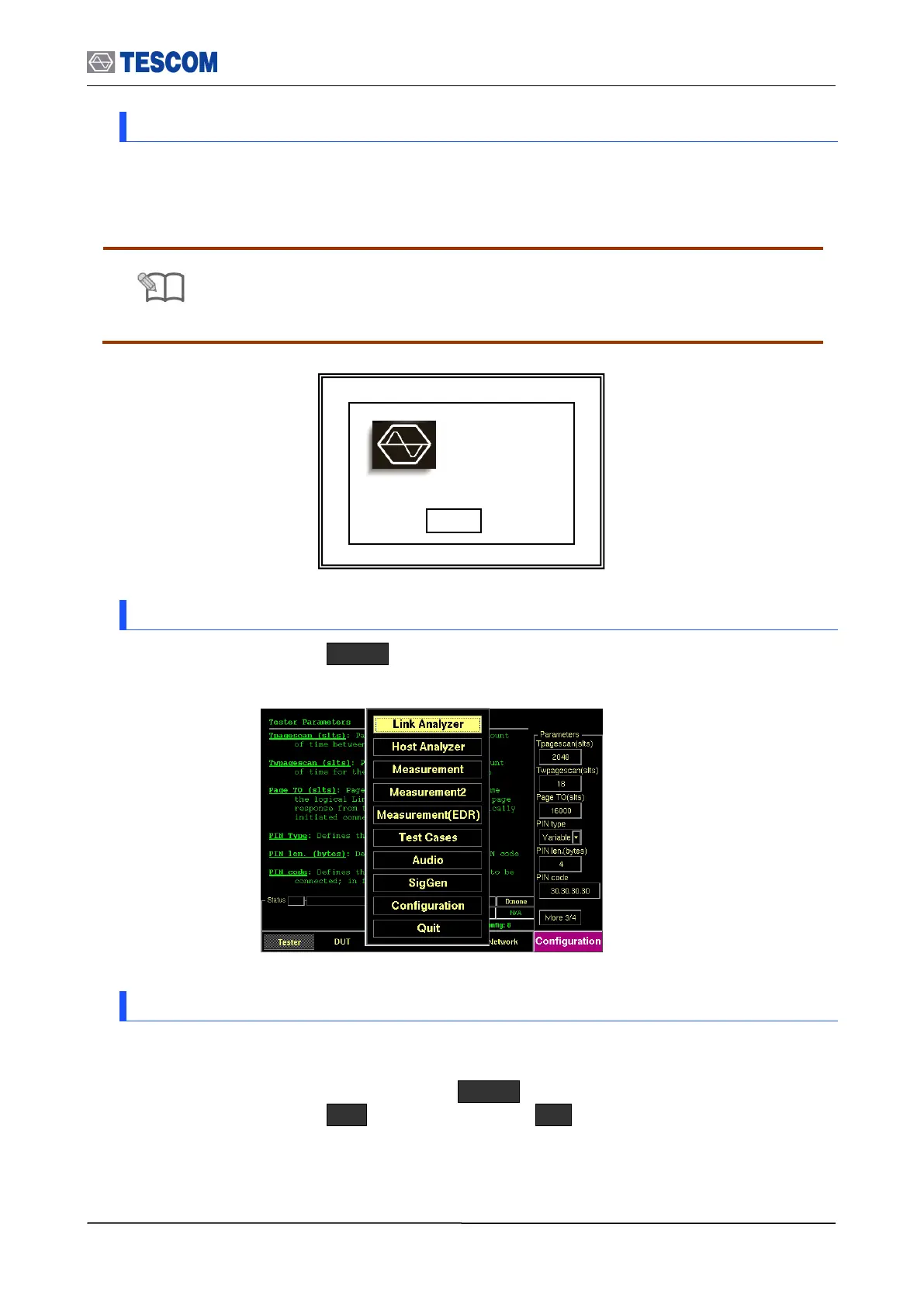
In order to power off, press Menu select “Quit” from the pop-up menu on the screen
press “Yes” . Or you can turn off the TC-3000C using the front panel soft switch
3.1.4 Display Color Scheme
The display color option allows you to change the display color scheme for the front panel
display. To change the color scheme, press Menu select “Configuration” from the pop-
up menu on the screen M4 ( “Peripherals” ) F5 ( “color scheme” ) select the
color scheme which you want to use.
TC-3000C
Bluetooth Tester
S/N:
S/W Options:



 To Next Page