3.10 Configuration of the TC-3000C
80
Defines the signal going out through the
BASEBAND OUT port 2 on the front panel
Defines the signal coming in through the
BASEBAND IN ports 1 and 2 on the front panel. By
default, it must be “1:Off 2:Off” if you will connect
through RF.
If you want to make a connection through
Baseband, not RF, select what you want.
Defines the color scheme to be used for Tester’s
screen
Defines whether to use the mouse or not
Sets the date and time of the system
See the system information; Serial Number, Version,
Software Options.
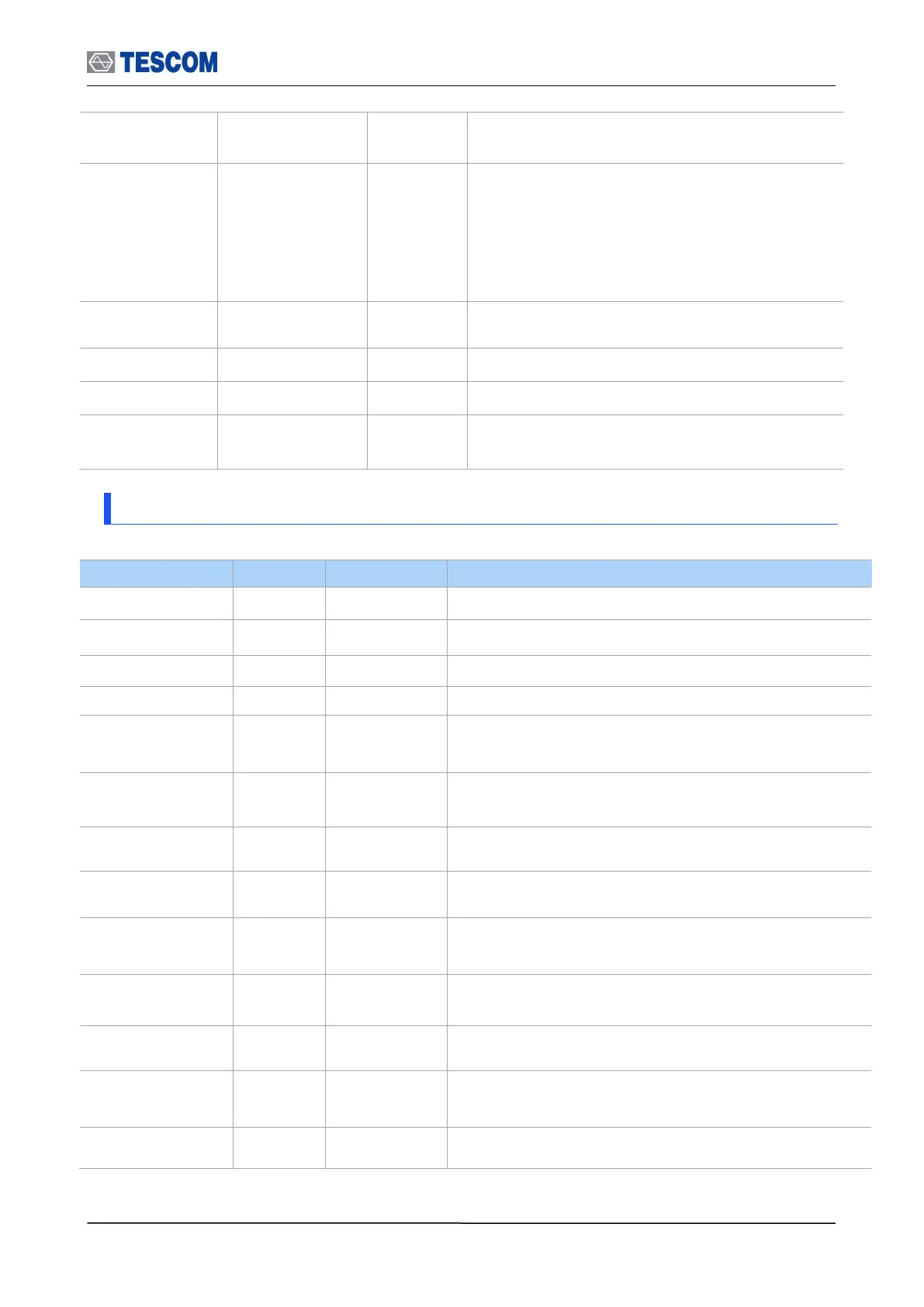
3.10.5 Network
IP address of a remote PC
To enable the control from a remote PC, check this box and
reboot Tester.
TC-3000C is equipped with two serial RS-232C interfaces.
The settings None, RS1, or RS2 are allowed.
TC-3000C allows baud rates between 2400 and 115200
baud to be set.
Data transmission is in the 5, 6, 7, or 8 bit ASCII code,
starting with the least significant bit (LSB).
A parity bit can be transmitted for error protection. The
settings No parity, even or odd parity are allowed.
Transmission of a data byte is terminated by one or two
stop bits.
Define Flow Control. The settings None or RTSCTS
(Request To Send, Clear To Send) are allowed.
IP address of FTP server for upgrading software.
Upgrades the software from USB Memory



 To Next Page