2.6 Cleaning, Storage and Shipment
93
2. Set controls of TC-3000C as follows:
Make sure “RX Attenuator” is 0 dB. ( MENU Select “Configuration” M3
F3 )
Set TC-3000C to ”Pow-Time” screen mode. ( MENU Select “Measurement”
M3 )
- Ref. Level: 0dBm
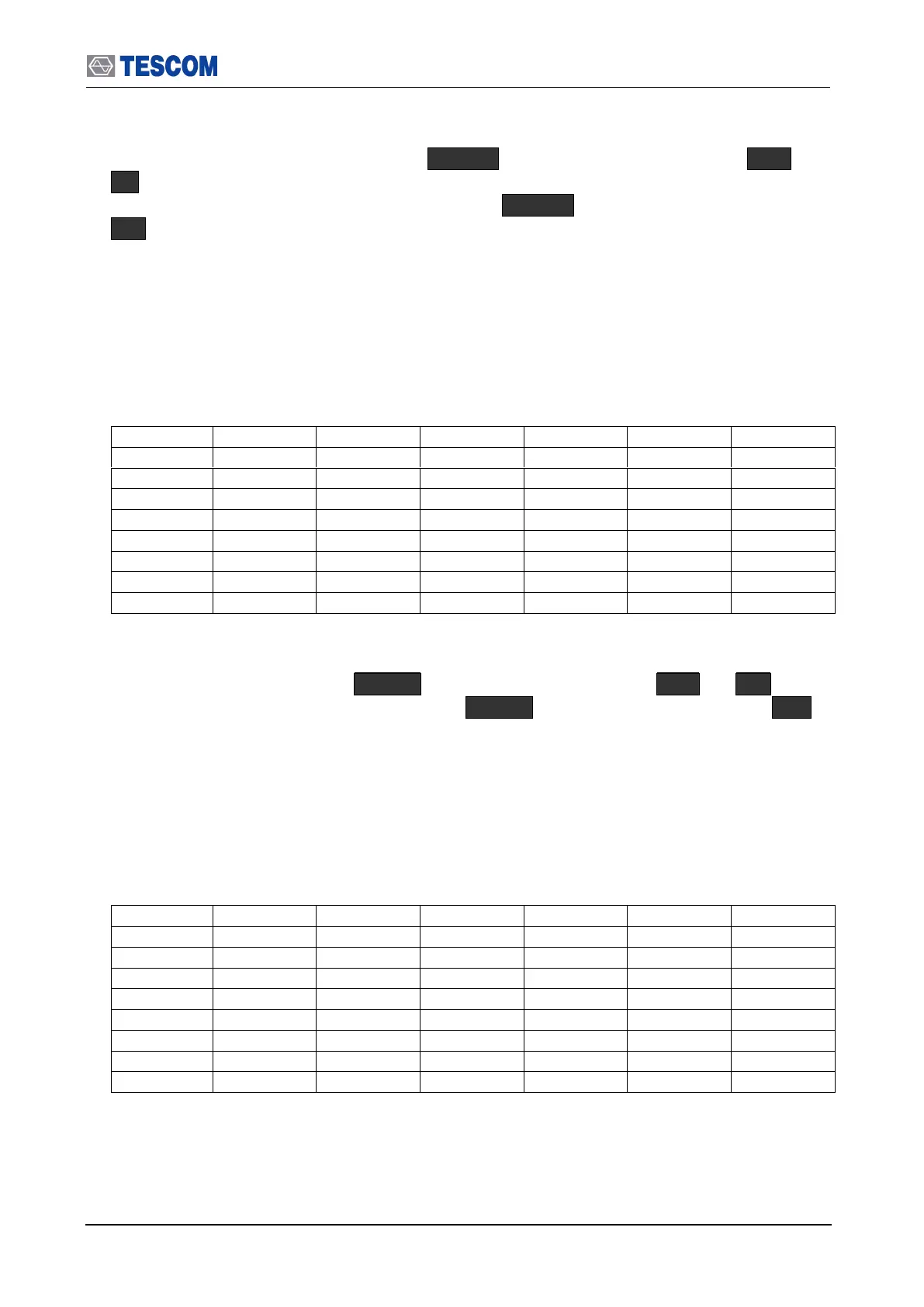
3. Set Signal Generator output frequency and level according to the table below. At
each setting, set TC-3000C input frequency according to the signal generator output
frequency.
4. Record Pav (average power) in the table for each setting.
5. Change controls of TC-3000C as follows:
Set “RX Attenuator” to 30 dB. ( MENU Select “Configuration” M3 F3 )
Set TC-3000C to ”Pow-Time” screen mode. ( MENU Select “Measurement” M3 )
- Ref. Level: 20 dBm
6. Set Signal Generator output frequency and level according to the table below. At
each setting, set TC-3000C input frequency according to the signal generator output
frequency.
7. Record Pav (average power) in the table for each setting.



 To Next Page