Chapter 2 ’Installation and Startup’ — Configuring Amethyst III
50 Amethyst III DTV Smart Switch
User Manual
Configure the relays
management
yes yes no
Reboot the equipment yes yes no
Delete equipment data yes yes no
Delete the closed alarms no yes no
Set maintenance mode no yes no
FEC activation no yes no
Change the current
configuration
no yes no
Change the interface type
(ASI/SMPTE
310M)
c
yes yes no
Get product information
d
yes yes no
Configure the backlight no yes n.a.
Configure the contrast no yes n.a.
Lock/unlock the keyboard no yes n.a.
Discover the pieces of
equipment on the local
network
yes no no
Launch the Java applet (for
complete configuration and
supervision)
yes no no
a
To know how the switches status are computed, refer to the page 162.
b
There are several ways of setting the time:
- manually,
- using a NTP or SNTP server,
- using the incoming TDT or TOT in DVB mode, or the incoming STT in ATSC mode.
c
Available only on a single switch platform in ATSC mode. Modifying the interface type
implies a reboot of the equipment. Configurations are valid for both types of interfaces.
d
Firmware version, product commercial reference, serial number and part number.
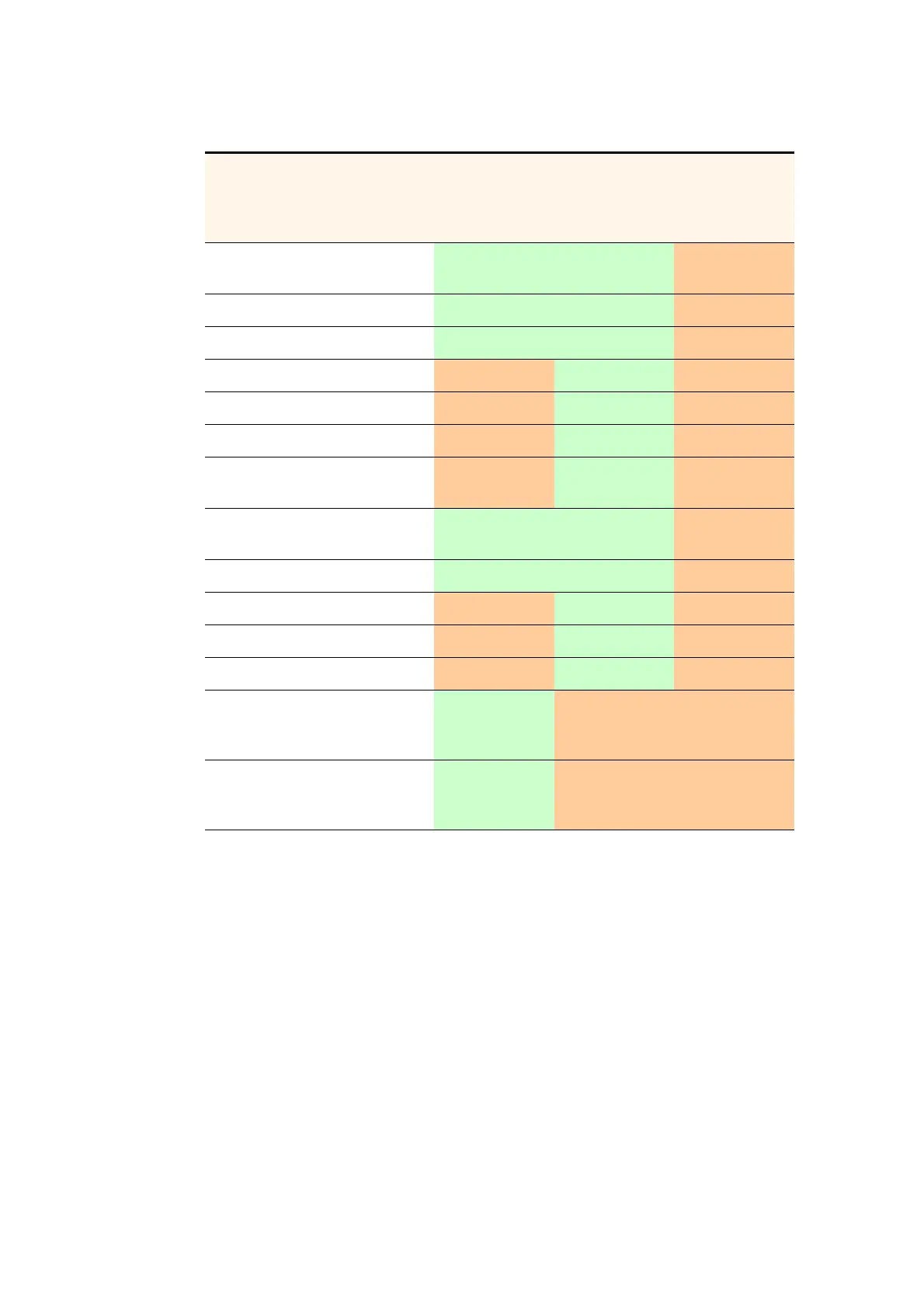
Table 2-3. Equipment setup and front panel capabilities
Functions
Equipment
setup
Full front
panel
(
AMETH3-1U-
2AC-FULL)
Light front
panel
(
AMETH3-1U-
2AC-LITE)



 To Next Page