Chapter 3 ’Web Browser Interface’ — Basic Settings
Amethyst III DTV Smart Switch 81
User Manual
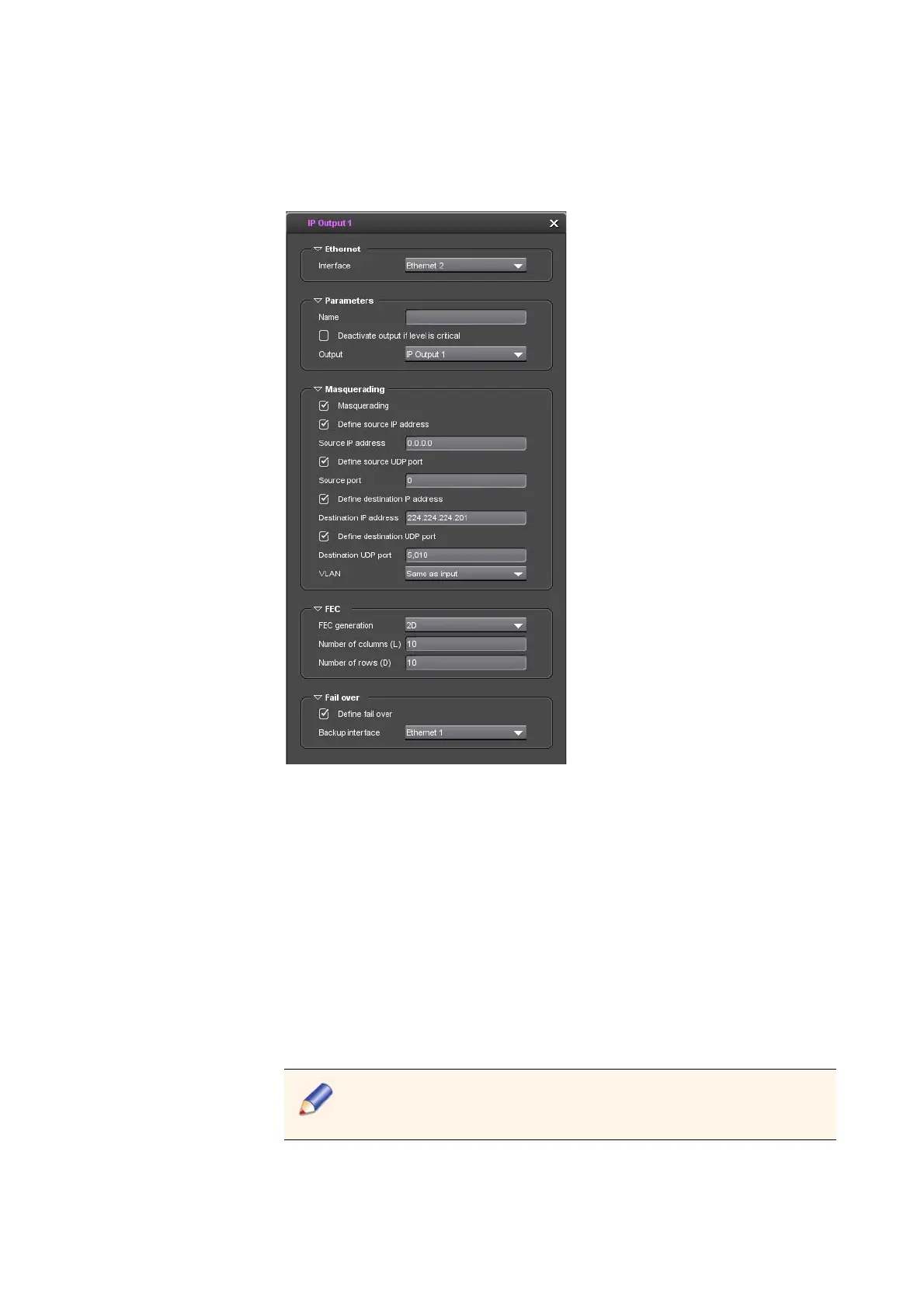
TS over IP outputs
Figure 3-19. Editing the IP output parameters
Common parameters
1.
Enter a proper name in the Name field. For example, you can name
the outputs after the pieces of equipment they send their content to.
2.
Check the Deactivate output if level is critical box if required.
Parameters specific to TS over ASI outputs
3.
Define the Smart capabilities (applicable to ASI outputs 1/3/5/7):
Select the mode: Active (recommended), Passive or
ActiveDefault.
Select the bypass source: ASI switch, ASI primary Input, ASI
secondary input.
When the bypass is activated, there will be a temporary link down.
The link down duration depends on upstream and downstream
devices. So it is unpredictable.



 To Next Page