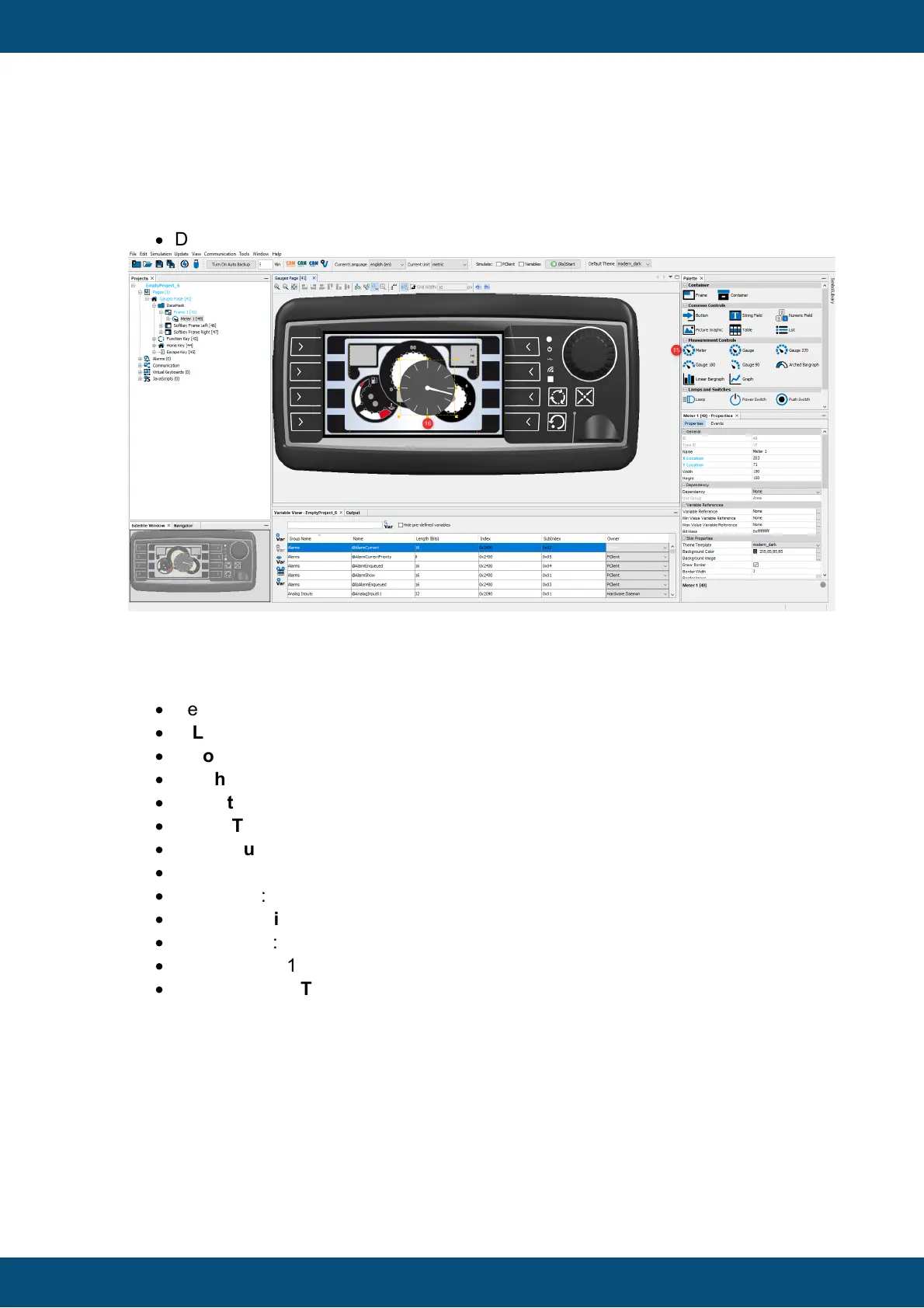
Now you're ready to add the Meter object.
·
Drag the Meter object from the Palette (15) and drop it in the editor (16).
Now change the following properties of the Meter in the Properties window (for the
min/max values use the exact order as listed here):
Make sure that the Meter object is selected in the scene!
·
Select the Theme Template "modern_bright"
·
X Location: 181
·
Y Location: 51
·
Width: 118
·
Height: 118 (will be set automatically when you set the width)
·
Check Transparent
·
Max Value: 100
·
Absolute Max Value: 100
·
Min Value: 0
·
Absolute Min Value: 0
·
Start Angle: 325
·
End Angle: 215
·
Uncheck Draw Ticks
Here is what the result looks like:



 To Next Page