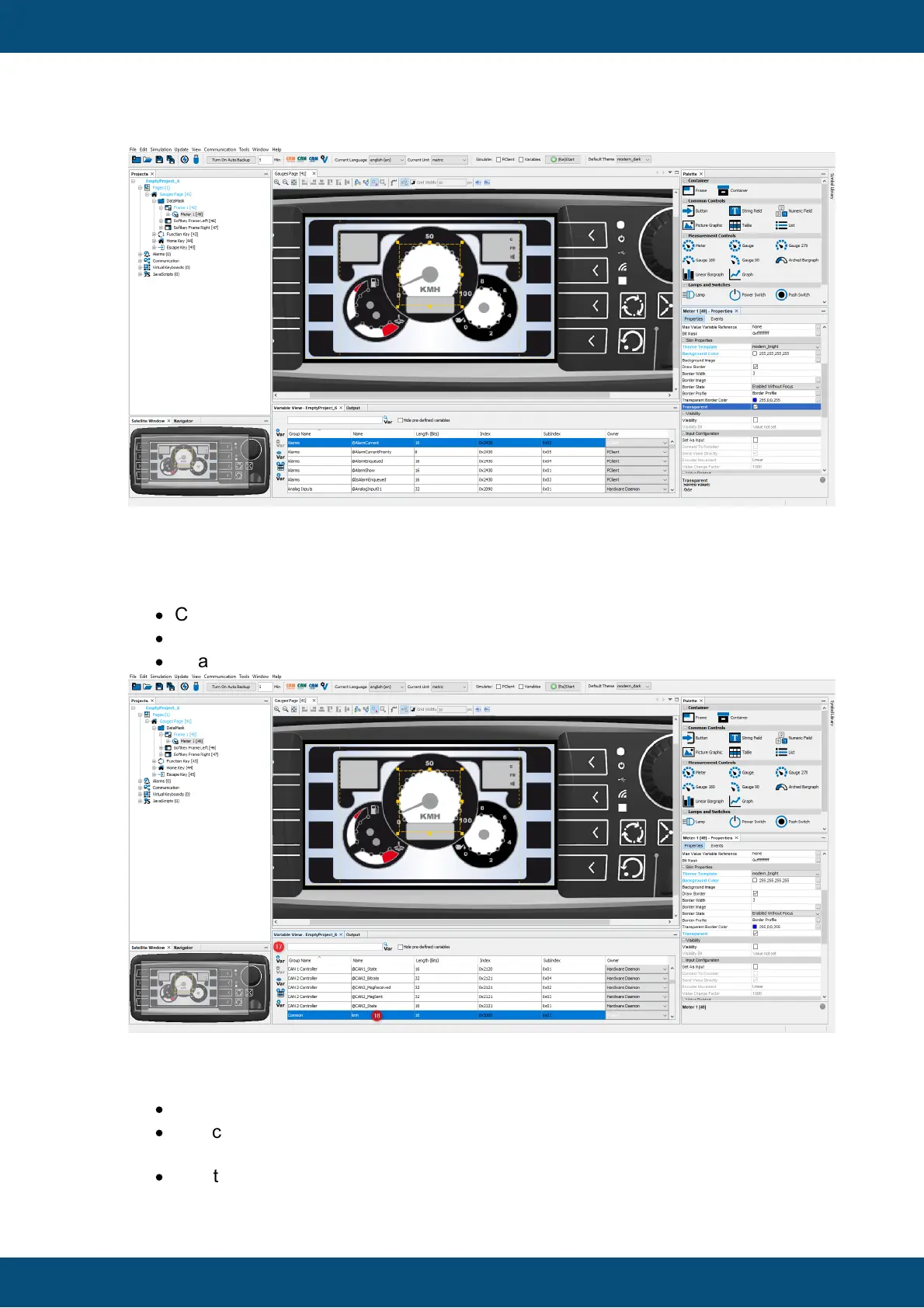
To be able to change the value shown by the meter, you need to create a variable and
attach it to the meter:
·
Click the Add New Variable button (17) of the Variable View.
·
A new variable with name New Variable_1 is created.
·
Change the Variable Name of New Variable_1 into kmh (18).
To make it easier to work with variables you have created, there are two possibilities to
reduce the amount of variables shown in the Variable View:
·
One option is to check the Hide pre-defined variables check box (19).
·
A second option is to enter a search sting (e.g. the variable name kmh) in the
search area (20).
·
In both cases, the amount of visible variables is reduced.



 To Next Page