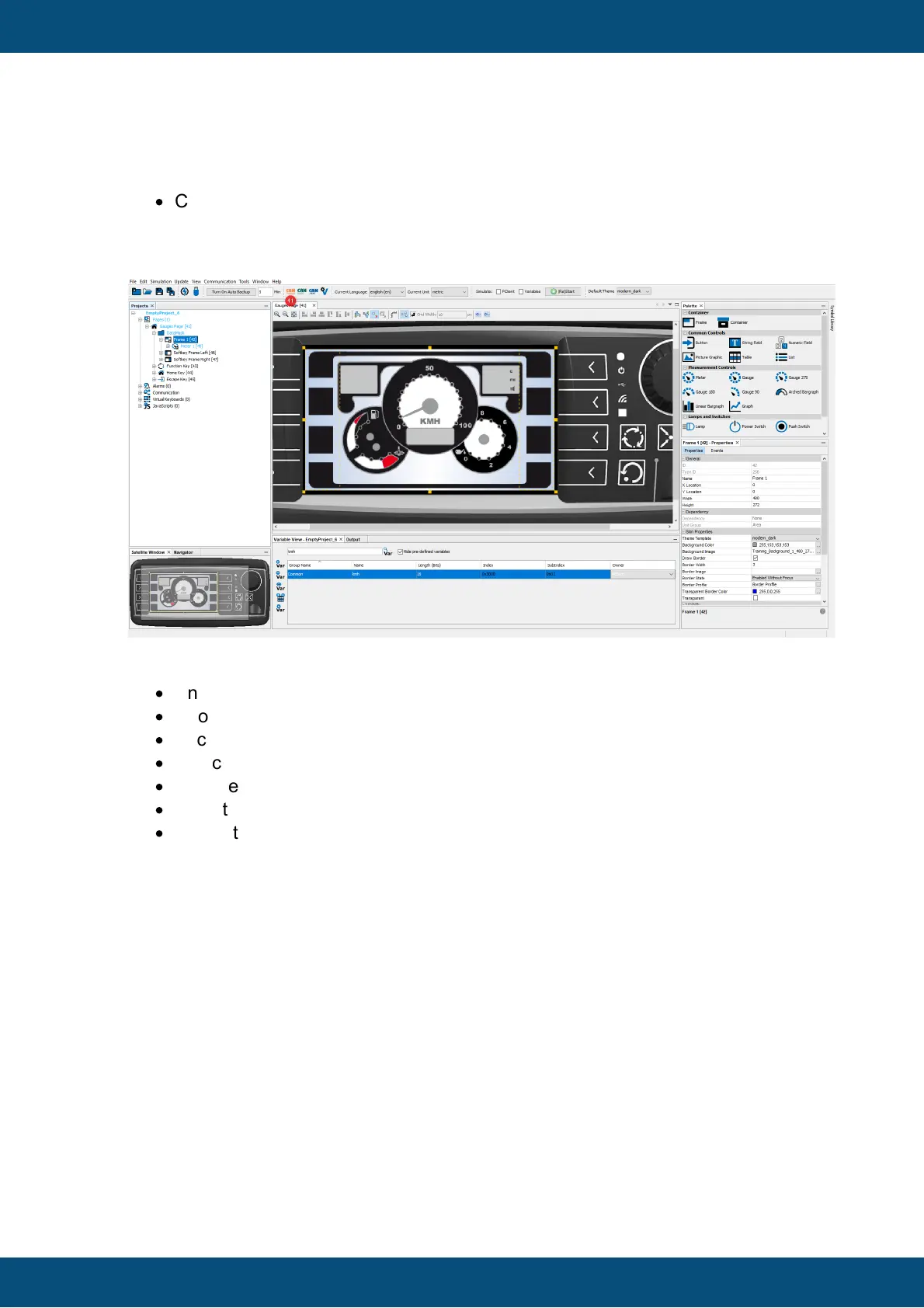
Now it's time to create a CAN mapping for the CAN message and add the kmh variable
to this message:
·
Click on the CANFreestyle shortcut button in the toolbar or, alternatively, go to the
menu Communication -> Protocols -> CANFreestyle -> Configure
Mappings... in the Communication menu.
The CANFreestyle Configure Mappings dialog appears. Make the following settings:
·
Enter MessageFromMyECU as the message name (41).
·
Choose Receive to create a message that is received by the display (42).
·
Click the Add button to create the receive message (43).
·
Select MessageFromMyECU (44).
·
Change the CAN ID Type to 29 Bit (45).
·
Enter the message CAN ID 0x4711 (46).
·
Switch to Visual CAN Mapping (47).



 To Next Page