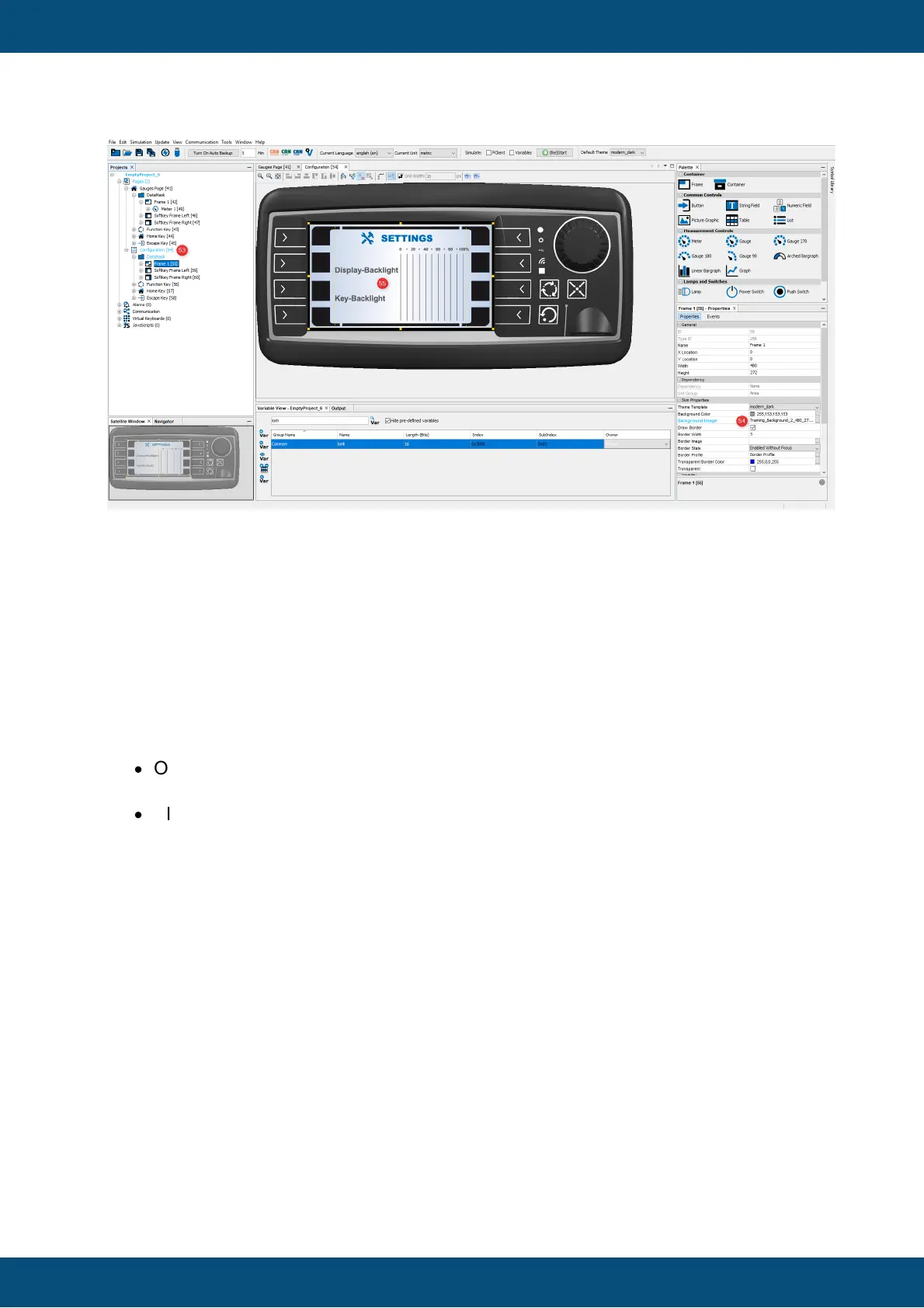
The eight keys at the left and right screen border are called softkeys. You can place icons
close to the softkeys into the Softkey Frame on the screen to describe the function of each
softkey. The function can be triggered by pressing the appropriate key or by pressing the
icon on the screen, if a touch screen is available.
Softkeys will be used for the navigation between the pages.
The Softkey Frames for the row of softkeys at the left and right screen border were
created automatically. But you still need to create a softkey level to configure the keys. We
will start with the Configuration page:
·
Open the right click context menu of Softkey Frame Left and choose Create
Softkey Level (56)
·
Alternatively you can right-click on the Softkey Frame itself and select Create
Softkey Level (57)



 To Next Page