8. Deletes the currently selected mask. NOTE: The predefined mask can not be
deleted.
9. To save the settings you have to press the "OK" button
The created Masks can be used here .
After having defined an ECU as variable owner and the variable itself we finally have to
define the connection between the two. In other words: We need a definition about how to
exchange the variable's value with the ECU.
These definitions are called "variable mappings" within this tool.
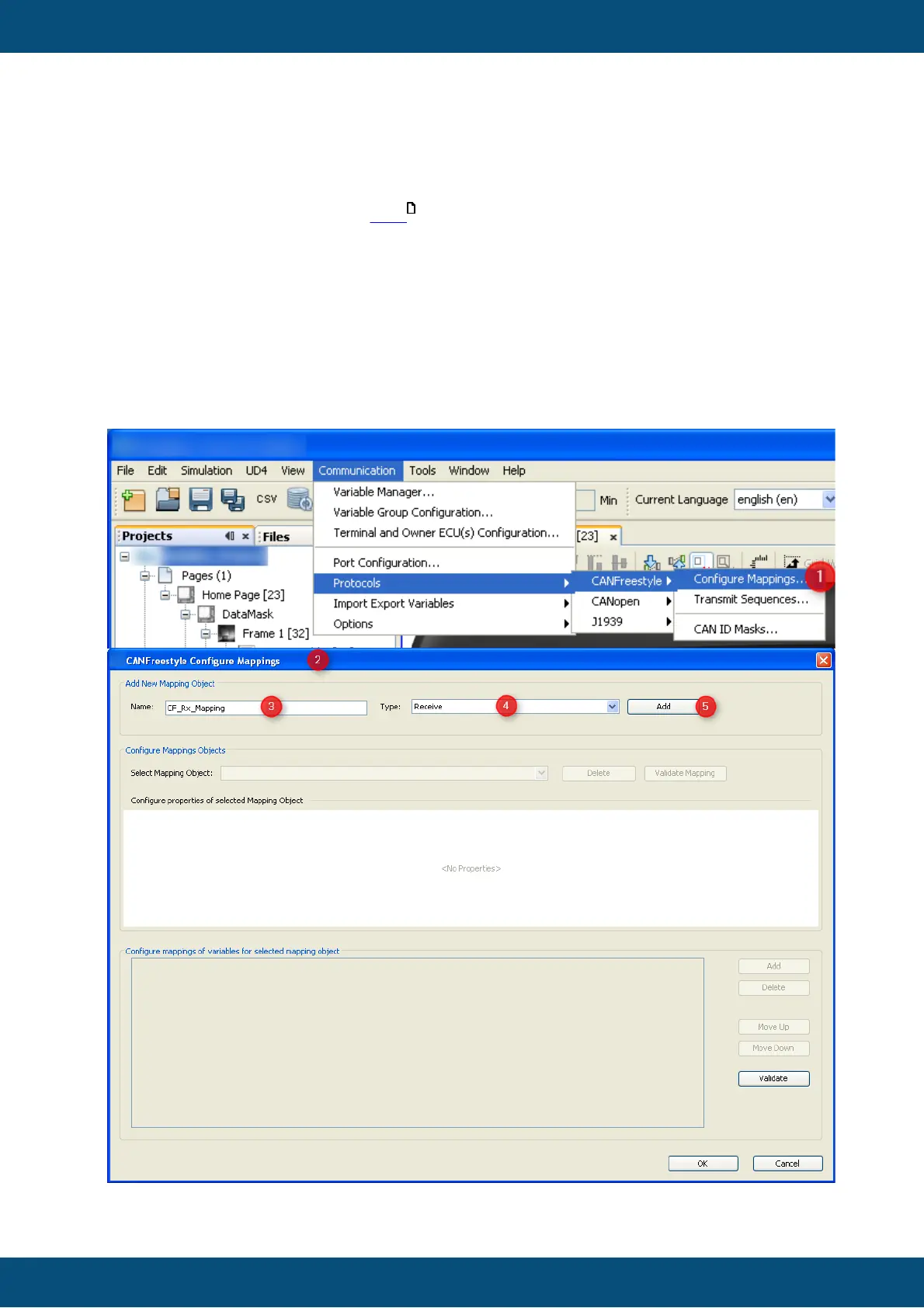
In order to define a variable mapping you can either use the shortcut button of the variable
manager shown in the image above or open the respective dialog from the menu as
follows:



 To Next Page