333
OPUS Projektor Manual
CAN
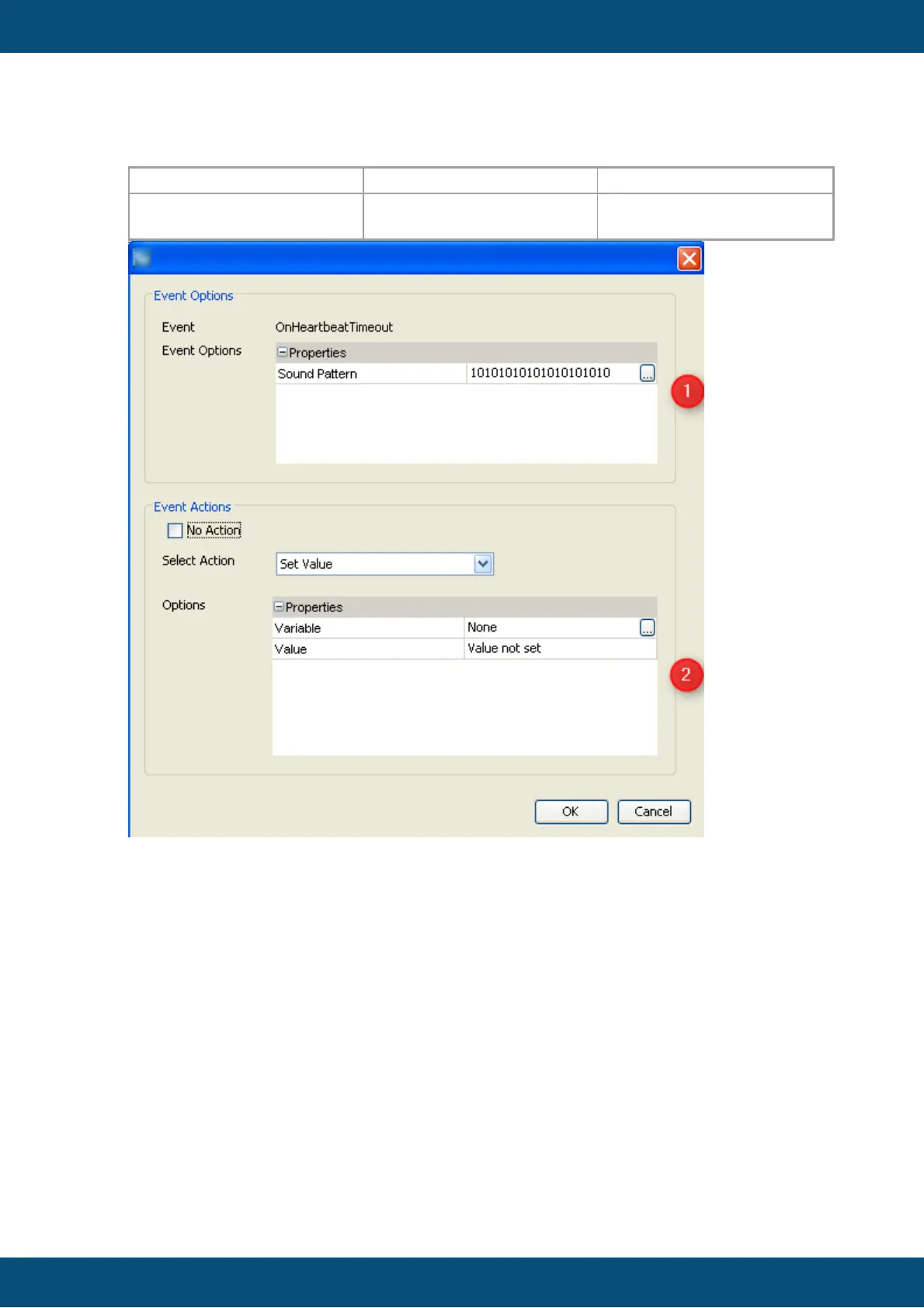
For the new CANopen Device, events can be configured:
Configuration of event OnHeartBeatTimeout.
Step 4: Deleting of CANopen protocol instance
User can delete a whole CANopen protocol instance from the project. All CANopen
variables will be assigned to the owner PClient. PDO configuration will be completely
deleted.
Step 5: Deleting of CANopen ECU node
User can delete a CANopen ECU node. All related variable will be assigned to the
PClient owner
Creating/ Updating/ Deleting of CANopen Variables
Once the user created a CANopen instance and CANopen ECU, he can create
manufacturer objects (CANopen variables).
Goto menu Communication -> Variable manager



 To Next Page