36
OPUS Projektor Manual
User Interface
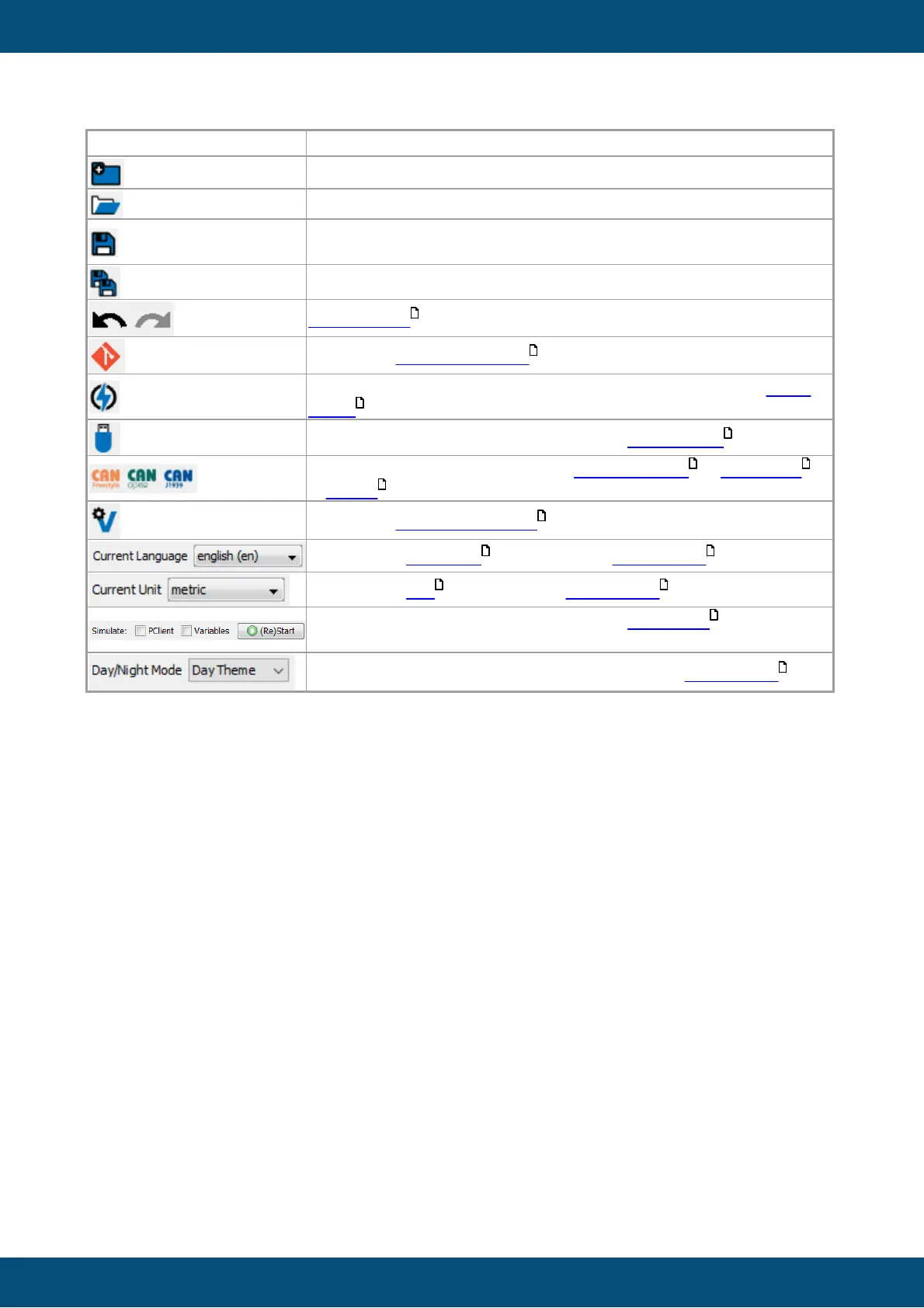
Save selected project. Only active if changes have been made to
the project.*
Opens the revision browser .
Saves the project and opens the Project Updater Dialog. Read
more.
Opens the PClient / OS Update Dialog. Read more.
Shortcuts to mapping dialogs for CANFreestyle , CANopen
& J1939 .
Opens the variable manager .
Change the language shown in the page editor .
Change the unit shown in the page editor .
Select and start PClient and/or variable simulation . The project
will be saved before the simulation starts.
Switch between Day or Night mode view in the page editor .
*We are trying to be perfect, but it might be that some actions are not tracked and the save
button stays disabled even though you changed something. In that case please
- contact us! Let us know what you did that wasn't tracked.
- Use the Save all button which will never be disabled.
Projects Tree (3)
The project tree shows the logical structure of the project.
Here is what you can read from the following tree:
142
123
618
653
308 328
342
165
98 73
98 73
596
73



 To Next Page