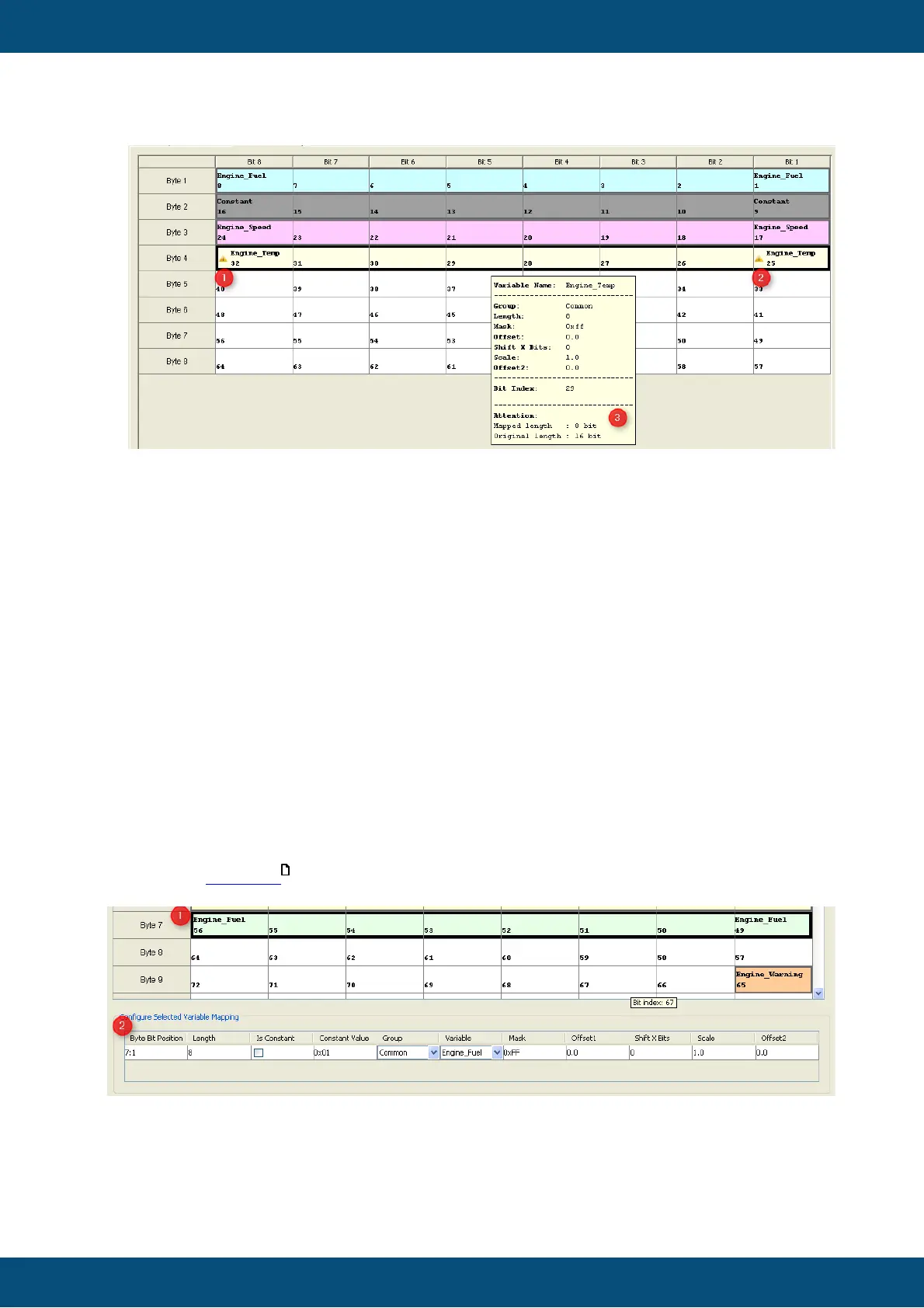
To change a property of a variable the "Configure Selected Variable Mapping" ((2) VCM
Configure Mapping Table) table can be used.
The VCM Configure Mapping Table is only filled if only one variable is selected (1). If no
variable or several variables are selected the VCM Configure Mapping Table keeps
empty.
You can easily change the values at the VCM Configure Mapping Table like at the view
"Configure Mapping".
If the "Byte Bit Position" (2) is changed the VCM table view will updated in real time. The
same happens if the "Length" is updated.
It is also possible to make a current variable to a constant or change the variable.
For more information about the fields "Mask", "Offset1", ... please have a look at the
appropriate protocols .



 To Next Page